
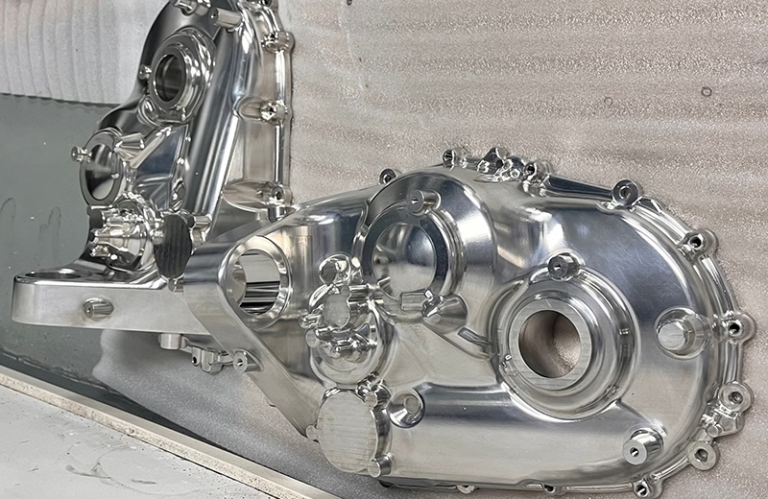
How To Build CNC Machine At Home? is a question that’s gained traction among hobbyists, DIY enthusiasts, and small-scale makers looking to bring precision machining capabilities right to their workshops. While building a home CNC machine is an ambitious project, it’s entirely achievable with careful planning, the right components, and a solid understanding of core machining principles. That said, it’s important to weigh the time, cost, and precision limitations of a home build against the benefits of partnering with a professional provider like GreatLight CNC Machining Factory, which offers precision five-axis CNC machining and end-to-end solutions for complex, high-precision parts.
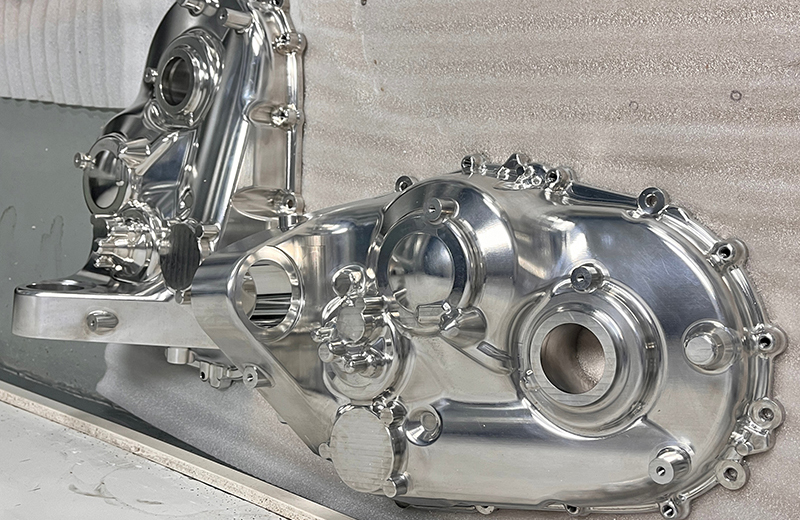
How To Build CNC Machine At Home?
Before diving into the step-by-step process, it’s critical to assess whether a home CNC build aligns with your needs. Home machines excel at basic tasks like cutting wood, plastic, or thin aluminum for hobby projects, but they struggle with ultra-high precision, complex geometries, and large-scale production. For those needs, professional services are often a more practical and cost-effective choice.
Step 1: Define Your Machine’s Purpose and Specifications
The first step is to clarify what you’ll use the CNC machine for—this dictates every subsequent decision. Ask yourself:
Will you cut soft materials (wood, foam) or metals (aluminum, brass)?
What’s the maximum size of parts you need to produce? (e.g., 300x200mm for small desktop models, 1000x800mm for larger workshop machines)
What precision do you require? Home builds typically achieve ±0.01mm tolerance at best, far below industrial standards like GreatLight CNC’s ±0.001mm capability.
| Lock in key specifications: | Specification | Hobby Wood/Plastic Build | Metal-Cutting Hobby Build |
|---|---|---|---|
| Frame Material | 2020 Aluminum Extrusion | 2040 Aluminum Extrusion or Steel | |
| Linear Motion System | Lead Screws + V-Slot Guides | Ball Screws + Linear Rails | |
| Spindle Power | 500W-1000W (Air-Cooled) | 1500W-2000W (Water-Cooled) | |
| Axis Travel (X/Y/Z) | 300x200x100mm | 400x300x150mm | |
| Tolerance | ±0.02mm | ±0.01mm |
Step 2: Gather Essential Components and Tools
You’ll need both mechanical and electronic components, plus basic assembly tools:
Mechanical Components
Frame: Aluminum extrusion (modular, easy to assemble) or steel (sturdier for metal cutting).
Linear Motion: Lead screws (cheaper, less precise) or ball screws (high precision, higher cost); paired with V-slot guides (wood/plastic) or linear rails (metal cutting).
Spindle: Brushless air-cooled spindle for hobby use; water-cooled for extended metal cutting sessions.
Workholding: T-slot table, vise, or clamps to secure materials.
Cutting Tools: High-speed steel (HSS) end mills for wood; carbide end mills for metal.
Electronic Components
Controller Board: Arduino GRBL (budget-friendly, for 2D/3D basic cuts) or Smoothieboard (more advanced, for multi-axis).
Stepper Motors: NEMA 17 (small, low power) for light tasks; NEMA 23 (stronger) for metal cutting.
Drivers: A4988 (basic) or DRV8825 (higher precision) for stepper motors.
Power Supply: 24V DC for NEMA 17; 36V DC for higher-power spindles.
Safety Features: Limit switches, emergency stop button, and thermal overload protection for the spindle.
Assembly Tools
Allen wrenches, screwdrivers, drill press, tap and die set, multimeter, level, and calipers for measuring precision.
Step 3: Design the Machine Frame
The frame is the backbone of your CNC machine—sturdiness directly impacts cut accuracy. Use free CAD software like Fusion 360 to design your frame, ensuring:
Minimal flex: Add cross-braces to reduce wobble during cutting.
Square alignment: Misaligned frames lead to skewed cuts; use a square tool to verify all joints are 90 degrees.
Wiring space: Plan routes for cables to avoid tangling during axis movement.
For a basic desktop CNC, start with 2020 aluminum extrusion frames—they’re lightweight, easy to modify, and compatible with a wide range of off-the-shelf components.
Step 4: Assemble the Mechanical System
Follow these steps to build the mechanical core:
Frame Assembly: Connect aluminum extrusion profiles using corner brackets and screws. Use a level to ensure the frame is perfectly flat and square.
Linear Motion Installation: Mount linear rails or V-slot guides to the frame, tightening screws evenly to avoid binding. Attach lead/ball screws parallel to the guides, ensuring they’re straight.
Spindle and Carriage Mounting: Secure the spindle mount to the Z-axis carriage, using a square to confirm it’s perpendicular to the worktable. Attach stepper motors to the ends of the lead/ball screws.
Workholding Setup: Install the T-slot table or vise onto the frame’s base, ensuring it’s aligned with the X/Y axes.
Pro tip: Use lock washers on all screws to prevent loosening from vibration. For metal-cutting machines, add rubber damping pads between the frame and worktable to reduce noise and improve precision.
Step 5: Install Electronic Controls and Software
Once the mechanical system is complete, wire the electronics and set up software:
Wiring
Connect stepper motors to their drivers, then link drivers to the controller board.
Wire the spindle, limit switches, emergency stop, and power supply to the controller.
Use a multimeter to test for short circuits before powering on the system.
Software Setup
Firmware: Flash GRBL (for Arduino-based controllers) or the appropriate firmware for your board. This translates G-code into machine movements.
CAD/CAM: Use Fusion 360 to design parts, then use its built-in CAM module to generate G-code. For hobbyists, free tools like Inkscape (2D cuts) or Estlcam (3D cuts) work well.
Control Software: Use Universal Gcode Sender (UGS) or CNCjs to send G-code to the machine and monitor its operation in real time.
Step 6: Calibrate and Test Your CNC Machine
Calibration is critical to ensure accurate cuts:
Axis Alignment: Manually move each axis to check for binding. Adjust linear rail tension or screw alignment if needed.
Steps Per MM Calibration: Send a command to move an axis 100mm, then measure the actual distance traveled with calipers. Adjust firmware settings to correct discrepancies (e.g., if it moves 98mm, increase the steps per MM value).
Spindle Speed Test: Run the spindle at different speeds to ensure it operates smoothly without excessive vibration.
Start with a test cut in foam or soft wood—run a simple square or circle to verify accuracy. If cuts are misaligned, re-calibrate the relevant axis. For metal tests, use thin aluminum and low spindle speed to avoid damaging tools or the frame.
Step 7: Post-Assembly Refinements and Safety Checks
After successful tests, make these upgrades to improve performance and safety:
Dust Collection: Attach a shop vac to the spindle area to capture debris, which extends tool life and keeps your workspace clean.
Lubrication: Regularly oil linear rails and screws with light machine oil to reduce friction and wear.
Enclosure (Optional): For metal cutting, build a simple acrylic enclosure to prevent coolant and debris from splattering.
Never skip safety protocols:
Wear safety glasses and hearing protection at all times.
Keep loose clothing, jewelry, and long hair away from moving parts.
Unplug the machine when making adjustments or changing tools.
When to Choose Professional CNC Services Over a Home Build
While building a home CNC machine is a rewarding learning experience, it has clear limitations. You should consider outsourcing to a professional manufacturer like GreatLight CNC Machining Factory if:
Ultra-High Precision is Required: Home builds can’t achieve the ±0.001mm tolerance needed for aerospace, medical, or automotive parts. GreatLight CNC’s industrial-grade five-axis machines deliver this level of precision consistently.
Complex Geometries Are Needed: Parts with undercuts, curved surfaces, or multi-axis features require advanced machining capabilities that home machines lack. GreatLight offers three-axis, four-axis, and five-axis CNC machining services to handle these challenges.
Scalable Production is Needed: Home machines are slow for batch production—GreatLight’s three manufacturing plants can produce hundreds or thousands of parts quickly, with consistent quality.
Hard Materials Are Involved: Cutting titanium, mold steel, or stainless steel requires high-power spindles and rigid frames that most home builds can’t support. GreatLight also offers 3D printing services for these materials.
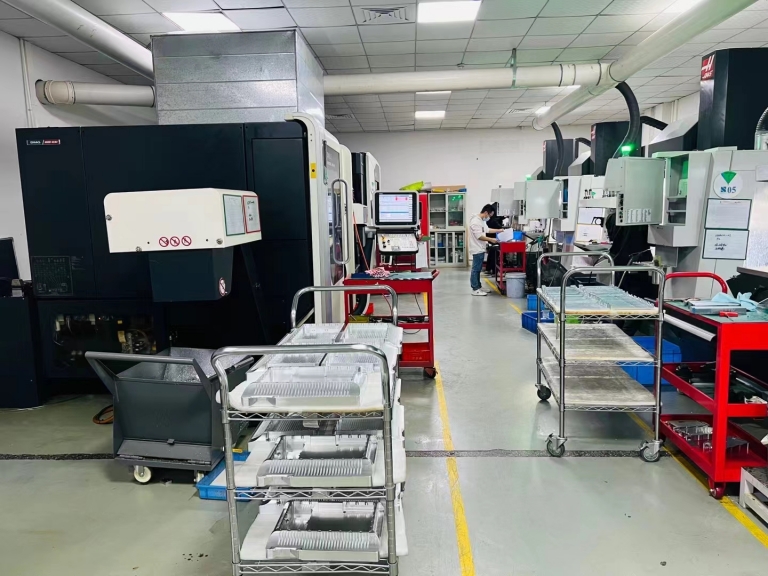
GreatLight CNC Machining Factory, founded in 2011 in Dongguan’s precision hardware hub, is an ISO 9001:2015 certified manufacturer with 127 pieces of industrial equipment. They offer one-stop services including CNC machining, die casting, sheet metal fabrication, 3D printing, and surface post-processing. Their after-sales guarantees include free rework for quality issues and full refunds if rework is unsatisfactory. For custom parts in industries like humanoid robots, automotive engines, and aerospace, GreatLight is the ideal partner. You can learn more about their work by visiting GreatLight CNC Machining Factory on LinkedIn.
Conclusion
How To Build CNC Machine At Home? is a question that opens the door to a fun and educational project for hobbyists and small makers. By following the step-by-step guide above, you can create a functional machine for basic cutting needs. However, when your projects demand ultra-high precision, complex geometries, or scalable production, outsourcing to a professional provider like GreatLight CNC Machining Factory will save you time, money, and frustration. Whether you’re testing a prototype or launching a production run, the right choice depends on balancing your needs with the capabilities of home-built vs. industrial CNC solutions.
Frequently Asked Questions (FAQ)
1. Is building a home CNC machine cheaper than buying a pre-made one?
It depends. A basic home build can cost $300-$1000, while entry-level pre-made hobby CNCs start at $1000-$2000. However, high-precision home builds with ball screws and linear rails can cost as much as pre-made machines. If you already have components like a spindle or controller, building may be cheaper.
2. Can a home CNC machine cut hard metals like steel?
Most home builds can’t cut thick steel reliably. Cutting steel requires a 1500W+ spindle, rigid frame, and carbide tools, which adds significant cost and complexity. For steel parts with tight tolerances, professional services like GreatLight CNC are far more practical.
3. What’s the difference between lead screws and ball screws?
Lead screws are cheaper but have more backlash (play in the system), leading to less precise cuts. Ball screws use ball bearings to reduce friction and backlash, making them ideal for high-precision applications—but they cost 2-3x more than lead screws.
4. Do I need programming experience to run a home CNC machine?
No. Most hobbyist software like Fusion 360 and Estlcam has user-friendly interfaces that generate G-code automatically. You’ll only need to learn basic commands for troubleshooting, but no advanced programming skills are required.
5. How often do I need to maintain a home CNC machine?
For hobby use, maintenance every 10-20 hours of operation is sufficient: lubricate linear rails and screws, clean debris from the worktable, and check for loose screws. For metal cutting, maintenance should be done every 5-10 hours to prevent tool wear and frame damage.
6. What certifications should I look for in a professional CNC provider?
Look for ISO 9001 (quality management), IATF 16949 (automotive industry compliance), ISO 13485 (medical device compliance), and ISO 27001 (data security). GreatLight CNC holds all these certifications, ensuring compliance with global industry standards.



















