
Understanding the Relationship Between Laserweb and CNC Machining
In the evolving landscape of digital manufacturing, the intersection of software platforms and physical machining equipment is a common point of inquiry. A frequent question posed by engineers and procurement specialists is: Can Laserweb run a CNC machine? The answer is nuanced and requires a clear understanding of what Laserweb is, what it is designed for, and how it fits into the broader CNC workflow.
Laserweb is a powerful, open-source, web-based software suite primarily designed for controlling laser cutters and engravers. Its architecture is built around communicating with hardware via serial ports or Ethernet, sending G-code commands generated from vector or image files. While its name and primary function are laser-focused, its capability to output standard G-code—the universal language of CNC machines—opens the door to a discussion about its potential application with CNC routers and mills.
Can It Technically Interface with a CNC Machine?
Technically, yes, but with significant caveats and limitations that make it unsuitable for professional precision machining applications.
G-Code Generation: Laserweb can generate G-code paths from 2D designs. A basic 3-axis CNC router performing 2.5D operations (like cutting profiles or engraving) could theoretically execute this code.
Hardware Communication: It can send this G-code to a controller board (like a GRBL-based board, very common in hobbyist CNC routers) over a serial connection.
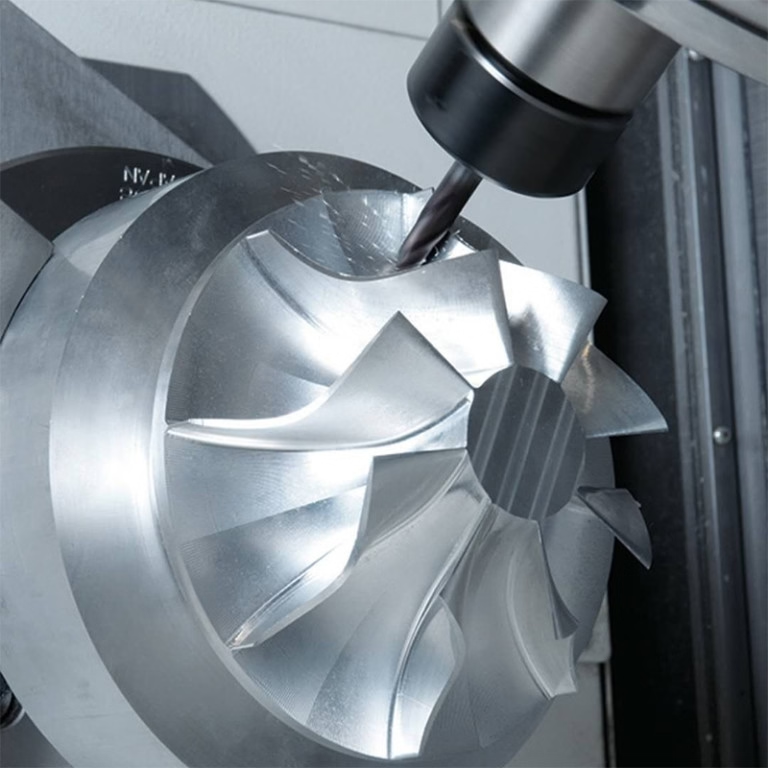
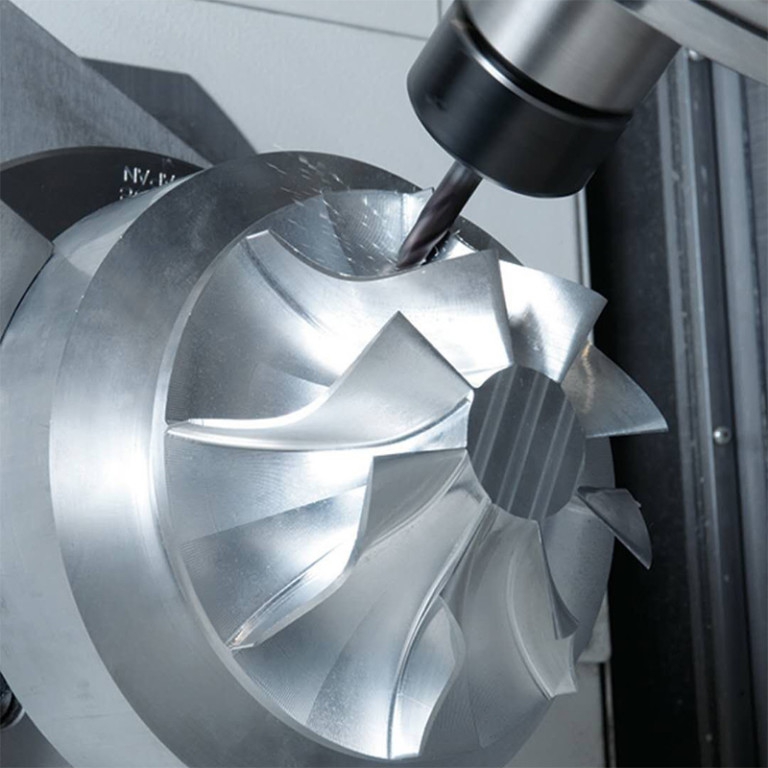
However, this is where the practical alignment with professional CNC machining services ends. Using Laserweb to “run” a professional CNC machining center—like the 5-axis, 4-axis, or 3-axis CNC machining centers used by manufacturers such as GreatLight CNC Machining Factory—is not feasible or advisable for the following reasons:
Critical Limitations for Professional Use
H2: The Gap Between Hobbyist Software and Industrial Machining
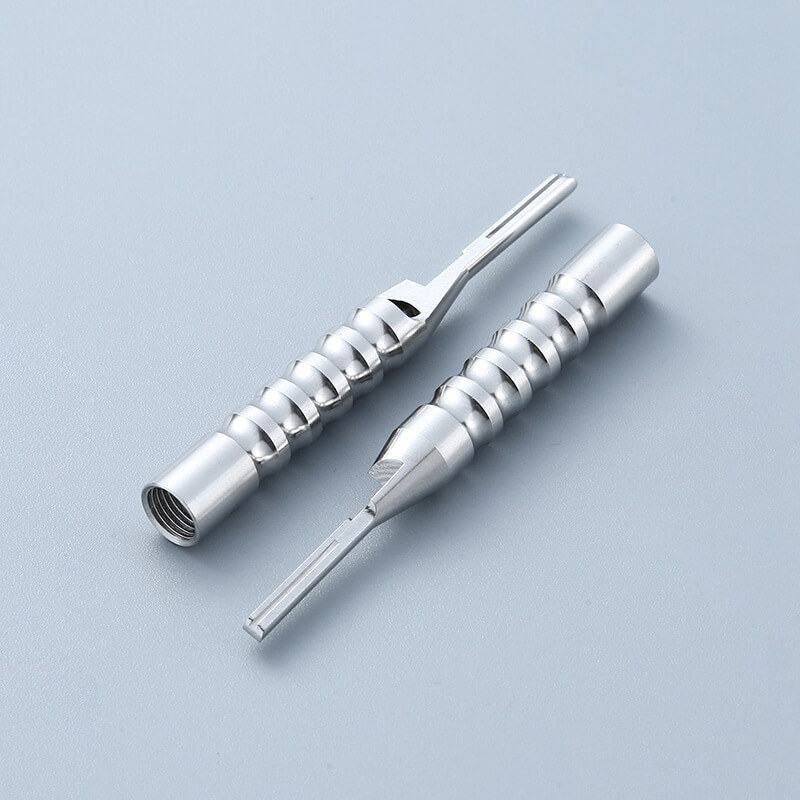
Lack of Advanced CNC Features: Professional CNC machining, especially 5-axis CNC machining, relies on sophisticated CAM (Computer-Aided Manufacturing) software like Mastercam, Siemens NX, or HyperMill. These programs generate toolpaths that account for:
Complex 3D geometry and free-form surfaces.
Advanced toolpath strategies for optimal material removal, surface finish, and tool life.
Multi-axis simultaneous movement, including tool center point management and collision avoidance.
Support for live tooling, B-axis milling, and other advanced mill-turn capabilities.
Laserweb possesses none of these capabilities.
No Support for Critical Machining Logic: It does not manage crucial CNC functions like:
Tool Libraries and Tool Changes: Automatic tool changers (ATCs) with dozens of tools are standard in professional shops. Software must manage tool offsets, life, and change commands.
Coolant and Auxiliary Commands: Control of flood coolant, mist, through-tool coolant, and spindle orientation.
Probing and In-Process Measurement: Integration with touch probes for part setup and in-process inspection is essential for high-precision work.
Multi-Operation Workflows: A single part often requires dozens of operations (roughing, semi-finishing, finishing, drilling, tapping). Professional CAM software sequences these seamlessly; Laserweb cannot.
Insufficient Post-Processing: The G-code for a Haas UMC-750 5-axis machine is different from that for a DMG Mori mill-turn center. CAM software uses “post-processors” to translate universal toolpaths into machine-specific G-code that the exact model of CNC understands. Laserweb lacks this critical, machine-specific translation layer, making its output incompatible with industrial-grade equipment.
H3: The Risk to Precision and Equipment
Attempting to use unsuitable software like Laserweb in a professional environment introduces substantial risk:
Catastrophic Collisions: Without proper simulation and multi-axis collision checking, a single erroneous move can cause tens of thousands of dollars in damage to the spindle, tooling, and machine components.
Compromised Precision: The foundation of services like those offered by GreatLight Metal is predictable, repeatable micron-level precision (±0.001mm). Software not designed for this purpose cannot guarantee or uphold these tolerances.
Inefficiency and Waste: Even if a simple part runs without crashing, the toolpaths will be vastly sub-optimal, leading to excessive machining time, poor surface finishes, and premature tool failure.
The Professional Alternative: Integrated CAD/CAM to CNC Workflow
In a certified manufacturing environment like GreatLight CNC Machining Factory, the process is rigorously controlled and leverages industry-standard tools:
Design & Engineering (CAD): Clients provide 3D models (STEP, IGES) or 2D drawings. GreatLight’s engineering team reviews them for manufacturability (DFM).
Toolpath Generation (CAM): Using advanced CAM software, engineers create optimized, collision-free toolpaths for the specific machine (e.g., a 5-axis machining center) that will produce the part. This includes selecting tools, speeds/feeds, and strategies.
Post-Processing & Simulation: The toolpath is run through a dedicated post-processor for the target machine. The resulting G-code is then thoroughly simulated in a virtual machine environment to verify every move.
Machine Control: The verified G-code is transferred to the CNC machine’s proprietary, industrial-grade controller (e.g., Siemens, Fanuc, Heidenhain). This controller is the true “brain” that runs the machine with absolute reliability, interpreting the G-code and managing all servo motors, sensors, and auxiliary systems in real-time.
Execution & Quality Assurance: The part is machined, with in-process checks often performed. Final inspection uses CMMs, optical scanners, and other metrology equipment to validate it against the original design, ensuring it meets standards like ISO 9001:2015 and IATF 16949.
Conclusion: Choose the Right Tool for the Mission
So, can Laserweb run a CNC machine? In a limited, hobbyist context with simple hardware, it can send movement commands. However, for precision parts machining and customization in fields such as automotive, aerospace, medical devices, and humanoid robotics, it is entirely inadequate. Running a modern CNC machining center requires specialized, robust software and hardware systems designed for safety, precision, and complexity.
When you partner with a professional manufacturer like GreatLight Metal, you are not just buying machine time; you are leveraging an integrated system of expert engineering, advanced CAM programming, certified processes, and state-of-the-art machine controllers. This ecosystem ensures your custom metal or plastic parts are manufactured efficiently, accurately, and reliably, turning your precision design into a tangible, high-quality reality. For your next project requiring precision CNC machining services, trust a partner whose entire technological stack is built for the demands of industrial-grade production.
Frequently Asked Questions (FAQ)
H2: FAQ: Software, CNC Control, and Manufacturing
Q1: What software do professional CNC machining shops use to run their machines?
A: Professional shops use a two-tier software system. First, CAM software (e.g., Mastercam, Fusion 360, PowerMill) is used offline to design toolpaths. Second, the generated G-code is loaded into the CNC machine’s native, manufacturer-installed controller (e.g., Siemens SINUMERIK, Fanuc, Haas). This industrial controller is the dedicated computer that directly operates the machine’s motors and components.
Q2: I have a design file; can I just send G-code to a machine shop like GreatLight?
A: While possible, it is not standard practice and often not accepted. Machine shops prefer the original 3D CAD model (STEP file) and 2D drawings. This allows their engineers to perform DFM analysis, select the optimal machining strategy, generate optimized, machine-specific G-code using their CAM system and post-processors, and simulate the entire process—ensuring the highest quality, safety, and efficiency.
Q3: What’s the difference between software for a laser cutter and a CNC mill?
A: The core difference is dimensionality and complexity. Laser software is predominantly for 2D cutting/engraving on flat sheets. CNC milling CAM software must handle complex 3D volumes, manage the physics of a rotating cutting tool interacting with material from multiple angles, control coolant, and orchestrate multi-tool operations. The required calculations and safety checks are orders of magnitude more complex.
Q4: Why can’t I use free or hobbyist software for my prototype?
A: For a very simple, non-critical prototype, you might. However, for prototypes that need to accurately represent final part function, fit, and finish—especially for fit-testing or presentation—the precision and surface quality achieved by professional CAM software and machinery are crucial. Inaccuracies in a prototype can lead to costly design flaws being carried into production.
Q5: How does GreatLight ensure the G-code is safe and correct before the machine starts?
A: GreatLight CNC Machining Factory employs a rigorous verification process. After CAM programming, the G-code is run through a software simulation that visually mimics the exact machine tool, holder, and part. Engineers check for tool collisions, rapid travel errors, and proper material removal. This virtual “dry run” is a mandatory step before any metal is cut on their advanced 5-axis CNC machining centers, aligning with their ISO-certified quality management procedures.



















