
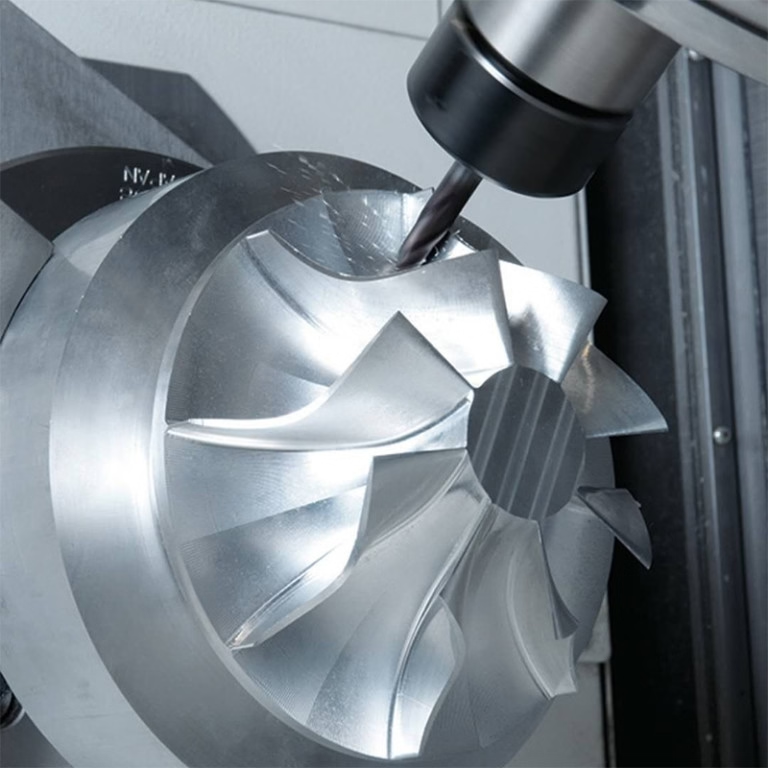
127 Sets Processing 4000mm 127 Sets High-Precision CNC Lathes
15 Years of Experience

Can CNC Machines Use Any Software?

Deciphering the Symbiosis: CNC Machines and Their Software Ecosystems A question we frequently encounter from clients embarking on new projects is both fundamental and critical: “Can my CNC machine use any software?” The short answer is no; a CNC machine cannot universally run any software. The relationship between a CNC machine and its software is […]

Deciphering the Symbiosis: CNC Machines and Their Software Ecosystems

A question we frequently encounter from clients embarking on new projects is both fundamental and critical: “Can my CNC machine use any software?” The short answer is no; a CNC machine cannot universally run any software. The relationship between a CNC machine and its software is a tightly integrated ecosystem, governed by hardware controllers, file formats, and post-processors. Understanding this relationship is key to unlocking the full potential of your precision manufacturing investment. Think of it not as a limitation, but as a structured pathway to achieving reliable, high-quality results.

The workflow from a digital design to a physical part involves several software stages, and the machine itself interacts primarily with the final one: the CNC controller.

The Core of the Operation: The CNC Controller

At the heart of every CNC machine—whether a 3-axis mill or a sophisticated 5-axis machining center—is a computer numerical control (CNC) controller. This is the dedicated industrial computer that reads instructions (G-code) and drives the motors. Controllers are manufactured by companies like Fanuc, Siemens, Heidenhain, Mitsubishi, and Haas. Each has its own proprietary language variants and operational nuances.

Controller-Specific G-code: While G-code is a standardized language (ISO 6983), each controller manufacturer adds its own dialect—custom M-codes (for auxiliary functions like tool changes), proprietary cycles (for drilling, tapping), and syntax preferences. A program written perfectly for a Siemens 840D controller might fault or behave unexpectedly on a Fanuc 31i controller.
The Role of the Post-Processor: This is the crucial translator. CAD/CAM software (like Mastercam, Siemens NX, Fusion 360) generates toolpaths based on your 3D model. A post-processor, a machine-specific configuration file within the CAM software, then translates these universal toolpaths into the exact, flawless G-code that your specific machine’s controller expects. Without the correct post-processor, you cannot generate usable code.

The Software Chain: From Concept to Chips

To understand compatibility, let’s walk the software chain:

CAD Software (Design): Examples: SolidWorks, CATIA, Creo, Autodesk Inventor.

Compatibility Factor: High. These create the initial 3D model or 2D drawing. Their native files (.sldprt, .prt, .ipt) are generally interchangeable with the next stage, CAM software, through universal formats like STEP or IGES.

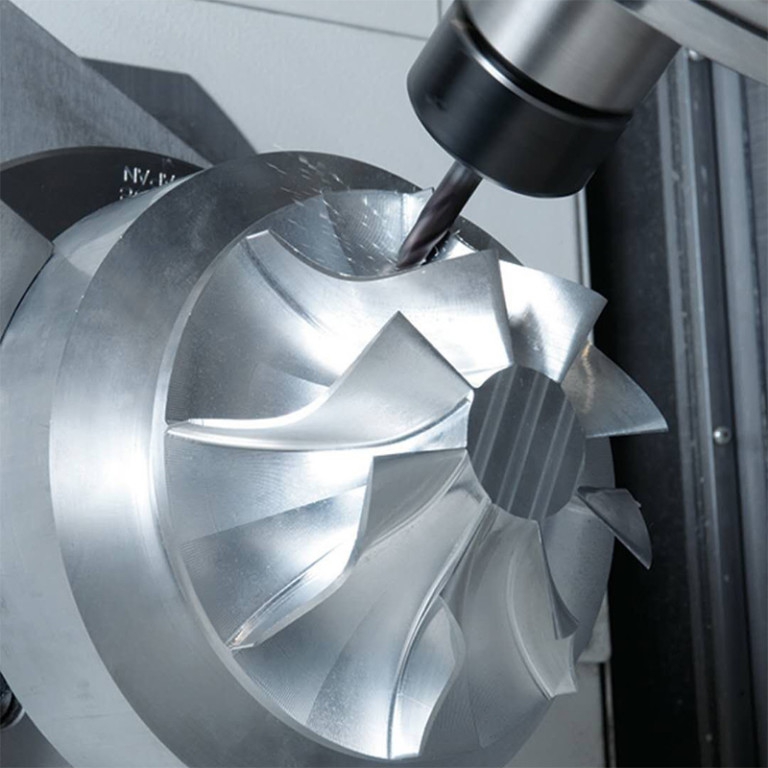
CAM Software (Manufacturing Planning): Examples: Mastercam, HyperMill, PowerMill, CAMWorks.
图片

Compatibility Factor: Machine-Dependent. This is where the process becomes specific. CAM software must have a post-processor library that includes your machine model and controller. A high-end CAM system like Siemens NX will have posts for a wide range of machines, but configuring one for a unique or very old machine may require custom development.

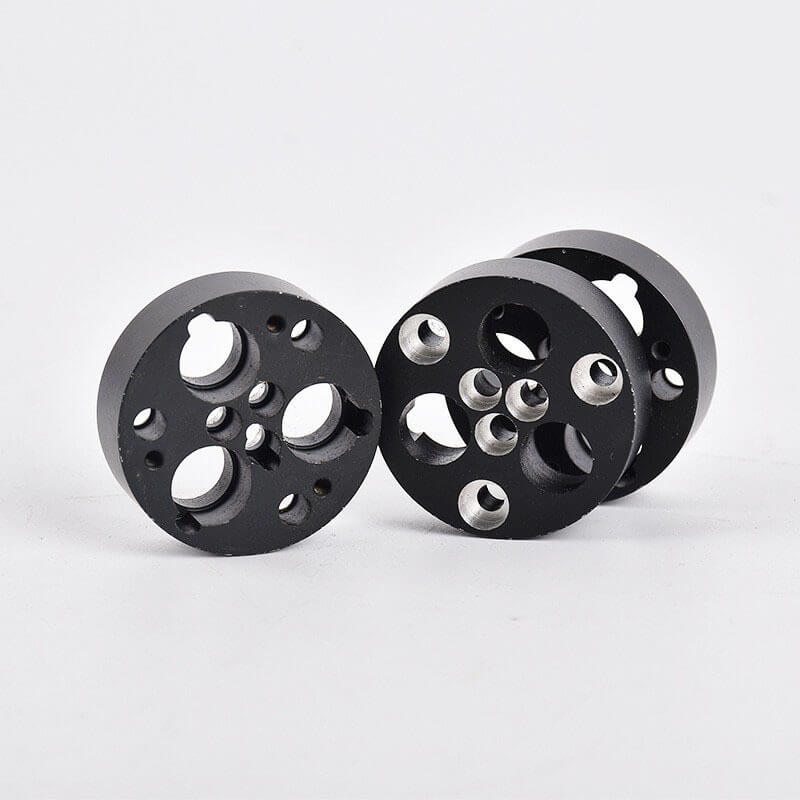
Control & Simulation Software (Verification): Examples: CIMCO Edit, NC Simul, machine builder’s own simulators.
图片

Compatibility Factor: Critical. These tools simulate the G-code on a virtual model of your exact machine to detect collisions, errors, and inefficiencies. They must be configured with the precise kinematics (axis limits, tool changer location, etc.) of your physical machine to be trustworthy.

CNC Controller Software (Execution): This is the firmware embedded in the machine’s control panel.

Compatibility Factor: Fixed. You cannot install arbitrary software here. Updates come from the machine tool builder or controller manufacturer.

Key Factors Determining Software Compatibility

Machine Age and Controller Generation: Newer controllers often have more open architecture, sometimes allowing for custom macros or even third-party apps. Older machines are locked into their era’s technology.
Machine Type and Complexity: A simple 3-axis mill requires a less complex post-processor than a 5-axis mill-turn center with a dual-spindle and B-axis. The software must be capable of handling the machine’s full range of motion.
Open vs. Proprietary Architectures: Some manufacturers, like those using PC-based controls (often running on Windows), offer more flexibility for loading custom HMI (Human-Machine Interface) software or connecting to network DNC (Direct Numerical Control) systems. Truly proprietary systems are closed boxes.

Practical Guidance for Manufacturers and Clients

For companies managing their own CNC shops, the strategy is to select CAM software with robust post-processor support for your specific machine portfolio and invest in proper post-processor configuration and verification.

For clients seeking precision machining services, the question shifts from “What software does your machine run?” to the more insightful: “What is your digital workflow capability?”

This is where partnering with an experienced manufacturer like GreatLight Metal Tech Co., LTD. provides a distinct advantage. We don’t just operate machines; we manage an integrated digital manufacturing ecosystem.

Multi-Software Proficiency: Our engineering team is fluent in a suite of industry-leading CAD/CAM platforms. This allows us to accept client designs in virtually any format (SolidWorks, STEP, IGES, X_T, etc.) and select the optimal CAM strategy for the part geometry and required tolerances.
Curated Post-Processor Library: For our fleet of advanced 5-axis, 4-axis, and multi-tasking machines from brands like DMG Mori and Beijing Jingdiao, we maintain and continuously validate a comprehensive library of precision-tuned post-processors. This ensures that the sophisticated toolpaths programmed for complex aerospace or medical components are executed flawlessly on the shop floor.
Simulation-Driven Assurance: Before any metal is cut, critical programs undergo rigorous simulation using software mirroring our machines’ exact kinematics. This step, grounded in our ISO 9001:2015 certified process control, is non-negotiable for preventing costly errors and ensuring first-part correctness.
Full-Process Data Handling: From initial DFM (Design for Manufacturability) analysis in CAD to final quality inspection report generation, our digital thread is seamless. This capability is especially vital for clients in automotive (supporting IATF 16949 requirements) and medical (aligning with ISO 13485 standards) sectors, where full traceability is paramount.

Conclusion

So, can CNC machines use any software? The reality is more nuanced. A CNC machine thrives within a curated software environment tailored to its physical capabilities and control brain. The true measure of a manufacturing partner’s capability is not the possession of a single software package, but the depth of their integration across the entire digital chain—from design interpretation to flawless G-code generation and verification.

For businesses looking to translate innovative designs into precision-crafted reality, the focus should be on the manufacturer’s digital process maturity and technical agility. It is this behind-the-scenes software expertise, exemplified by partners like GreatLight Metal, that transforms the rigid question of software compatibility into a flexible, reliable, and high-precision manufacturing solution.


Frequently Asked Questions (FAQ)

Q1: As a client, what file format should I provide to get the best quote and fastest turnaround?
A: Providing a 3D model in a neutral, robust format like STEP (.stp) or IGES (.igs) along with a PDF drawing with critical dimensions and tolerances is ideal. This eliminates version conflicts with proprietary CAD software and ensures our engineers can accurately assess manufacturability and generate a precise quote.

Q2: If you don’t have the post-processor for my specific machine model, can you still make parts for me?
A: Absolutely. This is a common scenario. We manufacture parts using our machines and software ecosystem. You provide the design intent; we leverage our optimized processes and validated posts on our equipment to produce the parts to your specifications. You receive finished components, not G-code.

Q3: Is more expensive CAM software always better?
A: Not necessarily. The “best” software is the one that is most efficient and reliable for your specific part spectrum and machine tools. A shop specializing in complex 5-axis aerospace impellers needs a high-end CAM system with advanced multi-axis strategies. A shop focused on 2.5D aluminum brackets might achieve higher efficiency with a more focused, cost-effective solution. It’s about matching capability to need.

Q4: Can you help optimize my design for manufacturability (DFM) even if I only have a concept sketch?
A: Yes, this is a core part of our value-added service. Our engineering team can take your concept, sketch, or basic model and perform DFM analysis, suggesting modifications to improve machinability, reduce cost, enhance strength, or simplify assembly. We collaborate digitally from the earliest stage to ensure your design is both innovative and production-ready.

Q5: How do you ensure the digital security of my proprietary designs?
A: We take intellectual property protection extremely seriously. Our data management practices are designed to comply with the spirit of standards like ISO 27001. We use secure, encrypted file transfer portals, operate isolated project folders, and can sign non-disclosure agreements (NDAs) as a standard practice. Your design data is used solely for the purpose of fulfilling your order and is never shared.

图片

CNC Experts

Picture of JinShui Chen

JinShui Chen

Rapid Prototyping & Rapid Manufacturing Expert

Specialize in CNC machining, 3D printing, urethane casting, rapid tooling, injection molding, metal casting, sheet metal and extrusion

CNC Recent Posts

CNC News

Welcome to GreatLight Metal,Maximum Processing Size 4,000 mm

Precision Machining CNC Quote Online

Loading file

Upload Click here to upload or drag and drop your model to the canvas.

The model is too large and has been resized to fit in the printer's build tray. [Hide]

The model is too large to fit in the printer's build tray. [Hide]

The model is too large, a fitting printer is selected. [Hide]

The model is too small and has been upscaled. [Hide]

Warning: The selected printer can not print in full color [Hide]

Warning: obj models with multiple meshes are not yet supported [Hide]

Warning: Unsupported DXF entity  [Hide]

Warning: could not arrange models [Hide]


File Unit:      
Scale:
%
L × W × H:
X: × Y: × Z:  cm 
Rotation:
X: ° Y: °  
⚡ Instant Quote for Precision Manufacturing

Submit your design files (STEP/IGES/DWG) and receive a competitive quote within 1 hour, backed by ISO 9001-certified quality assurance.

📋 How It Works

  1. Upload & SpecifyShare your 3D model and select materials (Aluminum/Stainless Steel/Titanium/PEEK), tolerances (±0.002mm), and surface treatments.

  2. AI-Powered AnalysisOur system calculates optimal machining strategy and cost based on 10+ years of automotive/aerospace data.

  3. Review & ConfirmGet a detailed breakdown including:
    - Volume pricing tiers (1-10,000+ units)
    - Lead time (3-7 days standard)
    - DFM feedback for cost optimization

Unit Price: 

Loading price
5 Axis CNC Machining Equipment
4 Axis CNC Machining Equipment
3 Axis CNC Machining Equipment
CNC Milling & Turning Equipment
Prototype and Short-Run Injection Moldings Exact plastic material as final design
Volume Metal Die Casting Services - Precision Cast Parts
Bridge the Gap From Prototype to Production – Global delivery in 10 days or less
Custom high-precision sheet metal prototypes and parts, as fast as 5 days.
Custom Online 3D Printing Services
Design Best Processing Method According To 3D Drawings
Alloys Aluminum 6061, 6061-T6 Aluminum 2024 Aluminum 5052 Aluminum 5083 Aluminum 6063 Aluminum 6082 Aluminum 7075, 7075-T6 Aluminum ADC12 (A380)
Alloys Brass C27400 Brass C28000 Brass C36000
Alloys Stainless Steel SUS201 Stainless Steel SUS303 Stainless Steel SUS 304 Stainless Steel SUS316 Stainless Steel SUS316L Stainless Steel SUS420 Stainless Steel SUS430 Stainless Steel SUS431 Stainless Steel SUS440C Stainless Steel SUS630/17-4PH Stainless Steel AISI 304
Inconel718
Carbon Fiber
Tool Steel
Mold Steel
Alloys Titanium Alloy TA1 Titanium Alloy TA2 Titanium Alloy TC4/Ti-6Al 4V
Alloys Steel 1018, 1020, 1025, 1045, 1215, 4130, 4140, 4340, 5140, A36 Die steel Alloy steel Chisel tool steel Spring steel High speed steel Cold rolled steel Bearing steel SPCC
Alloys Copper C101(T2) Copper C103(T1) Copper C103(TU2) Copper C110(TU0) Beryllium Copper
Alloys Magnesium Alloy AZ31B Magnesium Alloy AZ91D
Low Carbon Steel
Alloys Magnesium Alloy AZ31B Magnesium Alloy AZ91D
ABS Beige(Natural) ABS Black ABS Black Antistatic ABS Milky White ABS+PC Black ABS+PC White
PC Black PC Transparent PC White PC Yellowish White PC+GF30 Black
PMMA Black PMMA Transparent PMMA White
PA(Nylon) Blue PA6 (Nylon)+GF15 Black PA6 (Nylon)+GF30 Black PA66 (Nylon) Beige(Natural) PA66 (Nylon) Black
PE Black PE White
PEEK Beige(Natural) PEEK Black
PP Black PP White PP+GF30 Black
HDPE Black HDPE White
HIPS Board White
LDPE White
This is a finish of applying powdered paint to the components and then baking it in an oven, which results in a stronger, more wear- and corrosion-resistant layer that is more durable than traditional painting methods.
No coating required, product’s natural color!
This is a finish of applying powdered paint to the components and then baking it in an oven, which results in a stronger, more wear- and corrosion-resistant layer that is more durable than traditional painting methods.
This finishing option with the shortest turnaround time. Parts have visible tool marks and potentially sharp edges and burrs, which can be removed upon request.
Sand blasting uses pressurized sand or other media to clean and texture the surface, creating a uniform, matte finish.
Polishing is the process of creating a smooth and shiny surface by rubbing it or by applying a chemical treatmen
A brushed finish creates a unidirectional satin texture, reducing the visibility of marks and scratches on the surface.
Anodizing increases corrosion resistance and wear properties, while allowing for color dyeing, ideal for aluminum parts.
Black oxide is a conversion coating that is used on steels to improve corrosion resistance and minimize light reflection.
Electroplating bonds a thin metal layer onto parts, improving wear resistance, corrosion resistance, and surface conductivity.
This is a finish of applying powdered paint to the components and then baking it in an oven, which results in a stronger, more wear- and corrosion-resistant layer that is more durable than traditional painting methods.
Please provide additional text description for other surface treatment requirements!
Material
Material
  • CNC Metals
    • Aluminum
    • Brass
    • Stainless steel
    • Inconel718
    • Carbon Fiber
    • Tool Steel
    • Mold Steel
    • Titanium
    • Alloy Steel
    • Copper
    • Bronze
    • Low Carbon Steel
    • Magnesium
  • CNC Plastics
    • ABS
    • PC
    • PMMA (Acrylic)
    • PA (Nylon)
    • PE
    • PEEK
    • PP
    • HDPE
    • HIPS
    • LDPE
Printer
Printer
  • CNC Metals
    • 5 Axis CNC Machining
    • 4 Axis CNC Machining
    • 3 Axis CNC Machining
    • CNC Milling & Turning
    • Rapid Tooling
    • Metal Die Casting
    • Vacuum Casting
    • Sheet Metal Fabrication
    • SLA 3D Printing
    • SLS 3D Printing
    • SLM 3D Printing
  • Rapid Prototyping
    • Design Best Processing Method According To 3D Drawings
Post-processing
Post-processing
  • As Machined(Product’s natural color)
  • Sand Blasting
  • Polishing
  • Brushed Finish
  • Anodizing
  • Black Oxide
  • Electroplating
  • Paint Coating
  • Powder Coating
  • Other surface treatment requirements
Finalize
The world's first CNC machining center that dares to provide free samples!

Free for first product valued at less than $200. (Background check required)

precision machining cnc quote online

15 Years CNC Machining Services

When you’re ready to start your next project, simply upload your 3D CAD design files, and our engineers will get back to you with a quote as soon as possible.
Scroll to Top

ISO 9001 Certificate

ISO 9001 is defined as the internationally recognized standard for Quality Management Systems (QMS). It is by far the most mature quality framework in the world. More than 1 million certificates were issued to organizations in 178 countries. ISO 9001 sets standards not only for the quality management system, but also for the overall management system. It helps organizations achieve success by improving customer satisfaction, employee motivation, and continuous improvement. * The ISO certificate is issued in the name of FS.com LIMITED and applied to all the products sold on FS website.

greatlight metal iso 9001 certification successfully renewed
GB T 19001-2016 IS09001-2015
✅ iso 9001:2015
greatlight metal iso 9001 certification successfully renewed zh

IATF 16949 certificate

IATF 16949 is an internationally recognized Quality Management System (QMS) standard specifically for the automotive industry and engine hardware parts production quality management system certification. It is based on ISO 9001 and adds specific requirements related to the production and service of automotive and engine hardware parts. Its goal is to improve quality, streamline processes, and reduce variation and waste in the automotive and engine hardware parts supply chain.

automotive industry quality management system certification 01
Certification of Production Quality Management System for Engine Hardware Parts Engine Hardware Associated Parts
automotive industry quality management system certification 00
发动机五金零配件的生产质量管理体系认证

ISO 27001 certificate

ISO/IEC 27001 is an international standard for managing and processing information security. This standard is jointly developed by the International Organization for Standardization (ISO) and the International Electrotechnical Commission (IEC). It sets out requirements for establishing, implementing, maintaining, and continually improving an information security management system (ISMS). Ensuring the confidentiality, integrity, and availability of organizational information assets, obtaining an ISO 27001 certificate means that the enterprise has passed the audit conducted by a certification body, proving that its information security management system has met the requirements of the international standard.

greatlight metal technology co., ltd has obtained multiple certifications (1)
greatlight metal technology co., ltd has obtained multiple certifications (2)

ISO 13485 certificate

ISO 13485 is an internationally recognized standard for Quality Management Systems (QMS) specifically tailored for the medical device industry. It outlines the requirements for organizations involved in the design, development, production, installation, and servicing of medical devices, ensuring they consistently meet regulatory requirements and customer needs. Essentially, it's a framework for medical device companies to build and maintain robust QMS processes, ultimately enhancing patient safety and device quality.

greatlight metal technology co., ltd has obtained multiple certifications (3)
greatlight metal technology co., ltd has obtained multiple certifications (4)

Get The Best Price

Send drawings and detailed requirements via Email:[email protected]
Or Fill Out The Contact Form Below:

All uploads are secure and confidential.












