

When navigating the complex landscape of modern manufacturing, a common and practical question arises: Can a CNC machine file be printed on a 3D printer? The short answer is no, not directly. However, the complete and more useful answer reveals a crucial interoperability between these two dominant manufacturing technologies, governed by a shared digital backbone. Understanding this relationship is key to optimizing your prototyping and production workflow, especially when partnering with a full-service manufacturer like GreatLight CNC Machining Factory.
At its core, this question touches on the fundamental difference between subtractive and additive manufacturing processes and the languages they understand.
The Fundamental Divide: G-Code vs. Slicer Instructions
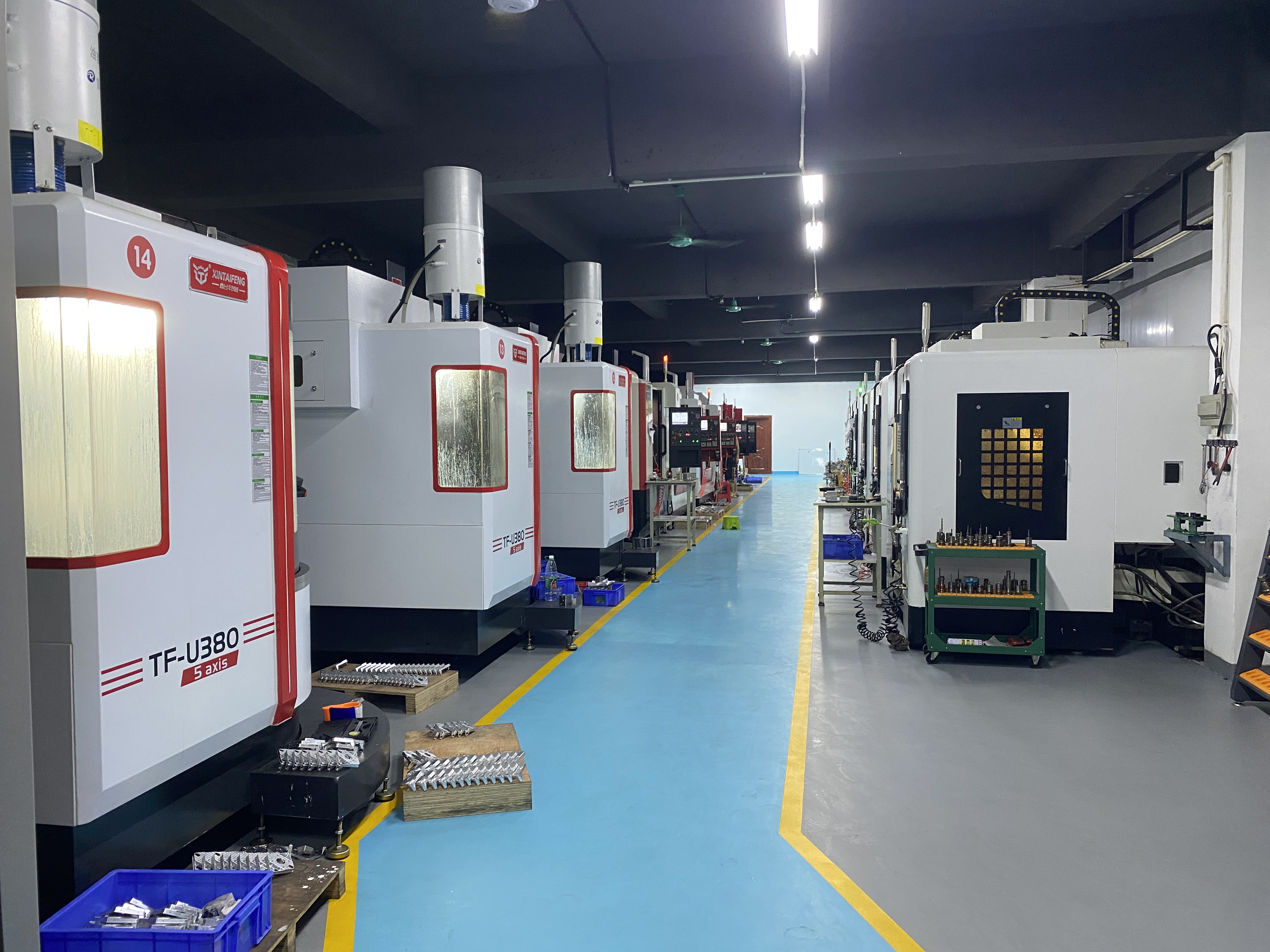
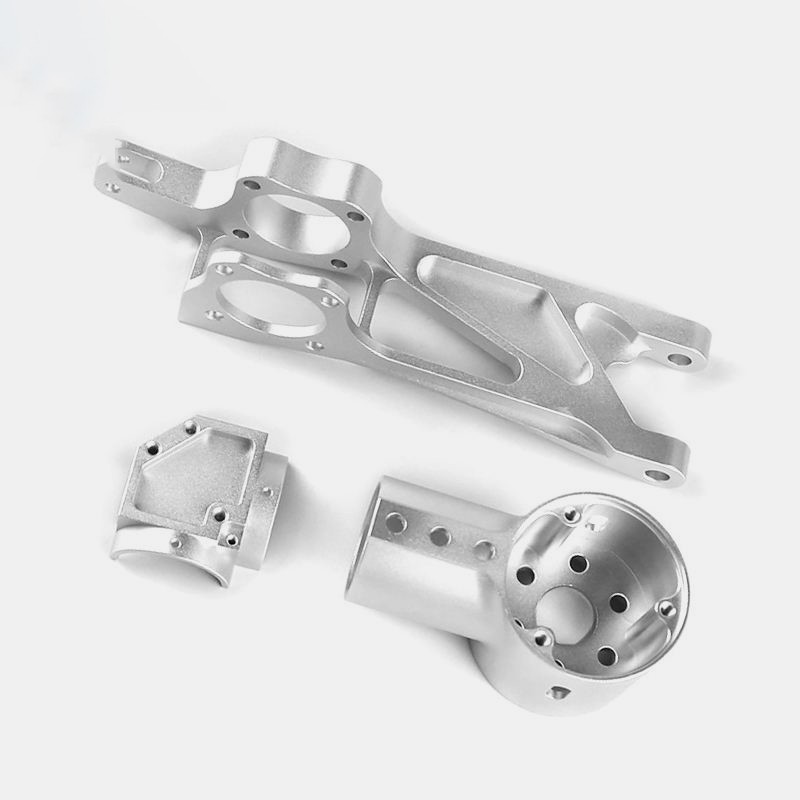
A file prepared for a CNC machine—typically a .nc or .gcode file—is a set of highly specific, step-by-step instructions. It tells the CNC machine’s controller exactly how to move the cutting tool: the precise coordinates (X, Y, Z, and often A, B for multi-axis), feed rates, spindle speeds, and tool change commands. This code is generated by CAM (Computer-Aided Manufacturing) software, which translates a 3D CAD model into a toolpath based on the specific material, tool geometry, and desired finish of the subtractive process.
A 3D printer, on the other hand, requires instructions for its additive process. Its file (often a .gcode file as well, but with completely different content) is generated by slicer software. This file details the path for the print head or laser, layer height, extrusion temperature, support structure placement, and infill patterns. It essentially “slices” the 3D model into hundreds or thousands of horizontal layers and dictates how to build each one.
Why you can’t swap them directly:
A CNC G-code file would command a 3D printer to move as if it were a milling spindle, attempting impossible “cuts” in thin air, with no instructions for heating, extruding, or layering material.
A 3D printer G-code file would command a CNC mill to follow a path meant for depositing material, likely resulting in a collision or an incorrect, shallow engraving.
The Universal Bridge: The 3D CAD Model
While the machine-specific instruction files are incompatible, both processes originate from the same source: a 3D CAD model. This is the true digital master. Common neutral file formats like STEP (.stp/.step) or IGES (.igs) or even SOLIDWORKS (.sldprt) and Parasolid (.x_t) files contain the definitive geometric data of your part.
Here’s the practical workflow:
You have a CNC-ready file (e.g., a G-code): To 3D print it, you must go backward to the original 3D CAD model. If you only have the G-code, reconstructing an accurate 3D model is complex and may require specialized reverse-engineering software. The best practice is to always archive the native CAD file.
You have a 3D CAD model: This is ideal. You can:
Import it into CAM software to generate toolpaths and G-code for CNC machining.
Import it into slicer software to generate layer instructions for 3D printing.
Strategic Application: When to Use Which Process?
This interoperability is powerful. An integrated manufacturer like GreatLight Metal leverages both technologies to serve clients best throughout the product development cycle:
Early-Stage Prototyping & Design Validation: Use 3D printing (SLA, SLS) from your CAD model to quickly, and cost-effectively, produce form-and-fit prototypes. Iterate designs rapidly without the cost of CNC programming and setup.
Functional Prototyping & Pre-Production: Switch to CNC machining from the same CAD model to produce parts from the exact final material (e.g., aluminum 6061, stainless steel 316). This tests mechanical performance, durability, and manufacturability.
Bridge Production & Custom End-Use Parts: For small to medium batches where injection molding tooling is too expensive, CNC machining is perfect for producing high-strength, precision end-use parts. For highly complex, lightweight geometries, Metal 3D Printing (SLM) may be the optimal choice.
Tooling & Manufacturing Aids: 3D print jigs, fixtures, and custom tooling rapidly. Use CNC machining to produce durable, high-wear inserts for molds or dies.
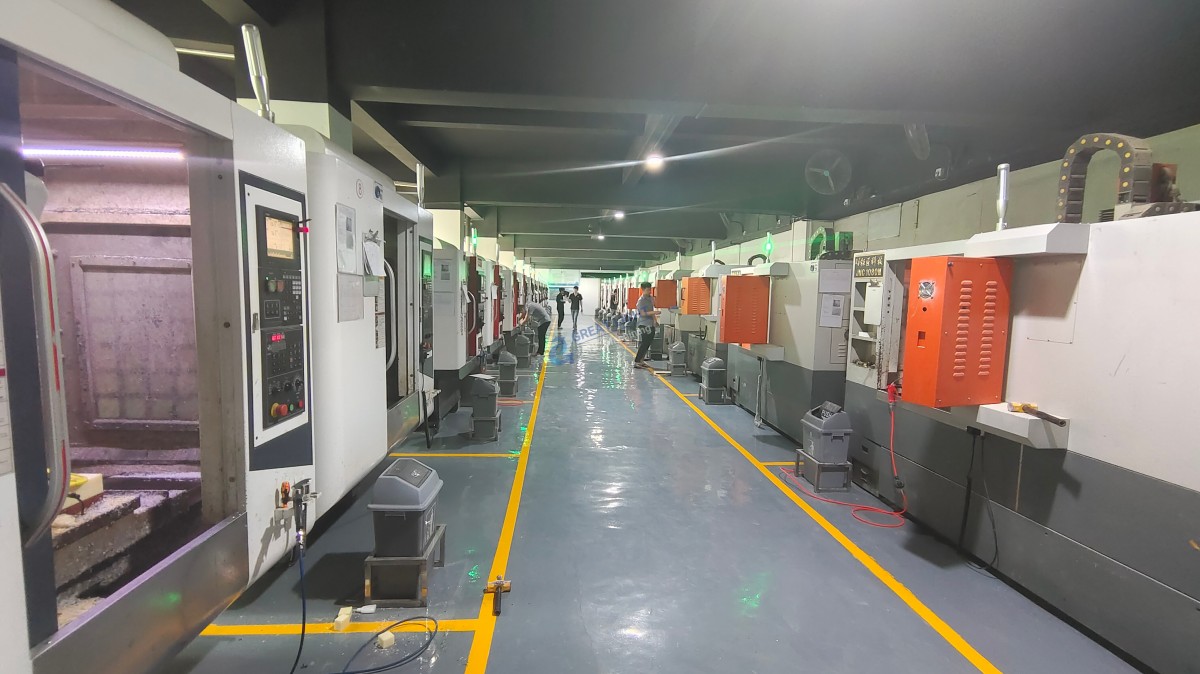
GreatLight CNC Machining Factory excels in this hybrid approach. With 127 pieces of precision equipment encompassing 5-axis CNC machining centers, CNC turning, and advanced 3D printing (SLM, SLA, SLS), they can objectively recommend and execute the optimal process—or combination thereof—for your project stage, budget, and performance requirements. Their expertise lies in selecting the right tool for the job from their comprehensive in-house portfolio.
Conclusion
So, can a CNC machine file be printed on a 3D printer? Not directly. The machine-level instruction files are process-specific languages. However, the 3D CAD model is the universal passport that allows your design to travel seamlessly between CNC machining and 3D printing processes. The strategic value lies in utilizing both technologies within a cohesive development strategy: using 3D printing for speed and complexity in prototyping, and leveraging precision 5-axis CNC machining services for strength, material authenticity, and surface finish in functional parts. Partnering with a manufacturer that masters both domains, such as GreatLight Metal, provides the flexibility, expertise, and integrated workflow to navigate this decision efficiently, ensuring your part is made in the best way possible.
Frequently Asked Questions (FAQ)
Q1: I only have a G-code file for my part. Can GreatLight help me 3D print it?
A: While we cannot run the CNC G-code on a 3D printer, our engineering team can assist you. We would need to examine the G-code to assess the feasibility of reconstructing a 3D model. The most reliable and efficient path is always to start with the original 3D CAD file (e.g., STEP, IGES).
Q2: Which is more accurate, CNC or 3D printing?
A: Generally, CNC machining offers higher dimensional accuracy and superior surface finishes. It can reliably hold tolerances within ±0.001″ (0.025mm) or tighter. Industrial 3D printers can be very accurate, but factors like layer adhesion, thermal shrinkage, and support structure contact points can introduce variances, typically in the ±0.005″ (0.127mm) range for high-end systems.
Q3: Can you create a CNC-machined part from my 3D-printed prototype?
A: Absolutely. This is a common and recommended workflow. You can provide us with the 3D CAD file used to print the prototype. Our CAM programmers will then create optimized toolpaths to machine the part from your chosen solid material, ensuring it meets all functional requirements.
Q4: Does GreatLight offer advice on whether to choose CNC or 3D printing for my project?
A: Yes, this is a core part of our value. Our engineering sales team will consult with you on your part’s function, required material, quantity, budget, and timeline to provide a data-driven recommendation on the most suitable and cost-effective manufacturing process.
Q5: Can you combine CNC machining and 3D printing in a single part?
A: In advanced applications, yes. For example, a complex internal lattice structure might be produced via metal 3D printing (SLM), while critical mounting interfaces and threads are subsequently precision CNC machined to achieve the required accuracy and finish. This hybrid manufacturing approach leverages the strengths of both technologies.
For more insights into how integrated manufacturing solutions drive innovation, connect with our industry perspectives on LinkedIn.


















