

Can Fusion Do Generative Design For CNC Mill Machines?
The short answer is a resounding yes. Autodesk Fusion 360 not only offers a powerful, cloud-powered Generative Design workspace but is also uniquely positioned to directly bridge the gap between those algorithmically created, organic-looking shapes and the practical realities of CNC milling. This integration represents a significant shift in how engineers and designers approach part creation, moving from designing for form to designing for function and manufacturability from the outset.
For professionals in precision parts machining and customization, understanding this capability is crucial. It’s not just a theoretical tool; it’s a practical engine for innovation that can lead to stronger, lighter, and more cost-effective components. Here’s a detailed look at how it works and what it means for CNC machining.
The Fusion 360 Ecosystem: From Generative Concept to Machined Part
Fusion 360’s strength lies in its unified platform. Unlike standalone generative software that creates a model you must then export and struggle to manufacture, Fusion provides an integrated workflow:
Setup in Generative Design Workspace: You start by defining the “preserve geometry” (mounting points, interfaces), the “obstacle geometry” (spaces the part cannot occupy), the materials, and the manufacturing constraints.
Applying CNC Milling Constraints: This is the critical step. Within the setup, you can select “Manufacturing” > “Milling.” This tells the algorithm to only generate shapes that are fundamentally feasible for a subtractive milling process. You can further specify:
2.5 Axis Milling: Limits designs to shapes that can be produced by cutting in 2D profiles and extruding in the Z-axis.
3+ Axis Milling: Opens up possibilities for more complex, organic forms that require multi-axis machining, but with algorithms considering tool accessibility.
Axis of Tool Access: You define the primary directions from which a cutting tool can approach the stock.
Cloud-Based Generation: The software explores thousands of design alternatives, optimizing for your goals (minimize mass, maximize stiffness) while respecting your defined milling constraints.
Exploration and Selection: You receive a dashboard of outcome options, each with a performance trade-off analysis. You can select the design that best balances weight, stiffness, and estimated manufacturing cost.
Seamless Transition to CAM: Once a design is selected, it becomes a standard, editable B-rep model within the same Fusion 文件. You can then move directly to the CAM workspace to program toolpaths using Fusion’s powerful toolpath strategies for 3-axis, 4-axis, or 5-axis CNC mills.
Key Considerations for Practical CNC Milling
While the technology is powerful, practical application requires manufacturing expertise. Here’s what top-tier machining partners, like GreatLight, focus on when evaluating generative designs for production:
Tool Accessibility and Undercuts: The generative algorithm avoids shapes it deems unmachinable, but a human engineer must still review for deep cavities, internal features, or complex undercuts that might require specialized tooling or multi-axis strategies beyond the initial constraint setup.
Surface Finishes and Filet Radii: Generative designs often feature complex, organic lattice-like structures or flowing shapes. Achieving a desired surface finish on these geometries may require specialized toolpaths (like pencil milling) or post-process finishing.
Design Interpretation and Simplification: Sometimes, for the sake of cost-effective production, a skilled manufacturing engineer will slightly modify non-critical organic features to simplify toolpaths without compromising the part’s core structural integrity. This collaboration between the generative outcome and manufacturing wisdom is key.
Material Selection and Waste: Generative design aims to minimize material usage in the final part. However, for CNC milling, you start with a solid block (stock). A good partner will help optimize stock selection and nesting to minimize waste from the subtractive process.
A Real-World Application Example
Imagine designing a mounting bracket for an aerospace component. Traditional design might be a simple, bulky block with pockets milled out.
Using Fusion’s Generative Design with 3+ Axis Milling constraints:
You define the bolt holes and contact surfaces as preserved geometry.
You set the goal to minimize mass under a specific load.
The algorithm generates a bracket that looks more like a tree root or bone structure—material is only placed along critical load paths.
The resulting shape is inherently designed to be machinable on a 3-axis or 5-axis CNC mill.
You achieve a bracket that is 30-40% lighter while maintaining strength, using less material, and the design is ready for CAM programming immediately.
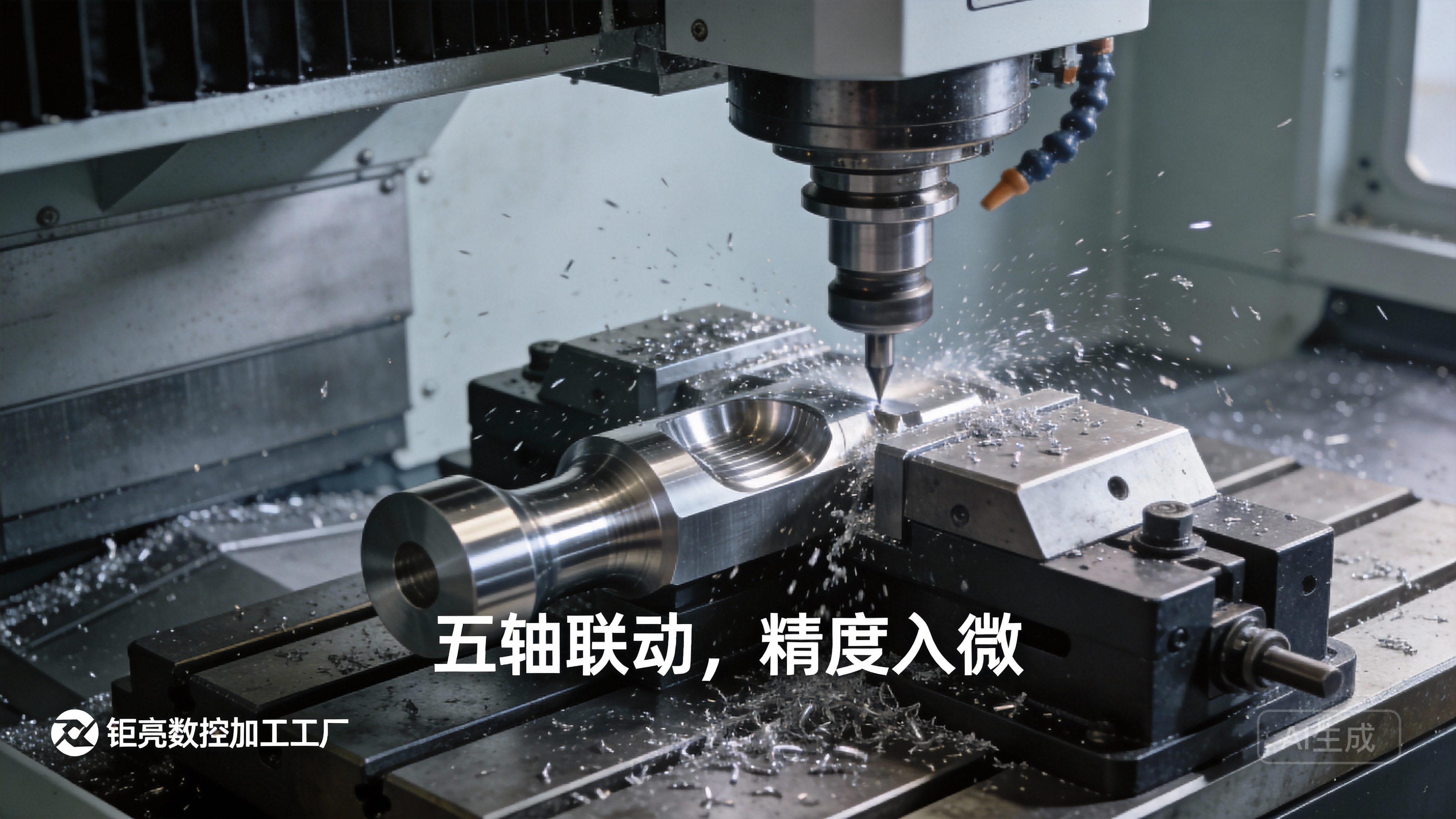
This is where the value of an expert manufacturing partner becomes evident. A factory like GreatLight, with its advanced 5-axis CNC machining capabilities and deep engineering support, can take these complex generative outputs and efficiently produce them, ensuring the theoretical weight and performance savings are realized in a high-quality, reliable physical part.
Conclusion: A Powerful Synergy for the Future
So, can Fusion do generative design for CNC mill machines? Absolutely. It is one of the most accessible and practical implementations of this technology available today. It empowers designers to create highly optimized parts with manufacturability baked into the generative process.
However, the full potential is unlocked when this digital capability is paired with real-world manufacturing expertise. The true “generative design” process extends beyond the software—it culminates in the precise, reliable translation of those innovative digital forms into physical reality through skilled CNC machining. This synergy between intelligent software and expert manufacturing is defining the next generation of high-performance, efficiently produced precision components.
Frequently Asked Questions (FAQ)
Q1: Does using generative design in Fusion 360 automatically make my part cheaper to CNC machine?
A: Not automatically. While it optimizes material usage in the final part, complex organic shapes can sometimes require longer machining times or specialized toolpaths. The overall cost benefit usually comes from the part’s performance gains (e.g., weight reduction in aerospace/automotive) and material savings. A good machining partner can provide a Design for Manufacturability (DFM) analysis to balance optimization with machining efficiency.
Q2: Can generative design create parts that only a 5-axis CNC machine can make?
A: Yes, that’s a primary function. By selecting “3+ Axis Milling” constraints and defining multiple axes of tool access, the algorithm will freely create complex geometries that require multi-axis machining capabilities, making a partner with 5-axis CNC machining services essential.
Q3: I received a generative design from a client. Is it ready for machining, or do I need to modify it?
A: It’s a starting point. You must conduct a thorough manufacturability review. Check for tool access, internal stresses, recommended filet radii (which may be too small for standard tools), and overall feasibility. Most professional shops, including integrated manufacturers like GreatLight, will provide DFM feedback to ensure the design is both optimal and economically producible.
Q4: What file format does the generative design output, and can I use it with other CAM software?
A: The selected outcome becomes a standard solid body within Fusion 360. You can export it in universal formats like STEP or IGES for use in other CAM systems. However, you lose the seamless, integrated workflow that Fusion offers from generation to CAM.
Q5: Is generative design only for lightweighting metal parts?
A: No. While mass reduction is a common goal, the primary objective is to meet performance criteria (stiffness, strength, natural frequency) under given loads and constraints. It can be used to optimize material distribution in plastic parts, heat dissipation paths, or even to consolidate multiple assembled parts into a single, stronger monocoque component suitable for machining.
Q6: What manufacturing methods besides milling can be constrained in Fusion’s generative design?
A: Fusion allows you to set constraints for various processes, including Additive Manufacturing (3D Printing), Die Casting, and even “Unrestricted” (for theoretical exploration). This lets you explore different manufacturing pathways for the same design problem. For more insights into integrating advanced design with precision manufacturing, follow industry leaders on professional networks like LinkedIn{:target=”_blank”}.



















