
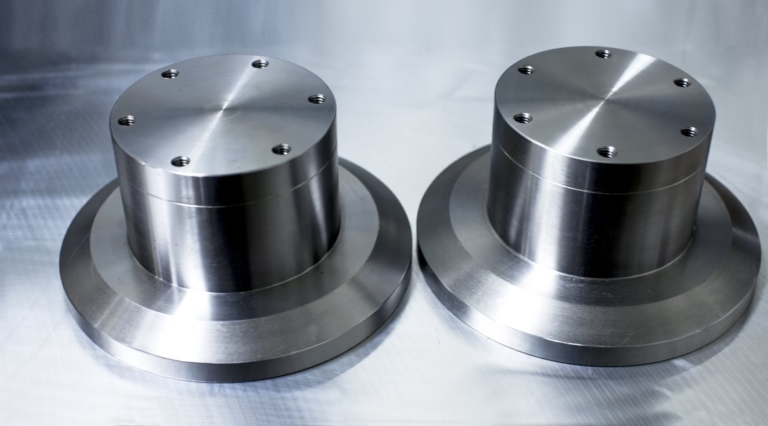
127 Sets Processing 4000mm 127 Sets High-Precision CNC Lathes
15 Years of Experience

How To Repair A CNC Machine?

When a critical piece of production equipment like a CNC machine grinds to a halt, it’s more than just an inconvenience—it’s a direct hit to productivity, deadlines, and the bottom line. The question of how to repair a CNC machine is therefore one of paramount importance for any workshop or manufacturing facility. While the instinct […]

When a critical piece of production equipment like a CNC machine grinds to a halt, it’s more than just an inconvenience—it’s a direct hit to productivity, deadlines, and the bottom line. The question of how to repair a CNC machine is therefore one of paramount importance for any workshop or manufacturing facility. While the instinct might be to immediately call for external service, a systematic, knowledge-based approach can often resolve issues faster, reduce downtime, and empower your team. This guide, drawn from deep industry experience, will walk you through a structured methodology for diagnosing and addressing common CNC machine problems.

H2: The Foundational Mindset: Safety and Documentation First

Before touching a single tool or panel, two non-negotiable principles must be established.


Absolute Safety: Always lock out and tag out (LOTO) the machine. Disconnect it from its main power source. Pneumatic and hydraulic systems must be depressurized. Never assume a machine is safe because the control panel is off.
Consult the Manuals: The machine’s technical manual, electrical diagrams, and PLC ladder logic are your primary diagnostic tools. They provide specific error code definitions, adjustment procedures, and safety warnings unique to your model.

H2: A Structured Diagnostic Framework: From Symptom to Source

Effective repair begins with precise diagnosis. Follow this logical flow to isolate the problem.

H3: Step 1: Observe and Define the Symptom

Be specific. Instead of “the spindle won’t work,” note: “Spindle does not rotate when M03 command is executed from MDI. No error alarm is present. The spindle drive unit shows a ‘Ready’ status LED.”

H3: Step 2: Analyze the CNC Control and Alarms

Modern CNC systems are sophisticated diagnostic tools themselves.

Read the Alarm/Message Screen: This is the first place to look. Alarms like “410 SERVO ALARM: n-AXIS EXCESS ERROR” or “3000 APC ALARM: n-AXIS NEED ZRN” point directly to servo drives or absolute position coder issues.
Check the PLC (PMC) Status: Use the diagnostic screen to monitor input/output signals. Is the limit switch (X4.2) activating? Is the coolant pump output (Y2.1) being sent? This helps determine if the issue is mechanical, electrical, or within the control logic.

H3: Step 3: Isolate the System

Break down the machine into subsystems:
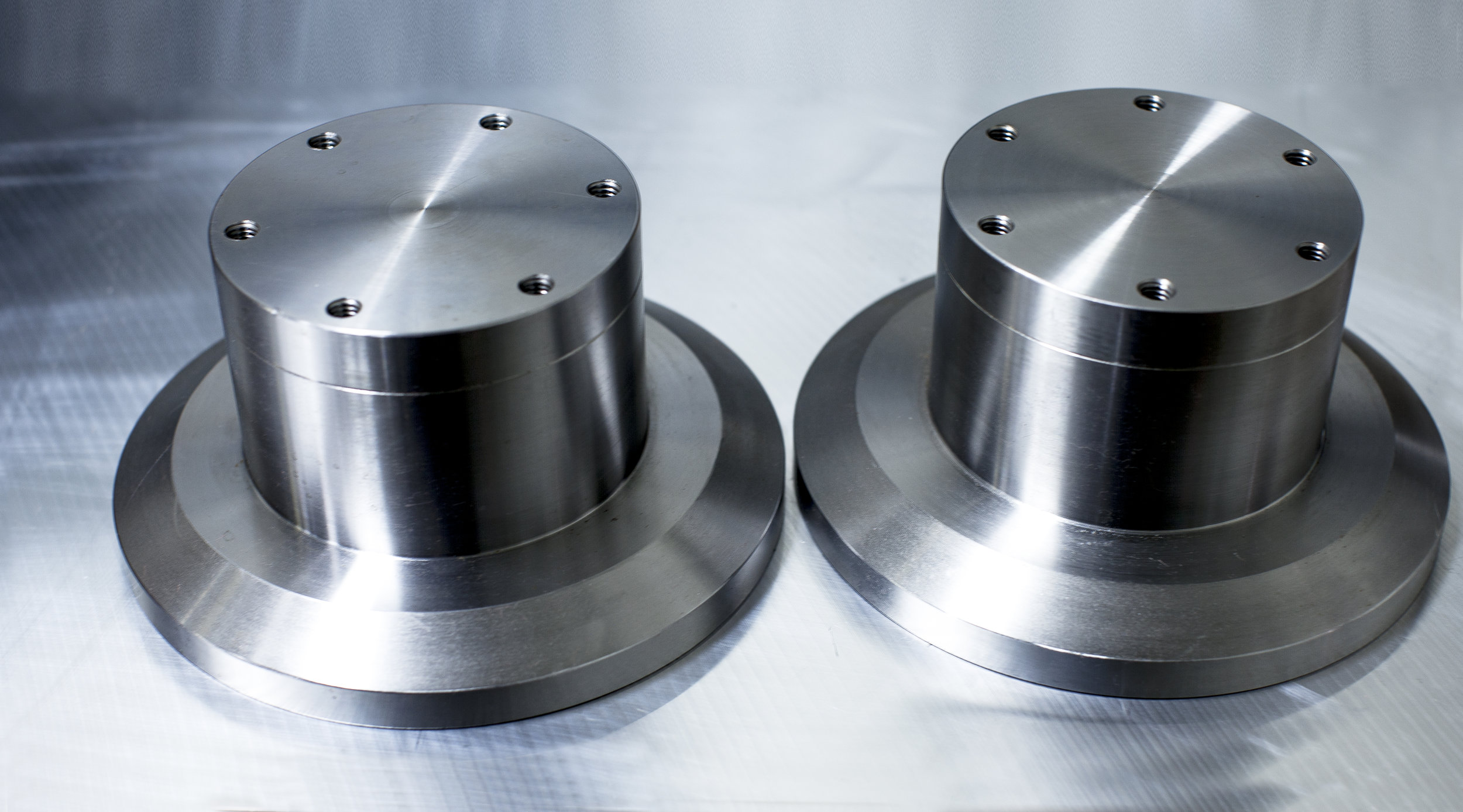
图片

Mechanical System: Slides, ballscrews, spindles, tool changers, way covers.
Electrical System: Servo drives, amplifiers, motors, sensors, wiring.
Control System: CNC unit, PLC, I/O modules, encoders.
Auxiliary System: Coolant, lubrication, pneumatics, hydraulics, chip conveyor.

H2: Troubleshooting Common CNC Machine Problems

Here’s a breakdown of frequent issues by subsystem.

H3: Mechanical System Issues

Symptom: Poor surface finish, dimensional inaccuracy, unusual noises (grinding, knocking).
Potential Causes & Actions:

Worn or Un-lubricated Ways/Ballscrews: Check lubrication lines and metering units. Measure backlash using a dial indicator. Excessive backlash often requires ballscrew adjustment or replacement.
Spindle Runout or Vibration: Use a precision test bar and dial indicator to check radial and axial runout. Unbalance or bearing wear are common culprits.
Tool Changer (ATC) Misalignment: Manually cycle the ATC and observe. Look for misaligned tool pockets, worn gripper fingers, or issues with the arm’s pneumatic/hydraulic cylinder.

H3: Electrical & Control System Issues

Symptom: Axis does not move, drives show fault LEDs, erratic movement, encoder alarms.
Potential Causes & Actions:

Servo Drive Faults: Note the fault code on the drive unit (e.g., FANUC AL-xx, Siemens 300xx). Common causes include overload, overheat, or feedback cable issues. Check motor insulation resistance with a megohmmeter.
Encoder/Resolver Failure: This often causes “Excess Error” or “Position Error” alarms. Check encoder cables for damage. Sometimes, reseating connectors can resolve intermittent issues.
Power Supply Issues: Measure DC bus voltage on the drives. Check for blown fuses on amplifier modules and control power units.

H3: Auxiliary System Issues

Symptom: Coolant not flowing, low lubrication alarm, pneumatic actuators weak.
Potential Causes & Actions:

Clogged Filters/Screens: The most common cause for pump failures. Regularly clean intake filters for coolant and lubrication pumps.
Solenoid Valve Failure: Use the PLC status screen to see if the output is on, then check if the valve is actuating. Tap it lightly—sometimes they stick.
Leaks: Inspect hydraulic/pneumatic lines and fittings. A drop in system pressure can cause multiple functions to fail.

H2: The Repair Decision Matrix: DIY vs. Professional Service

Not all repairs should be handled in-house. Use this matrix to decide.

Problem TypeRecommended ActionReasoning
Clear Mechanical Adjustment (e.g., backlash comp, way lube timer)In-house repair following manual.Standard maintenance, well-documented.
Component Replacement (e.g., limit switch, coolant pump, seal)In-house repair if competent.Straightforward swap with available parts.
Complex Servo Tuning or Parameter CorruptionCall OEM or certified technician.Requires specialized knowledge and software. Incorrect tuning can damage mechanics.
Spindle or Servo Motor Bearing ReplacementProfessional service recommended.Requires precision alignment, press tools, and dynamic balancing equipment.
Major Control Board FailureProfessional service.Board-level repair is highly specialized. Often an exchange program is most cost-effective.

H2: Preventive Maintenance: The Best Form of Repair

The most effective repair is the one you prevent. A rigorous Preventive Maintenance (PM) schedule is non-negotiable for precision equipment like a CNC machine.

Daily: Check lubrication levels, clean way covers, verify hydraulic/pneumatic pressure.
Weekly: Clean coolant tank chips, check for loose way wipers, inspect tool holder tapers.
Monthly: Clean or replace air filters, check electrical cabinet fans, verify axis alignment.
Annually/Bi-Annually: Change hydraulic and coolant fluids, measure axis backlash and repeatability, have a professional inspect spindle health and servo tuning.

Conclusion: Empowering Your Team with Knowledge and Partnership

Understanding how to repair a CNC machine transforms your relationship with your most critical assets. It moves you from reactive panic to controlled, knowledgeable response. By adopting a safety-first, diagnostic-driven approach, many common issues can be resolved swiftly in-house, minimizing costly downtime.

However, true manufacturing resilience also recognizes when to call in the experts. For complex control issues, major mechanical overhauls, or when in-house capacity is stretched, partnering with a deeply technical and reliable service provider is the strategic choice. This is where the philosophy of a true manufacturing partner, like that embodied by GreatLight CNC Machining Factory, extends beyond part supply. Their daily operation of a vast array of advanced multi-axis CNC equipment necessitates an intrinsic, profound understanding of machine tool maintenance and repair at an engineering level. This operational DNA means they inherently grasp the criticality of machine uptime and precision integrity, knowledge that informs every aspect of their service—whether they are producing complex components or, by extension, understanding the maintenance needs of the equipment that produces them.

Cultivating both internal diagnostic skills and a trusted external technical partnership is the ultimate strategy for ensuring your CNC machines remain the reliable, precision engines of your production floor.


FAQ: Frequently Asked Questions on CNC Machine Repair

Q1: What is the single most important thing to do before starting any repair?
A: Without exception, perform a full Lock Out/Tag Out (LOTO) procedure. Isolate the machine from all energy sources—electrical, pneumatic, and hydraulic. This is non-negotiable for personal safety.

Q2: A servo drive shows an overload alarm. What should I check first?
A: First, check for a mechanical bind. Manually try to turn the ballscrew (with the motor disconnected if possible). If it moves freely, then check the motor’s insulation resistance with a megohmmeter and inspect the feedback cable for damage or loose connections.

Q3: How can I tell if my spindle bearings are failing?
A: Listen for a high-pitched whining or grinding noise during rotation. Check for excessive heat at the spindle housing. Most definitively, use a dial indicator on a test bar to measure runout; values exceeding the machine’s specification (often 0.0025mm or less) indicate bearing wear.
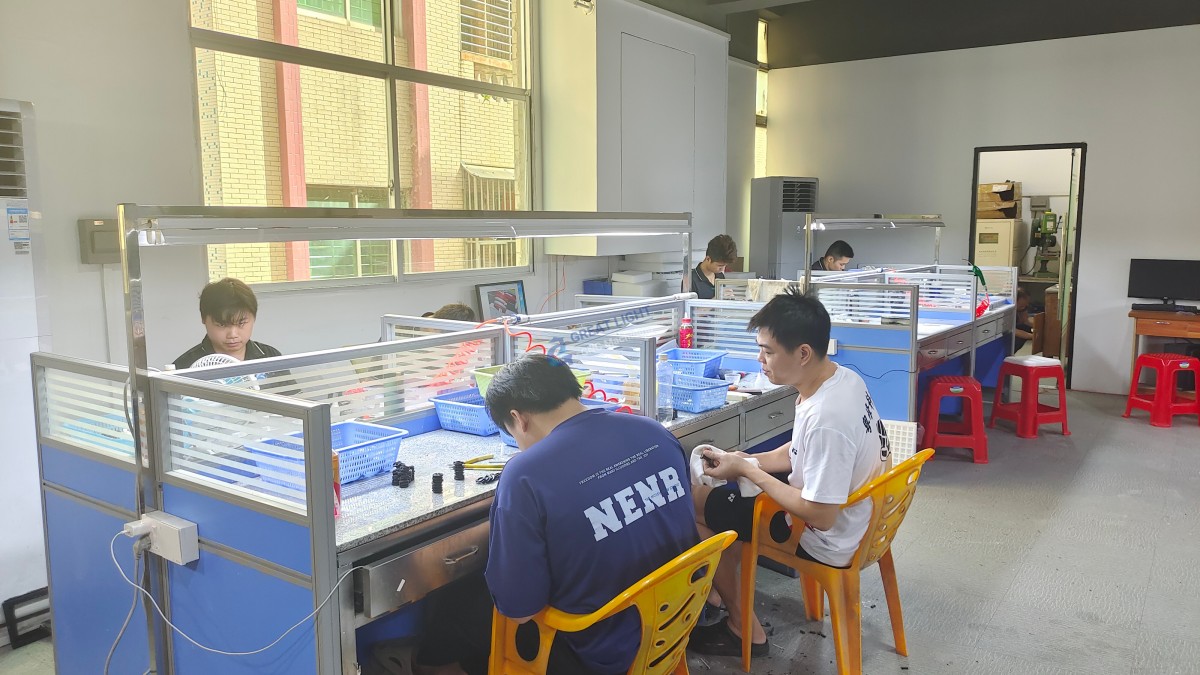
图片

Q4: Is it worth repairing an old CNC machine, or should I replace it?
A: It depends on the cost of repair versus replacement, machine accuracy, and availability of parts. If the core structure (castings, ways) is good, a retrofit with new controls and drives can be a cost-effective way to modernize. For frequent, escalating failures on obsolete systems, replacement may be more economical long-term.

Q5: We don’t have a full-time maintenance technician. How can we build basic repair competency?
A: Start with the PM schedule—this builds familiarity. Then, focus on training for the most common, simpler tasks: replacing limit switches, cleaning/lubricating components, and understanding how to read alarm codes and the PLC status screen. Consider partnering with a reliable service provider, like GreatLight CNC Machining Factory, who can offer on-demand support and guidance, leveraging their extensive practical experience in keeping precision equipment running optimally. You can learn more about industry best practices from leaders in the field on platforms like LinkedIn{:target=”_blank”}.
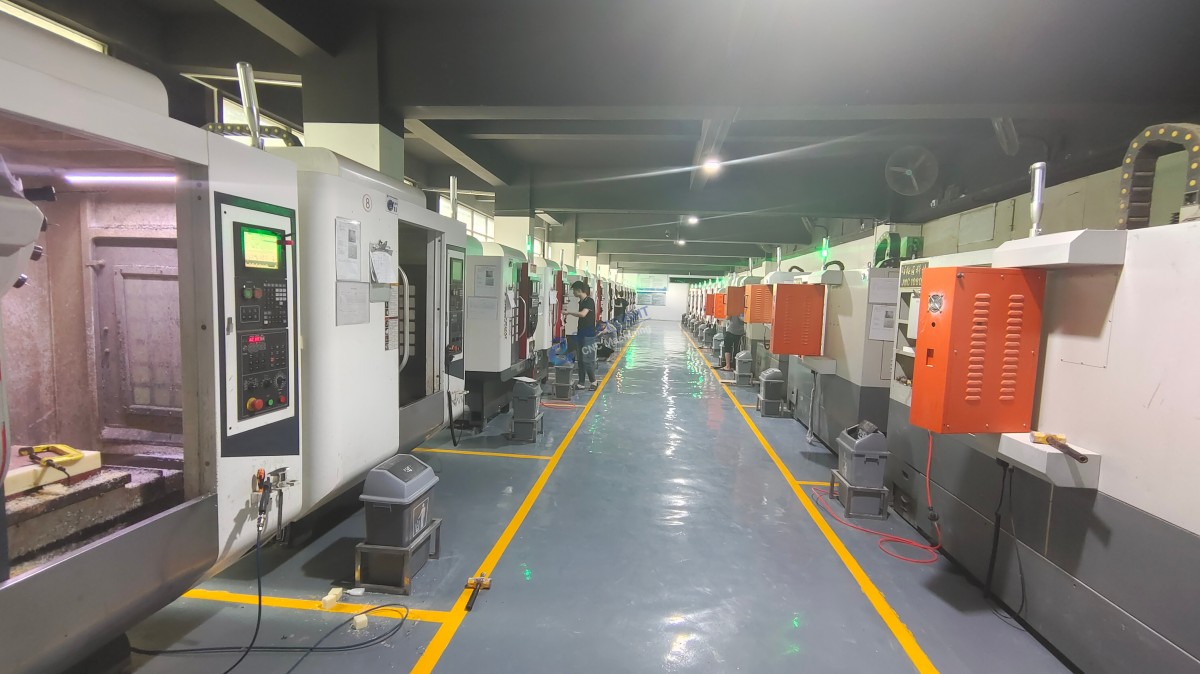

图片

CNC Experts

Picture of JinShui Chen

JinShui Chen

Rapid Prototyping & Rapid Manufacturing Expert

Specialize in CNC machining, 3D printing, urethane casting, rapid tooling, injection molding, metal casting, sheet metal and extrusion

CNC Recent Posts

CNC News

Welcome to GreatLight Metal,Maximum Processing Size 4,000 mm

Precision Machining CNC Quote Online

Loading file

Upload Click here to upload or drag and drop your model to the canvas.

The model is too large and has been resized to fit in the printer's build tray. [Hide]

The model is too large to fit in the printer's build tray. [Hide]

The model is too large, a fitting printer is selected. [Hide]

The model is too small and has been upscaled. [Hide]

Warning: The selected printer can not print in full color [Hide]

Warning: obj models with multiple meshes are not yet supported [Hide]

Warning: Unsupported DXF entity  [Hide]

Warning: could not arrange models [Hide]


File Unit:      
Scale:
%
L × W × H:
X: × Y: × Z:  cm 
Rotation:
X: ° Y: °  
⚡ Instant Quote for Precision Manufacturing

Submit your design files (STEP/IGES/DWG) and receive a competitive quote within 1 hour, backed by ISO 9001-certified quality assurance.

📋 How It Works

  1. Upload & SpecifyShare your 3D model and select materials (Aluminum/Stainless Steel/Titanium/PEEK), tolerances (±0.002mm), and surface treatments.

  2. AI-Powered AnalysisOur system calculates optimal machining strategy and cost based on 10+ years of automotive/aerospace data.

  3. Review & ConfirmGet a detailed breakdown including:
    - Volume pricing tiers (1-10,000+ units)
    - Lead time (3-7 days standard)
    - DFM feedback for cost optimization

Unit Price: 

Loading price
5 Axis CNC Machining Equipment
4 Axis CNC Machining Equipment
3 Axis CNC Machining Equipment
CNC Milling & Turning Equipment
Prototype and Short-Run Injection Moldings Exact plastic material as final design
Volume Metal Die Casting Services - Precision Cast Parts
Bridge the Gap From Prototype to Production – Global delivery in 10 days or less
Custom high-precision sheet metal prototypes and parts, as fast as 5 days.
Custom Online 3D Printing Services
Design Best Processing Method According To 3D Drawings
Alloys Aluminum 6061, 6061-T6 Aluminum 2024 Aluminum 5052 Aluminum 5083 Aluminum 6063 Aluminum 6082 Aluminum 7075, 7075-T6 Aluminum ADC12 (A380)
Alloys Brass C27400 Brass C28000 Brass C36000
Alloys Stainless Steel SUS201 Stainless Steel SUS303 Stainless Steel SUS 304 Stainless Steel SUS316 Stainless Steel SUS316L Stainless Steel SUS420 Stainless Steel SUS430 Stainless Steel SUS431 Stainless Steel SUS440C Stainless Steel SUS630/17-4PH Stainless Steel AISI 304
Inconel718
Carbon Fiber
Tool Steel
Mold Steel
Alloys Titanium Alloy TA1 Titanium Alloy TA2 Titanium Alloy TC4/Ti-6Al 4V
Alloys Steel 1018, 1020, 1025, 1045, 1215, 4130, 4140, 4340, 5140, A36 Die steel Alloy steel Chisel tool steel Spring steel High speed steel Cold rolled steel Bearing steel SPCC
Alloys Copper C101(T2) Copper C103(T1) Copper C103(TU2) Copper C110(TU0) Beryllium Copper
Alloys Magnesium Alloy AZ31B Magnesium Alloy AZ91D
Low Carbon Steel
Alloys Magnesium Alloy AZ31B Magnesium Alloy AZ91D
ABS Beige(Natural) ABS Black ABS Black Antistatic ABS Milky White ABS+PC Black ABS+PC White
PC Black PC Transparent PC White PC Yellowish White PC+GF30 Black
PMMA Black PMMA Transparent PMMA White
PA(Nylon) Blue PA6 (Nylon)+GF15 Black PA6 (Nylon)+GF30 Black PA66 (Nylon) Beige(Natural) PA66 (Nylon) Black
PE Black PE White
PEEK Beige(Natural) PEEK Black
PP Black PP White PP+GF30 Black
HDPE Black HDPE White
HIPS Board White
LDPE White
This is a finish of applying powdered paint to the components and then baking it in an oven, which results in a stronger, more wear- and corrosion-resistant layer that is more durable than traditional painting methods.
No coating required, product’s natural color!
This is a finish of applying powdered paint to the components and then baking it in an oven, which results in a stronger, more wear- and corrosion-resistant layer that is more durable than traditional painting methods.
This finishing option with the shortest turnaround time. Parts have visible tool marks and potentially sharp edges and burrs, which can be removed upon request.
Sand blasting uses pressurized sand or other media to clean and texture the surface, creating a uniform, matte finish.
Polishing is the process of creating a smooth and shiny surface by rubbing it or by applying a chemical treatmen
A brushed finish creates a unidirectional satin texture, reducing the visibility of marks and scratches on the surface.
Anodizing increases corrosion resistance and wear properties, while allowing for color dyeing, ideal for aluminum parts.
Black oxide is a conversion coating that is used on steels to improve corrosion resistance and minimize light reflection.
Electroplating bonds a thin metal layer onto parts, improving wear resistance, corrosion resistance, and surface conductivity.
This is a finish of applying powdered paint to the components and then baking it in an oven, which results in a stronger, more wear- and corrosion-resistant layer that is more durable than traditional painting methods.
Please provide additional text description for other surface treatment requirements!
Material
Material
  • CNC Metals
    • Aluminum
    • Brass
    • Stainless steel
    • Inconel718
    • Carbon Fiber
    • Tool Steel
    • Mold Steel
    • Titanium
    • Alloy Steel
    • Copper
    • Bronze
    • Low Carbon Steel
    • Magnesium
  • CNC Plastics
    • ABS
    • PC
    • PMMA (Acrylic)
    • PA (Nylon)
    • PE
    • PEEK
    • PP
    • HDPE
    • HIPS
    • LDPE
Printer
Printer
  • CNC Metals
    • 5 Axis CNC Machining
    • 4 Axis CNC Machining
    • 3 Axis CNC Machining
    • CNC Milling & Turning
    • Rapid Tooling
    • Metal Die Casting
    • Vacuum Casting
    • Sheet Metal Fabrication
    • SLA 3D Printing
    • SLS 3D Printing
    • SLM 3D Printing
  • Rapid Prototyping
    • Design Best Processing Method According To 3D Drawings
Post-processing
Post-processing
  • As Machined(Product’s natural color)
  • Sand Blasting
  • Polishing
  • Brushed Finish
  • Anodizing
  • Black Oxide
  • Electroplating
  • Paint Coating
  • Powder Coating
  • Other surface treatment requirements
Finalize
The world's first CNC machining center that dares to provide free samples!

Free for first product valued at less than $200. (Background check required)

precision machining cnc quote online

15 Years CNC Machining Services

When you’re ready to start your next project, simply upload your 3D CAD design files, and our engineers will get back to you with a quote as soon as possible.
Scroll to Top

ISO 9001 Certificate

ISO 9001 is defined as the internationally recognized standard for Quality Management Systems (QMS). It is by far the most mature quality framework in the world. More than 1 million certificates were issued to organizations in 178 countries. ISO 9001 sets standards not only for the quality management system, but also for the overall management system. It helps organizations achieve success by improving customer satisfaction, employee motivation, and continuous improvement. * The ISO certificate is issued in the name of FS.com LIMITED and applied to all the products sold on FS website.

greatlight metal iso 9001 certification successfully renewed
GB T 19001-2016 IS09001-2015
✅ iso 9001:2015
greatlight metal iso 9001 certification successfully renewed zh

IATF 16949 certificate

IATF 16949 is an internationally recognized Quality Management System (QMS) standard specifically for the automotive industry and engine hardware parts production quality management system certification. It is based on ISO 9001 and adds specific requirements related to the production and service of automotive and engine hardware parts. Its goal is to improve quality, streamline processes, and reduce variation and waste in the automotive and engine hardware parts supply chain.

automotive industry quality management system certification 01
Certification of Production Quality Management System for Engine Hardware Parts Engine Hardware Associated Parts
automotive industry quality management system certification 00
发动机五金零配件的生产质量管理体系认证

ISO 27001 certificate

ISO/IEC 27001 is an international standard for managing and processing information security. This standard is jointly developed by the International Organization for Standardization (ISO) and the International Electrotechnical Commission (IEC). It sets out requirements for establishing, implementing, maintaining, and continually improving an information security management system (ISMS). Ensuring the confidentiality, integrity, and availability of organizational information assets, obtaining an ISO 27001 certificate means that the enterprise has passed the audit conducted by a certification body, proving that its information security management system has met the requirements of the international standard.

greatlight metal technology co., ltd has obtained multiple certifications (1)
greatlight metal technology co., ltd has obtained multiple certifications (2)

ISO 13485 certificate

ISO 13485 is an internationally recognized standard for Quality Management Systems (QMS) specifically tailored for the medical device industry. It outlines the requirements for organizations involved in the design, development, production, installation, and servicing of medical devices, ensuring they consistently meet regulatory requirements and customer needs. Essentially, it's a framework for medical device companies to build and maintain robust QMS processes, ultimately enhancing patient safety and device quality.

greatlight metal technology co., ltd has obtained multiple certifications (3)
greatlight metal technology co., ltd has obtained multiple certifications (4)

Get The Best Price

Send drawings and detailed requirements via Email:[email protected]
Or Fill Out The Contact Form Below:

All uploads are secure and confidential.












