
How To Build CNC Machine With Arduino?
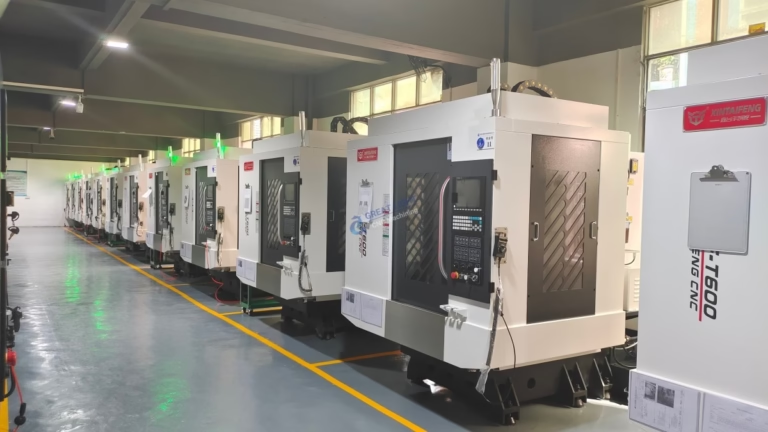
In the realm of modern manufacturing, CNC (Computer Numerical Control) machines have become indispensable tools for precision and efficiency. Building your own CNC machine can be a rewarding project, and using Arduino as the brain of your machine offers a cost-effective and highly customizable solution. This article will guide you through the process of building a basic CNC machine using Arduino, providing you with the knowledge and steps needed to bring your DIY CNC project to life.
Why Use Arduino for CNC Machines?
Arduino is a popular open-source electronics platform known for its simplicity and flexibility. It is an excellent choice for CNC machines because:
Cost-Effective: Arduino boards are relatively inexpensive compared to dedicated CNC controllers.
Flexibility: Easily customizable through programming, allowing for a wide range of applications.
Community Support: A vast community provides extensive resources, tutorials, and libraries to simplify development.
What You’ll Need
Before you start, gather the following components:
Arduino Board: Arduino Uno or Mega, depending on your project’s complexity.
Stepper Motors: Typically 200 or 400 steps per revolution, depending on your precision needs.
Motor Drivers: ULN2003 or DRV8825 for driving stepper motors.
Power Supply: Suitable for your stepper motors and Arduino.
CNC Router or Milling Machine: Depending on your application.
Rails and Bearings: For guiding the movement of your CNC machine.
Endstops: To define the limits of movement.
Wiring and Connectors: For connecting all components.
Screws, Nuts, and Bolts: For assembling the machine.
Step-by-Step Guide
1. Design Your CNC Machine
Before you start building, design your CNC machine’s layout. Consider the size, the type of work you’ll be doing, and the space required for movement. Use software like Fusion 360 or SketchUp to create a 3D model of your design.
2. Assemble the Mechanical Components
Follow your design to assemble the mechanical parts. Ensure that all parts are securely fastened and aligned properly. This step requires patience and precision, as the mechanical accuracy of your CNC machine will directly affect its performance.
3. Connect the Electronics
Connect your stepper motors to the motor drivers and then to the Arduino. Ensure that you connect the endstops to the Arduino as well. Use appropriate wiring and follow the schematics provided in the motor driver and Arduino documentation.
4. Program the Arduino
Write or download a CNC control program for Arduino. Libraries like GRBL or Universal G-Code Sender can be used to interpret G-code and control the stepper motors accordingly. Configure your program with the dimensions and settings of your CNC machine.
5. Test the Setup
After connecting everything and uploading the program to Arduino, perform initial tests to ensure that the motors move as expected and that the endstops work correctly. Gradually increase the complexity of your tests, moving towards more intricate movements.
6. Calibrate Your CNC Machine
Calibration is crucial for achieving precision. Adjust the steps per millimeter, ensure that the axes move in the correct direction, and fine-tune the feed rates. Use test cuts on scrap material to fine-tune your settings.
Conclusion
Building a CNC machine with Arduino is a challenging yet rewarding project. It combines electronics, programming, and mechanical engineering to create a powerful tool for precision manufacturing. By following this guide, you can build your own CNC machine, tailored to your specific needs and applications.
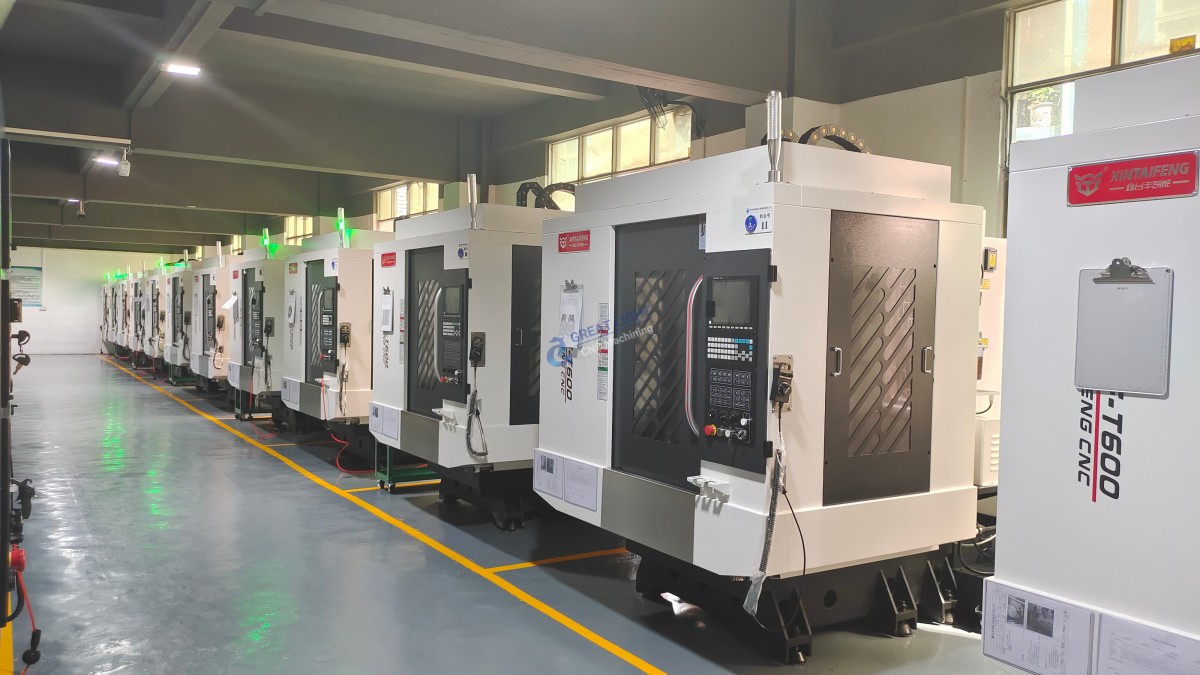
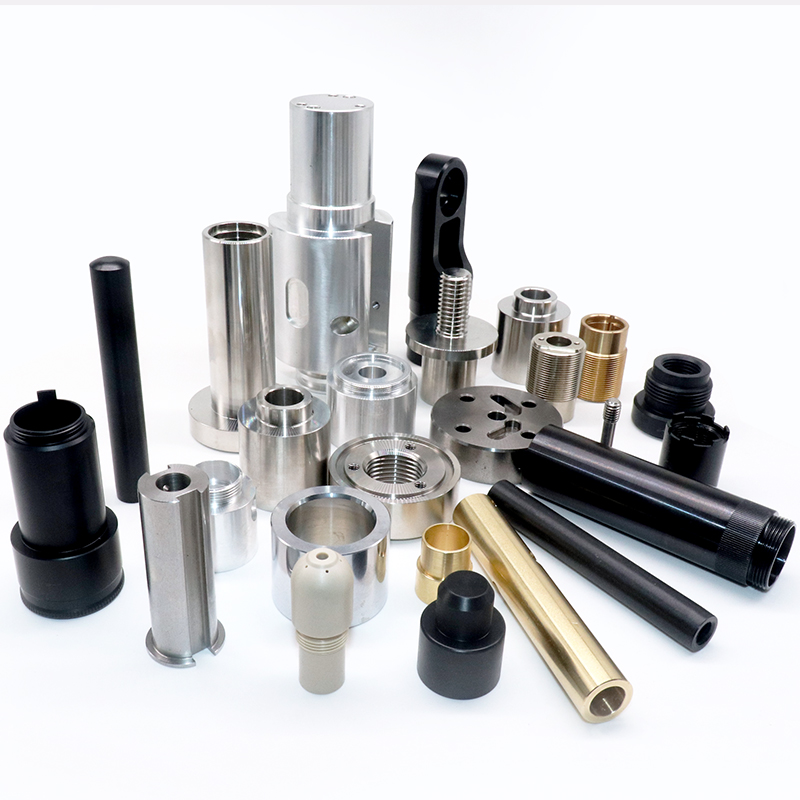
For more advanced features and professional-grade CNC machines, consider partnering with a professional manufacturer like GreatLight CNC Machining Factory. They offer high-precision parts and integrated manufacturing solutions, ensuring that your projects meet the highest standards of quality and precision.
Frequently Asked Questions (FAQ)
Q: Can I use any Arduino board for my CNC machine?
A: While Arduino Uno or Mega are commonly used, the choice depends on your project’s complexity and the number of stepper motors you plan to control.
Q: How do I ensure the precision of my CNC machine?
A: Precision is ensured through careful assembly, proper calibration, and using high-quality components. Regular maintenance and testing are also crucial.
Q: What is G-code, and why is it important for CNC machines?
G-code is a programming language used to instruct CNC machines on how to move and perform tasks. It is essential because it translates design specifications into actionable commands for the machine.
Q: Can I build a CNC machine without prior experience in electronics or programming?
A: Yes, but it requires dedication to learning the basics of electronics, programming, and mechanical assembly. There are many resources available to help beginners.
Q: What are the common applications of CNC machines?
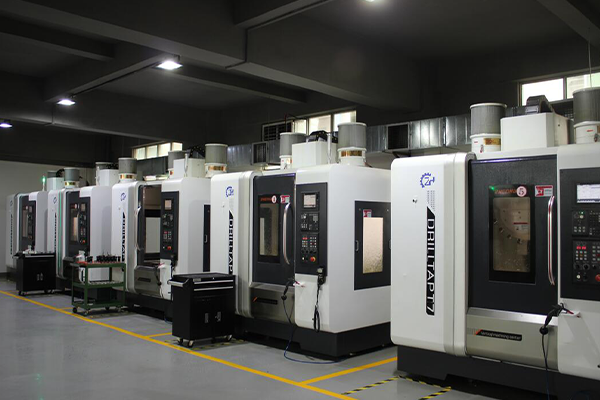
CNC machines are used in various fields, including automotive manufacturing, aerospace, electronics, and woodworking, for tasks such as cutting, milling, engraving, and 3D printing.
For more information and advanced solutions, consider consulting with professionals like GreatLight CNC Machining Factory, who specialize in high-precision custom part machining and integrated manufacturing services.



















