
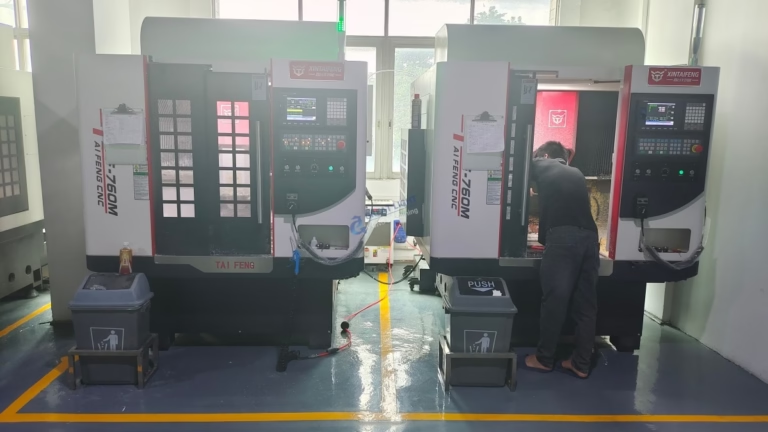
If you’ve ever wondered How To Convert A Picture To Svg For CNC Machine? you’re not alone—this is a critical step for turning custom designs, logos, hand-drawn sketches, or even product concept images into physical precision parts that CNC machines can execute flawlessly. CNC (Computer Numerical Control) systems rely on vector-based files like SVG (Scalable Vector Graphics) because they store design paths as mathematical equations, ensuring scalability, precise tool path generation, and consistency across production runs. Unlike raster images (JPG, PNG) that are made of pixel grids, SVGs won’t blur or lose detail when resized, making them the gold standard for CNC cutting, engraving, milling, and routing.
How To Convert A Picture To Svg For CNC Machine?
Converting an image to SVG for CNC machining isn’t just about running a file through a converter—it requires careful preparation, choosing the right method, and optimizing the final file for your specific CNC process. Below is a comprehensive breakdown of the entire workflow, from source image prep to post-conversion refinement.
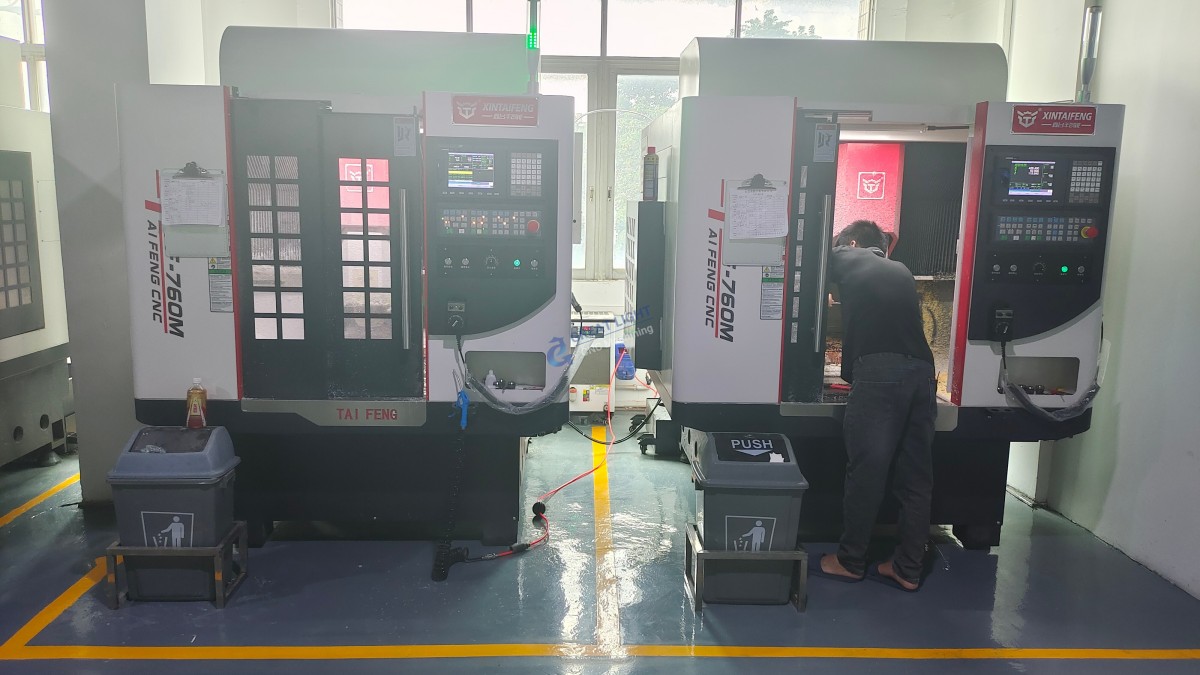
Preparing Your Source Image for Success
The quality of your source image directly impacts the outcome of your SVG conversion. For the best results, prioritize images that meet these criteria:
High contrast: Clear, distinct outlines (e.g., a black logo on a white background) make tracing easier, reducing the need for extensive post-processing.
High resolution: Use 300 DPI or higher images to capture fine details. Blurry, low-res photos will result in messy, inaccurate SVG paths.
Minimal noise: Avoid images with grain, shadows, or complex gradients. If your source has these, use photo editing tools (like GIMP or Photoshop) to enhance contrast and remove distractions before conversion.
Simplified design: Complex images with overlapping elements or tiny details may need to be simplified manually to ensure the CNC machine can process them without errors.
Manual vs. Automated Conversion: Pros and Cons
| When converting images to SVG, you have two primary options: automated tools for speed, or manual tracing for precision. Understanding when to use each will save you time and improve results: | Conversion Method | Best For | Pros | Cons |
|---|---|---|---|---|
| Automated (Online converters, Inkscape Trace Bitmap) | Simple logos, basic line art, quick prototypes | Fast, free options available, no advanced design skills needed | May produce messy paths, miss subtle details, leave extra nodes | |
| Manual (Adobe Illustrator, CorelDRAW) | Complex geometries, high-precision parts, medical/automotive components | Full control over path quality, accurate tracing of fine details | Time-consuming, requires design software skills |
Step-by-Step Automated Conversion with Inkscape (Free Tool)
Inkscape is a free, open-source vector graphics tool that’s ideal for beginners and hobbyists. Follow these steps for reliable automated conversion:
Open Inkscape and import your source image (File > Import).
Select the image and go to Path > Trace Bitmap.
Choose the appropriate tracing mode:
Brightness cutoff: Best for high-contrast images (e.g., logos). Adjust the threshold to refine how the tool distinguishes between foreground and background.
Edge detection: Use this for images with soft edges or gradients to capture outline details.
Check the “Preview” box to adjust settings in real time until the trace matches your desired outcome.
Click OK to generate the vector trace. The trace will appear as a new layer above your source image.
Delete the original source image, then select the traced vector and go to Path > Break Apart to separate individual elements if needed.
Clean up the trace: Remove duplicate paths, delete stray nodes (using the Node Tool), and close any open paths (Path > Close Path).
Save the file as an SVG (File > Save As > Select “Scalable Vector Graphics” from the dropdown).
Step-by-Step Manual Conversion for High Precision
For parts that require ultra-tight tolerances (like aerospace components or medical hardware), manual tracing is the best approach. Here’s how to do it with Adobe Illustrator:
Open Illustrator and place your source image (File > Place). Lock the image layer to prevent accidental movement.
Create a new layer above the source image for your trace.
Use the Pen Tool to manually trace each outline of your design. Click to add anchor points, and drag to create smooth curves.
Use the Convert Anchor Point Tool to refine sharp corners or smooth curves, ensuring paths follow every detail of the source image.
Merge overlapping paths using the Pathfinder Panel (Window > Pathfinder) to eliminate gaps or duplicate lines.
Check for open paths: Use the Direct Selection Tool to select each path and ensure it forms a closed loop (critical for CNC cutting operations).
Save the file as an SVG: Go to File > Export > Export As, select SVG, and uncheck “Preserve Illustrator Editing Capabilities” to optimize for CNC compatibility.
Post-Conversion Optimization for CNC Machining
Even a well-converted SVG needs tweaks to work seamlessly with CNC machines. Focus on these key optimizations:
Simplify nodes: Too many nodes can slow down CNC processing and lead to rough edges. Use tools like Inkscape’s Path > Simplify or Illustrator’s Object > Path > Simplify to reduce node count without losing detail.
Ensure closed paths: CNC machines cannot cut open paths properly (e.g., a line that doesn’t loop back to its start will result in incomplete cuts). Use path closure tools to fix any gaps.
Scale to physical size: Set the SVG’s dimensions to match your desired part size (e.g., 100mm x 50mm for a custom bracket). Avoid scaling the file in the CNC controller, as this can lead to accuracy errors.
Account for tool diameter: Add a kerf adjustment (the width of material removed by the CNC tool) to your SVG paths. For example, if using a 1mm end mill, widen internal paths by 0.5mm and shrink external paths by 0.5mm to compensate.
Label layers: Organize your SVG into layers for different CNC operations (e.g., “Engrave Logo” vs. “Cut Outer Edge”) to make tool path programming faster and less error-prone.
Common Pitfalls to Avoid When Converting Images to SVG for CNC
Even experienced designers can make mistakes that derail CNC projects. Watch out for these common issues:
Ignoring image quality: A blurry source image will result in a blurry SVG, leading to inaccurate cuts or engraving. Always start with the highest-quality image possible.
Forgetting to close paths: Open paths cause CNC machines to skip operations or produce incomplete parts. Double-check every path before sending the file to production.
Overcomplicating node count: Excess nodes increase file size and slow down CNC processing. Simplify paths to the minimum number of nodes needed to maintain design integrity.
Neglecting kerf adjustment: Failing to account for tool diameter can result in parts that are too large or too small. For high-precision projects, work with a CNC expert to calculate the right kerf.
Scaling incorrectly: Resizing an SVG in the CNC controller instead of during conversion can lead to misaligned tool paths and dimensional errors. Always set the correct size in your vector tool first.
When to Partner with a Professional CNC Machining Service like GreatLight CNC Machining Factory
DIY conversion works well for simple, low-tolerance projects, but for complex or high-stakes work, partnering with a professional team is the most reliable choice. Consider outsourcing if:
Your design requires ultra-high precision (±0.001mm or tighter): DIY tools may not capture the subtle details needed for aerospace, medical, or automotive components.
You need end-to-end solutions: From SVG conversion and tool path programming to machining, post-processing (anodizing, powder coating, polishing), and volume production, a full-service provider can handle every step.
Compliance is non-negotiable: Industries like medical (ISO 13485) and automotive (IATF 16949) require strict adherence to quality standards that DIY conversion can’t guarantee.
You’re short on time or expertise: Prototyping and production timelines are often tight, and learning vector editing tools takes hours—professionals can deliver optimized SVGs and machined parts in days.
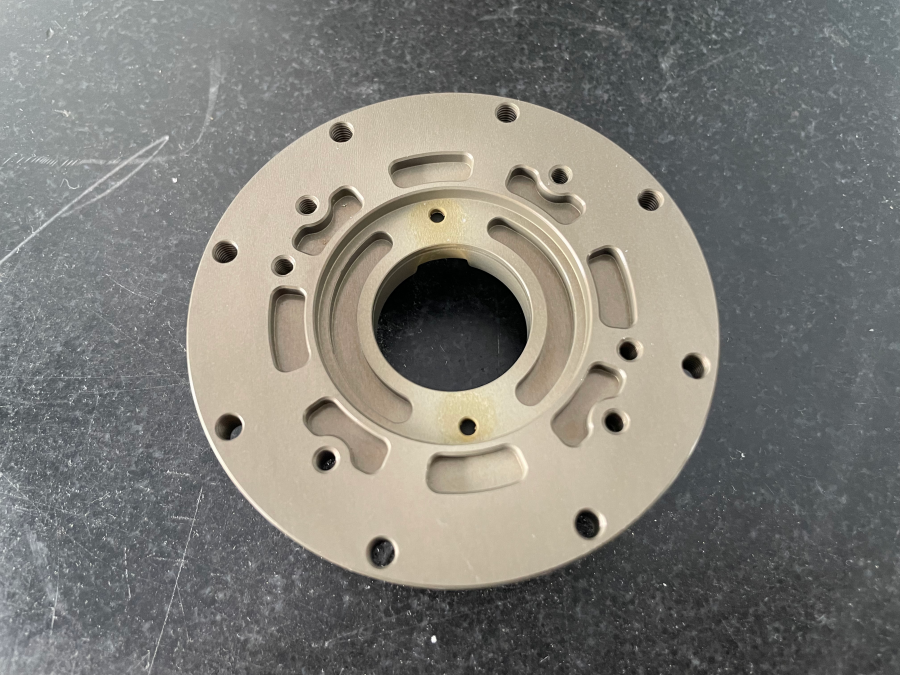
For example, a robotics startup recently approached GreatLight CNC Machining Factory with a hand-drawn sketch of a custom aluminum face plate for their humanoid robot. The sketch had intricate curves and required ±0.001mm precision to fit with other robot components. DIY conversion would have missed critical details, and the startup lacked experience optimizing SVGs for 5-axis CNC machining. GreatLight’s in-house design team enhanced the source image, traced it to a precision SVG, programmed tool paths for their 5-axis machining centers, and delivered the finished plates with anodized surfaces in just 3 days—all while complying with IATF 16949 standards for robotic hardware.
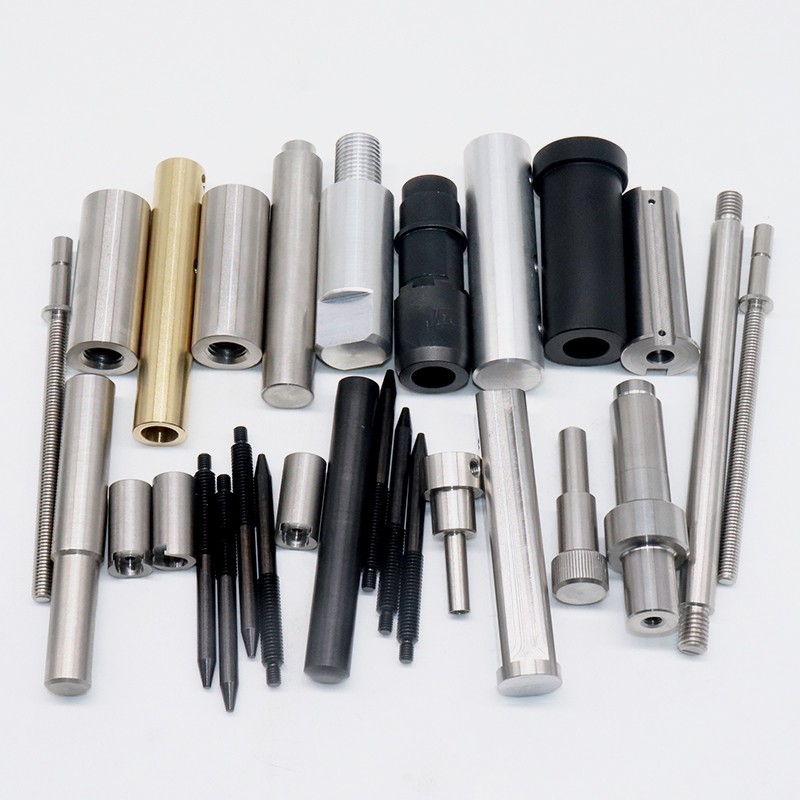
How GreatLight CNC Machining Factory Enhances Your SVG-to-CNC Workflow
GreatLight CNC Machining Factory brings over a decade of precision manufacturing experience to every project, turning your converted SVG into high-quality parts with ease. Here’s how they add value:
Specialized conversion expertise: Their design team doesn’t just convert images—they optimize SVGs for specific CNC tools, materials, and processes. For example, they’ll adjust paths to account for tool deflection when machining stainless steel, or add kerf adjustments for thick aluminum plates.
Comprehensive machining capabilities: With 127 pieces of precision equipment (including 5-axis CNC machining centers, lathes, and EDM machines), they can handle everything from small prototypes to large-scale production runs (up to 4000mm maximum processing size).
Industry-leading certifications: As an ISO 9001:2015, IATF 16949, and ISO 13485 certified manufacturer, they ensure every part meets strict quality standards—critical for regulated industries.
One-stop post-processing: After machining, they offer full surface finishing services (anodizing, powder coating, laser engraving, polishing) to deliver ready-to-use parts.
Risk-free guarantee: They stand behind their work with free rework for quality issues, and a full refund if rework still doesn’t meet your requirements.
Rapid turnaround: For urgent prototypes, they can deliver parts in as little as 24 hours, thanks to their three wholly-owned manufacturing plants and streamlined production processes.
Conclusion
Mastering How To Convert A Picture To Svg For CNC Machine? can open up a world of custom part possibilities, from branded engravings to complex mechanical components. But when your project demands precision, compliance, or speed, partnering with a professional like GreatLight CNC Machining Factory (opens in new window) is the smart choice. Their combination of advanced equipment, certified quality systems, and end-to-end services ensures your converted SVG translates into high-quality parts that meet your exact specifications every time—saving you time, reducing risk, and accelerating your product development timeline.
Frequently Asked Questions (FAQ)
Can any picture be converted to SVG for CNC?
While most images can be converted, the quality of the final SVG (and thus the CNC part) depends heavily on the source image. Photos with low contrast, blurry details, or complex gradients are harder to convert cleanly. If you have a challenging image, GreatLight CNC Machining Factory’s design team can work with you to enhance the source image and create a CNC-ready SVG that preserves critical details.
What file formats work best as source images for SVG conversion?
For the most reliable results, use high-resolution PNG, TIFF, or vector-based images (AI, EPS) as sources. Avoid low-quality JPGs, as their compression can introduce artifacts that complicate tracing. If your only source is a JPG, use photo editing tools to increase contrast and reduce noise before conversion.
Do I need to adjust the SVG for different CNC machines?
Yes—different CNC processes (milling vs. routing vs. engraving) and tool sizes require different SVG optimizations. For example, a CNC mill needs closed paths for pocketing operations, while a laser engraver can handle open paths for line art. Professional services like GreatLight CNC Machining Factory will adjust your SVG to match the specific machine and tooling used for your project.
How does GreatLight handle complex SVG conversion for high-precision parts?
GreatLight’s team uses a combination of advanced vector tools and manual tracing to ensure every detail is captured. For parts requiring ±0.001mm precision, they cross-reference the converted SVG with your design specifications, perform path analysis to eliminate errors, and test tool paths in a virtual CNC simulator before production. This rigorous process ensures your parts meet the tightest tolerances.
What if my converted SVG leads to machining errors?
If you work with GreatLight CNC Machining Factory, their quality control team reviews every SVG before production to catch errors early. If machining issues still arise due to conversion errors, they offer free rework to correct the problem. If rework doesn’t meet your expectations, they provide a full refund—no questions asked.
Can GreatLight help with both SVG conversion and full-scale production?
Absolutely. GreatLight offers end-to-end solutions, from converting your image to a CNC-ready SVG to machining prototypes, scaling to volume production, and providing post-processing services. This integrated workflow reduces communication gaps, speeds up delivery, and ensures consistency across every stage of your project.


















