
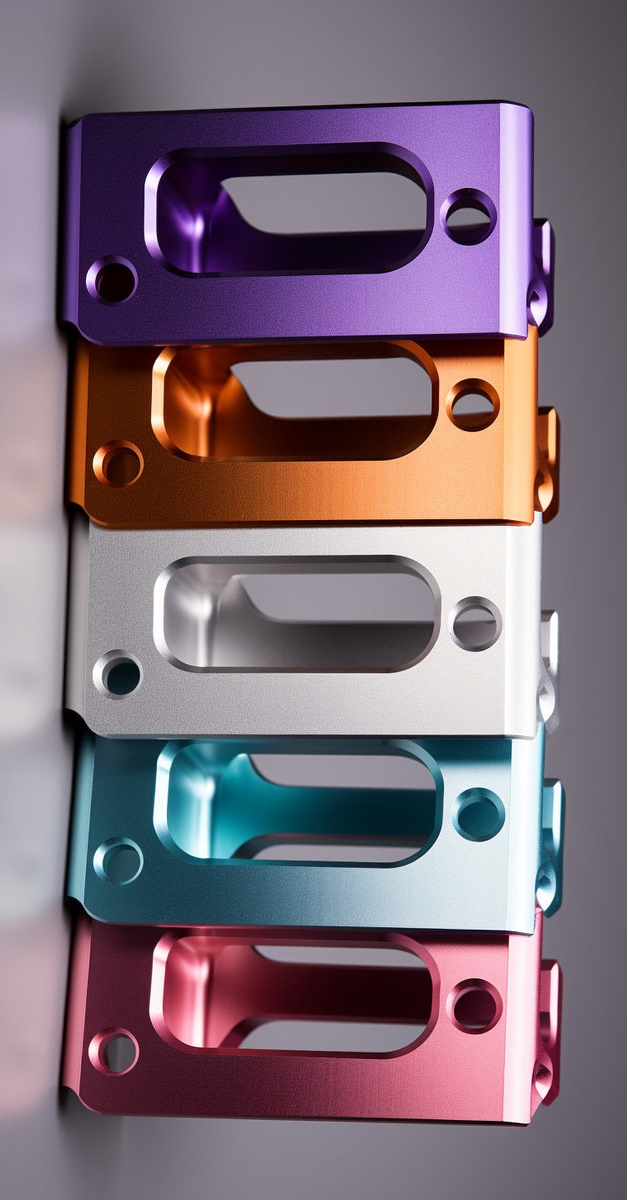
In today’s manufacturing landscape, CNC (Computer Numerical Control) machines play a pivotal role. They are the backbone of precision parts machining and customization, enabling the production of complex and high – precision components with remarkable efficiency. Among the numerous CNC machining providers, GreatLight CNC Machining Factory stands out as a reliable and professional partner.
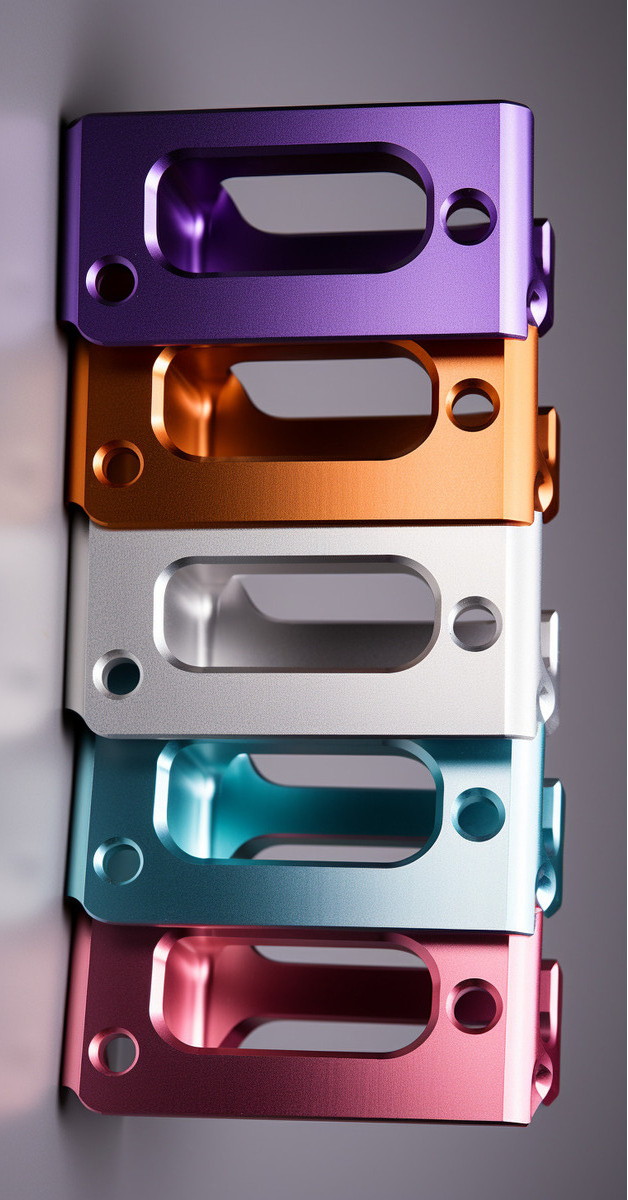
What Are CNC Machines?
CNC machines are automated manufacturing tools that are controlled by a computer program. Instead of manual operation, a pre – written code instructs the machine to perform specific tasks such as cutting, drilling, milling, and turning. This automation not only increases productivity but also ensures high levels of precision and repeatability.
Types of CNC Machines
CNC Milling Machines: These machines use rotating cutting tools to remove material from a workpiece. They are versatile and can create a wide variety of shapes, from simple flat surfaces to complex three – dimensional geometries. With multiple axes of movement, including 3 – axis, 4 – axis, and the highly advanced 5 – axis CNC milling machines, they can handle intricate machining tasks.
CNC Turning Machines (Lathes): In a CNC lathe, the workpiece rotates while a cutting tool moves along one or more axes to remove material. They are mainly used for creating cylindrical parts, such as shafts, bolts, and bushings.
CNC Grinding Machines: Grinding machines are used to achieve high – precision surface finishes and tight tolerances. They use an abrasive wheel to remove small amounts of material from the workpiece.
EDM (Electrical Discharge Machining) Machines: EDM machines use electrical discharges to remove material from a conductive workpiece. This method is useful for machining hard materials and creating complex shapes that are difficult to achieve with traditional cutting tools.
Advantages of CNC Machines
High Precision: CNC machines can achieve extremely high levels of precision, often up to ±0.001mm. This is crucial for industries such as aerospace, automotive, and medical, where even the slightest deviation can lead to significant problems.
Repeatability: Once a program is written and set up, CNC machines can reproduce the same part with the exact same specifications over and over again. This ensures consistency in production, which is essential for large – scale manufacturing.
Flexibility: Changing the machining operation on a CNC machine is relatively easy. By simply modifying the program, the machine can produce different parts, making it suitable for both small – batch and large – batch production.
Increased Productivity: CNC machines can operate continuously with minimal human intervention, which significantly reduces production time. They can also perform multiple operations in a single setup, further streamlining the manufacturing process.
GreatLight CNC Machining Factory: A Leading Provider
GreatLight CNC Machining Factory is a professional five – axis CNC machining manufacturer. Established in 2011, it is located in Chang’an District, Dongguan City, China, the capital of precision hardware mold processing, and is adjacent to Shenzhen.
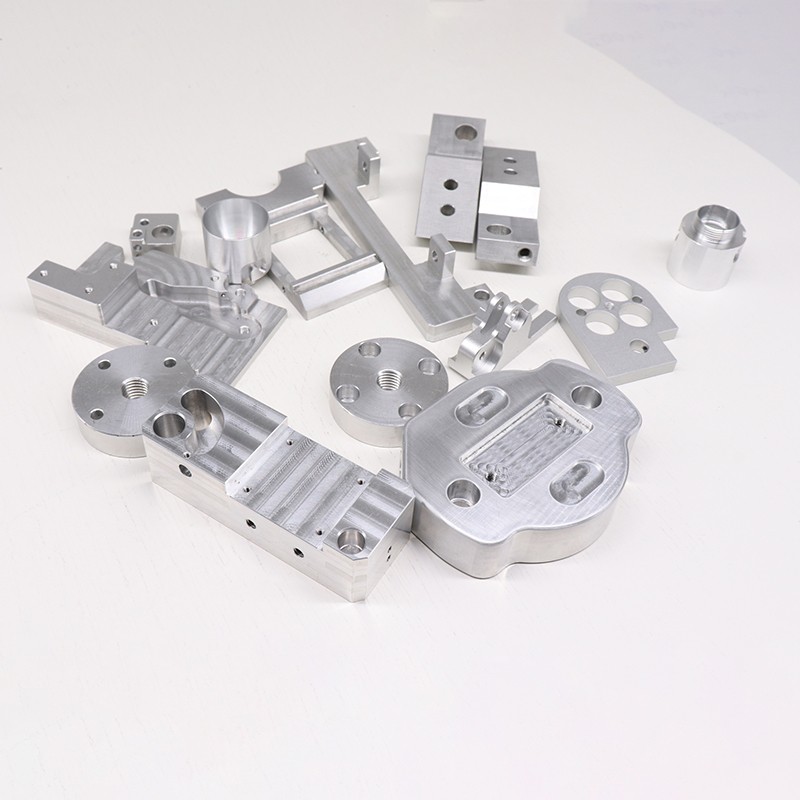
The factory covers an area of approximately 7600 square meters and has 150 employees. It is equipped with 127 pieces of precision peripheral equipment, including large high – precision five – axis, four – axis, and three – axis CNC machining centers, lathes, milling machines, grinding machines, EDM machines, vacuum forming machines, SLM 3D printers, SLA 3D printers, and SLS 3D printers.
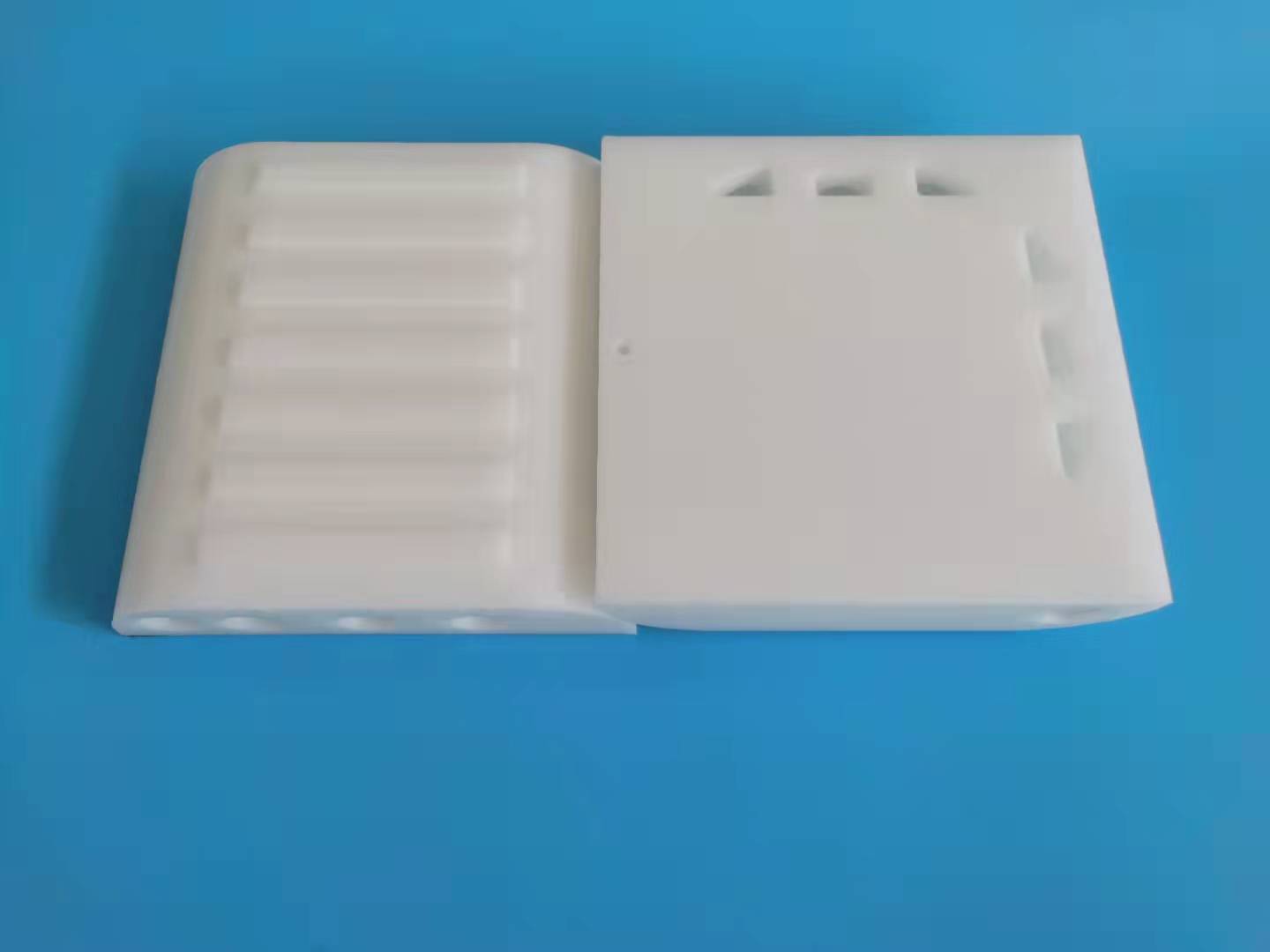
GreatLight CNC Machining Factory offers a comprehensive range of services, including precision CNC machining (three – axis, four – axis, and five – axis machining), CNC milling services, die casting mold/metal die casting processing services, vacuum casting customization, sheet metal processing customization, stainless steel 3D printing, aluminum alloy 3D printing, titanium alloy 3D printing, mold steel 3D printing, and nearly a hundred rapid prototyping processing services and comprehensive solutions, along with one – stop surface post – processing services.
The factory has many years of experience in precision prototype model processing, with high precision (capable of processing to ±0.001mm / 0.001 In and above) and a maximum processing size of 4000 mm. It also provides after – sales guarantee, free rework for quality problems, and a full refund if rework is still unsatisfactory. Moreover, GreatLight CNC Machining Factory is an ISO 9001:2015 certified manufacturer, which means it strictly adheres to ISO quality standards, and its production lines utilize advanced technology to ensure precision and accuracy in manufacturing.
Conclusion
CNC machines are an indispensable part of modern manufacturing, offering high precision, repeatability, flexibility, and increased productivity. When it comes to choosing a CNC machining partner for precision parts machining and customization, GreatLight CNC Machining Factory is an excellent choice. With its advanced equipment, comprehensive service offerings, high – precision capabilities, and strict quality management, it can meet the diverse needs of clients in various industries. For more in – depth insights into GreatLight’s capabilities, you can explore their case studies and other information. Connect with them to learn more about how they can transform your manufacturing projects. Click here to learn more.
Frequently Asked Questions (FAQ)
What materials can GreatLight CNC Machining Factory process?
GreatLight CNC Machining Factory can process most materials, including metals such as aluminum alloy, stainless steel, titanium alloy, and mold steel, as well as some plastics. They can quickly customize and process these materials according to client requirements.
What is the maximum processing size of the factory?
The maximum processing size of the factory is 4000 mm, which allows it to handle large – scale precision parts machining.
What if there are quality problems with the parts?
GreatLight CNC Machining Factory provides an after – sales guarantee. If there are quality problems, they will offer free rework. If the rework is still unsatisfactory, a full refund will be provided.
Can the factory handle small – batch production?
Yes, due to the flexibility of CNC machines, GreatLight CNC Machining Factory can handle both small – batch and large – batch production. By simply modifying the machining program, it can produce different parts efficiently.



















