
How To Operate A CNC Router Machine?
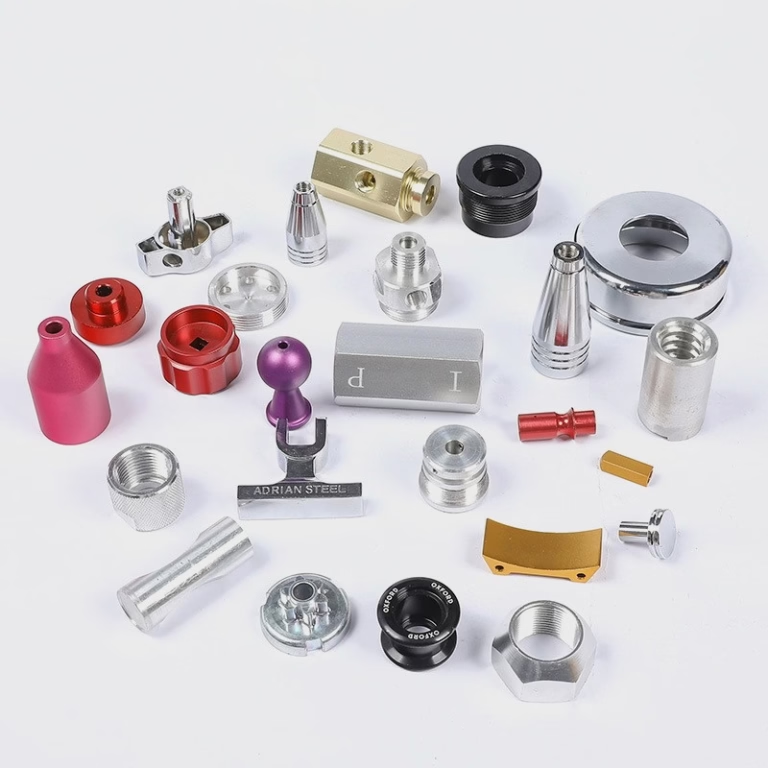
When it comes to precision parts machining and customization, especially in industries such as aerospace, automotive, medical devices, and robotics, CNC router machines play a pivotal role. Whether you’re producing intricate wooden engravings, metal components, or high-tolerance plastic parts, understanding how to operate a CNC router machine is essential for achieving consistent quality, efficiency, and safety.
In this guide, we’ll walk through the fundamentals of operating a CNC router — from setup to execution — with expert insights tailored for precision machining environments. We’ll also highlight how GreatLight CNC Machining Factory, a leader in five-axis CNC machining, sets the benchmark in high-precision part production and why their expertise matters even if you’re running your own CNC equipment.
What Is a CNC Router Machine?
A CNC (Computer Numerical Control) router is a computer-controlled cutting machine used for engraving and cutting various materials such as wood, composites, aluminum, steel, plastics, and foams. Unlike manual routers, CNC routers follow precise digital instructions (G-code) to achieve high levels of accuracy and repeatability.
They are widely used in:
Prototyping
Custom part manufacturing
Signage and engraving
Industrial component production
While smaller desktop CNC routers are common in hobbyist and small business settings, industrial-grade CNC routers — like those operated by GreatLight CNC Machining Factory — are engineered for high-volume, high-precision production, often incorporating multi-axis capabilities (3-axis, 4-axis, and even 5-axis).
Why Understanding CNC Router Operation Matters
Even if you outsource your precision machining to experts like GreatLight Metal Tech Co., LTD. (GreatLight Metal), knowing how CNC routers work gives you better control over:
Design feasibility
Tolerances and finishes
Production timelines
Cost optimization
More importantly, when you’re managing in-house operations or collaborating closely with a machine shop, knowing the basics ensures smoother communication, fewer errors, and faster turnaround.
Step-by-Step: How To Operate A CNC Router Machine
1. Design Preparation (CAD Model Creation)
Before touching the machine, you need a digital 3D model or 2D drawing of the part you want to produce.
Use CAD software such as:
AutoCAD
SolidWorks
Fusion 360
Rhino
Export the design in a format compatible with CAM software, typically .STEP, .IGES, or .DXF.
✅ Pro Tip: Ensure your design accounts for toolpath limitations, material properties, and tolerances. For complex geometries, a five-axis CNC machining approach may be more efficient — something GreatLight CNC Machining Factory specializes in.
2. CAM Programming (Toolpath Generation)
Once the design is ready, import it into CAM (Computer-Aided Manufacturing) software to generate toolpaths and G-code.
Popular CAM tools include:
Mastercam
Fusion 360
GibbsCAM
VCarve
Define:
Tools (end mills, ball nose, drills)
Cutting depth
Feed rates
Spindle speed
Toolpath strategies (contouring, pocketing, drilling, etc.)
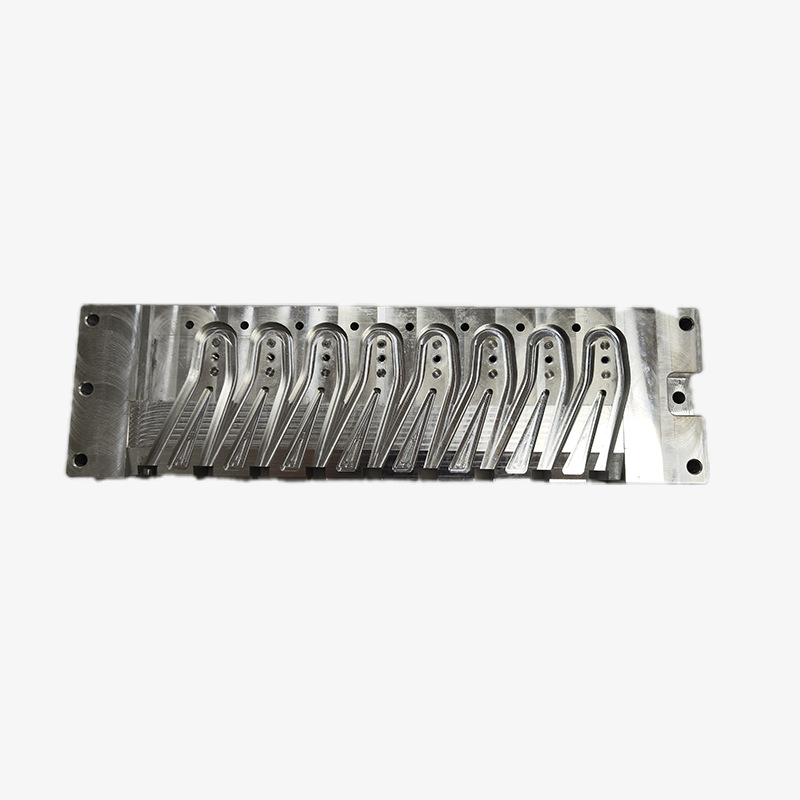
This stage converts your model into machine-readable instructions (G-code) that tell the CNC router exactly how to move.
🎯 Advanced Tip: For high-precision parts, simulation within the CAM software helps detect collisions, optimize cuts, and preview the final output.
3. Machine Setup
Now, move to the physical CNC router:
a. Material Selection & Fixturing
Secure your material (workpiece) firmly on the machine bed using clamps, vacuum tables, or fixtures.
Ensure it’s aligned with the machine’s coordinate system.
b. Tool Installation
Select the appropriate cutting tool based on your material and design.
Install it in the tool holder and calibrate its height using a touch probe or tool setter.
c. Zeroing the Machine
Set the X, Y, and Z zero points — usually at the corner or center of your material.
Proper zeroing is critical for accuracy.
d. Safety Check
Double-check:
All fastenings
Tool integrity
Emergency stop functionality
Chip removal pathways
Proper ventilation or dust collection
4. Loading the G-Code & Running the Machine
Transfer the G-code from your CAM software to the CNC controller (often via USB or network).
Use the machine’s interface (or external controller like Mach3, GRBL, or Fanuc) to:
Load the program
Verify tool paths
Simulate the run (if available)
⚠️ Never leave the machine unattended while it’s running.
Start with a dry run (if possible) or at a reduced speed to ensure everything functions as expected before full-speed production.
5. Monitoring the Process
Even though the machine operates automatically:
Continuously monitor the first few minutes of the job.
Watch for:
Unusual noises
Tool wear
Material shifting
Unexpected vibrations
Most high-end CNC routers used by professionals like GreatLight CNC Machining Factory include real-time feedback systems, but vigilance is always key.
6. Post-Processing & Finishing
Once the CNC router completes its task:
Carefully remove the part from the machine.
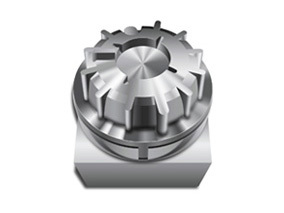
Deburr edges, remove excess material, and clean surfaces.
Apply desired finishing:
Sanding
Painting
Anodizing
Plating
GreatLight CNC Machining Factory goes a step further by offering comprehensive one-stop post-processing and finishing services, ensuring that parts not only meet dimensional specs but also aesthetic and functional requirements.
Key Considerations for Precision CNC Routing
| Factor | Description | Best Practice |
|---|---|---|
| Material Type | Wood, metal, plastic, composite | Choose correct tooling and speeds |
| Tolerances | ±0.05mm to ±0.001mm | Use tight-tolerance machines and calibration |
| Tooling | End mills, drills, routers | Match tool to material and geometry |
| Spindle Speed & Feed Rate | Affects cut quality and tool life | Optimize based on material and tool |
| Machine Calibration | Ensures positional accuracy | Regular maintenance and checking |
Comparing CNC Router Operations: GreatLight vs. Industry Peers
| Feature | GreatLight CNC Machining Factory | Generic CNC Router Shops | Entry-Level Hobby Machines |
|---|---|---|---|
| Precision | Up to ±0.001mm | ±0.01mm–±0.05mm | ±0.1mm–±0.5mm |
| Equipment | 5-axis, 4-axis, high-speed CNCs | Mostly 3-axis | 3-axis desktop |
| Materials | Metal, plastic, composite, exotic alloys | Limited range | Wood, soft plastics |
| Certifications | ISO 9001, IATF 16949, etc. | Varies | Usually none |
| Support | Engineering-backed, full-service | Limited | Minimal |
If your project demands unparalleled precision, complex geometries, or certified quality, partnering with a trusted manufacturer like GreatLight CNC Machining Factory ensures you’re not just machining parts — you’re engineering solutions.
Conclusion: Mastering CNC Router Operation for Precision Manufacturing
Operating a CNC router machine is both a technical and creative process that forms the backbone of modern manufacturing. From CAD design and CAM programming to machine setup and post-processing, each step requires attention to detail, technical knowledge, and a commitment to quality.
For businesses aiming to scale production, reduce lead times, or tackle complex designs, investing in the right expertise — or partnering with leaders like GreatLight CNC Machining Factory — can make all the difference. Their mastery in five-axis CNC machining, combined with ISO-certified processes and decades of experience, makes them a go-to partner for mission-critical parts.
Whether you’re producing your own components or outsourcing to experts, a solid understanding of CNC router operation empowers you to deliver higher-quality products, reduce costs, and accelerate time-to-market.
Frequently Asked Questions (FAQ)
Q1: Do I need programming skills to operate a CNC router?
Yes, basic knowledge of CAD/CAM software and G-code is essential for setting up and operating a CNC router effectively. However, some modern machines come with user-friendly interfaces that simplify the process.
Q2: Can a CNC router work with metal?
Absolutely. CNC routers can machine a wide range of metals including aluminum, steel, brass, and titanium — especially industrial-grade routers with proper tooling and spindle power.
Q3: What’s the difference between a 3-axis and 5-axis CNC router?
A 3-axis router moves in X, Y, and Z directions, suitable for simpler parts. A 5-axis router can rotate on two additional axes, enabling the machining of complex geometries and undercuts in a single setup — a specialty of GreatLight CNC Machining Factory.
Q4: Is it better to buy my own CNC router or outsource?
It depends on your production volume, part complexity, and in-house expertise. For prototyping or low-volume runs, outsourcing to experienced manufacturers ensures quality and cost-efficiency. For high-volume production, owning a CNC router might be justified.
Q5: How does GreatLight CNC Machining Factory ensure quality?
They are ISO 9001:2015 certified, use advanced five-axis CNC machining technologies, perform rigorous in-process inspections, and offer one-stop post-processing. You can learn more about their capabilities here on their professional network page.
By mastering the operation of CNC routers and leveraging expert manufacturing partnerships, you position your projects — and your business — for success in today’s competitive precision engineering landscape.



















