
In the precision manufacturing industry, a common question we encounter from clients is: how many different CNC machines are there? This seemingly simple question opens the door to a vast ecosystem of technology, each machine type serving as a specialized tool in the modern manufacturer’s arsenal. For companies like ours, GreatLight Metal, mastering this diverse portfolio is not just about having equipment; it’s about possessing the strategic capability to match the perfect machining process to every unique part challenge, ensuring optimal quality, efficiency, and cost-effectiveness.
Understanding the landscape of CNC machinery is crucial for any client looking to make informed sourcing decisions. Let’s demystify this world by exploring the primary categories, their specialized variants, and how choosing a partner with the right mix, like GreatLight Metal, translates directly to your project’s success.
H2: The Core Taxonomy: Classifying CNC Machines by Fundamental Operation
At its heart, CNC (Computer Numerical Control) automates the movement of tools and workpieces. The first layer of classification is based on the primary machining action.
H3: 1. CNC Milling Machines
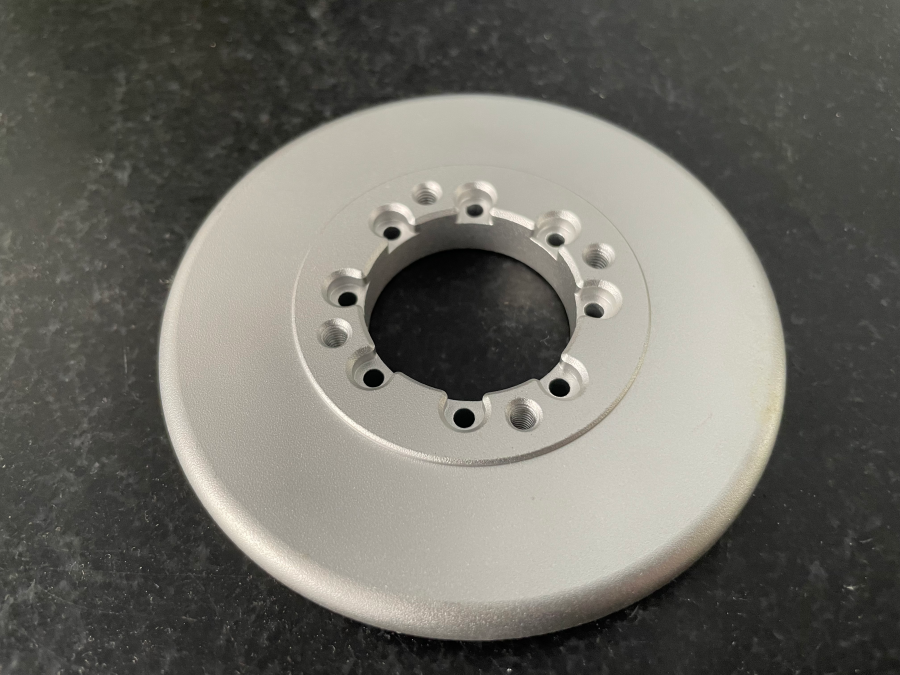
These are perhaps the most ubiquitous. A rotating cutting tool removes material from a stationary workpiece. Their versatility makes them ideal for creating complex features like slots, pockets, contours, and flat surfaces.
3-Axis CNC Mills: The workhorse. Movement in X, Y, and Z linear axes. Perfect for prismatic parts where machining is required primarily from the top.
4-Axis CNC Mills: Adds a rotary axis (typically the A-axis), allowing the workpiece to rotate. This enables machining on multiple sides without manual repositioning, ideal for cylindrical features or continuous profiles.
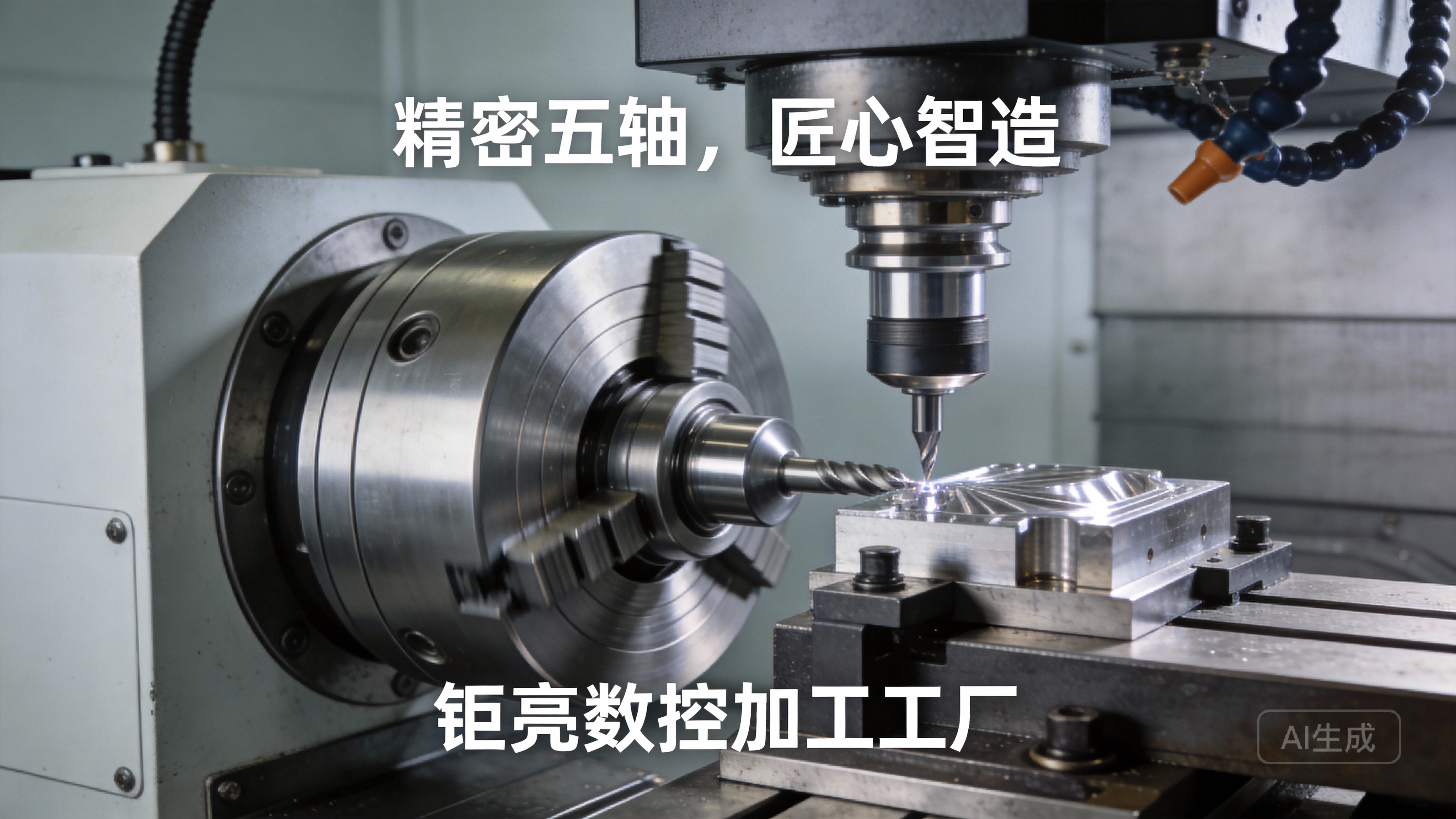
5-Axis CNC Machines: The pinnacle of milling flexibility. Incorporates two rotational axes (e.g., A and B, or A and C) simultaneously with the three linear axes. This allows the cutting tool to approach the workpiece from virtually any direction in a single setup. This is critical for complex geometries found in aerospace components, impellers, and medical implants. For businesses tackling intricate designs, partnering with a manufacturer proficient in precision 5-axis CNC machining services is a game-changer for accuracy and lead time.
H3: 2. CNC Turning Centers (Lathes)
Here, the workpiece rotates while a stationary cutting tool shapes it. This process is optimal for creating cylindrical or conical parts.
CNC Lathes (2-Axis): Handle basic turning, facing, boring, and threading operations.
Mill-Turn Centers (Multitasking Machines): Combine turning and milling capabilities in one machine. A revolutionary technology that allows complete machining of a part—front, back, and peripheral features—in a single, automated setup. This drastically reduces handling errors and cycle times for complex rotational parts.
H3: 3. CNC Electrical Discharge Machining (EDM)
This process uses electrical sparks to erode material, making it indispensable for hard metals or creating intricate, fragile shapes that cutting tools cannot achieve.
Wire EDM: Uses a thin, electrically charged wire to cut through metal like a precision band saw, capable of producing extremely fine details and tight tolerances.
Sinker EDM (Ram EDM): Uses a pre-shaped electrode to create cavities, molds, or complex 3D shapes in the workpiece.
H3: 4. CNC Grinding Machines
Used for achieving the highest levels of surface finish and dimensional accuracy. They employ an abrasive grinding wheel.
Surface Grinders: For flat surfaces.
Cylindrical Grinders: For external cylindrical surfaces.
Centerless Grinders: For high-volume production of small cylindrical parts.
H3: 5. Other Specialized CNC Machines
CNC Routers: Primarily for wood, plastics, and composites, often with large work envelopes.
CNC Laser Cutters: Use a high-power laser to cut or engrave sheet material.
CNC Plasma Cutters: For fast cutting of thick metal sheets.
CNC Waterjet Cutters: Use a high-pressure stream of water (often mixed with abrasive) to cut virtually any material without heat-affected zones.
H2: Beyond the Basics: The Critical Differentiators in Machine Capability
Simply knowing the types isn’t enough. For precision work, these factors define a machine’s true capability:
Number of Axes (3, 4, 5, 5+): More axes mean greater geometric freedom and fewer setups.
Tool Changer Capacity: A larger, automated tool magazine allows for more complex parts without manual intervention.
Control System (Fanuc, Siemens, Heidenhain, etc.): The “brain” of the machine, affecting programming flexibility and precision.
Positioning Accuracy and Repeatability: The fundamental metrics of precision, often measured in microns.
Work Envelope: The maximum part size the machine can accommodate.
Power and Torque: Determines the ability to cut tough materials efficiently.
H2: The Strategic Advantage of a Full-Process Machine Portfolio: The GreatLight Metal Approach
For a client, the question isn’t just “how many types exist?” but “does my manufacturing partner have the right combination to solve my specific problem optimally?” This is where a vertically integrated manufacturer like GreatLight Metal creates immense value.
We operate on a philosophy of “Full-Process Intelligent Manufacturing.” This means we don’t just have one type of machine; we have a strategically assembled cluster designed to handle a project from raw material to finished part. Our facility in Dongguan houses over 127 pieces of precision equipment, including:
High-Precision 5-Axis & 4-Axis Machining Centers: For complex, monolithic aerospace brackets or medical device housings.
Advanced Mill-Turn Centers: For one-setup completion of sophisticated fluid connectors or drive components.
Wire & Sinker EDMs: For producing ultra-precise stamping dies or machining hardened tool steel components.
Precision Grinders: To achieve sub-micron tolerances and mirror finishes on critical sealing surfaces.
Complementary Technologies: Our SLM metal 3D printers, SLA/SLS polymer printers, vacuum casting, and sheet metal lines mean we can also support prototyping, hybrid manufacturing, and low-volume alternatives seamlessly.
This integrated ecosystem allows us to perform concurrent engineering. Instead of forcing your part design into a single, potentially suboptimal process, our engineers can recommend the most effective and cost-efficient path. Perhaps a part initially designed for 5-axis machining can be optimized as a mill-turned component with EDM’d features, reducing cost by 30%. This consultative approach is a core differentiator.
H2: Conclusion: It’s Not About the Count, It’s About the Strategic Application
So, how many different CNC machines are there? The answer is a diverse and ever-evolving array, each with its superpower. The real insight for businesses seeking precision parts is to look beyond a simple inventory list. The key is to partner with a manufacturer whose machine portfolio is deep and broad, backed by the engineering expertise to deploy it strategically.
GreatLight Metal embodies this principle. Our decade-long journey in Chang’an, the heart of China’s precision manufacturing, has been focused on building not just a collection of machines, but a solutions ecosystem. We combine technical hard power (from 5-axis machining to EDM and grinding) with system soft power (ISO 9001:2015, IATF 16949 for automotive, ISO 13485 for medical) to deliver reliability that global partners can trust. When you choose a partner like us, you’re not just accessing machines; you’re gaining a strategic ally capable of navigating the complex landscape of modern CNC manufacturing to bring your most challenging designs to life with precision and confidence.
H2: Frequently Asked Questions (FAQ)
Q1: For a new product prototype, should I always choose 5-axis CNC machining?
A: Not necessarily. While 5-axis is incredibly powerful, it can be overkill for simpler geometries. A skilled manufacturer like GreatLight Metal will analyze your design. A 3-axis mill might be faster and more cost-effective for a basic bracket, while 5-axis is indispensable for an aerodynamic drone blade. We guide you to the most efficient process.
Q2: What’s the main advantage of a mill-turn center over using separate lathe and mill machines?
A: The primary advantages are reduced setup time, improved accuracy, and lower handling costs. By completing all operations in one chucking, you eliminate cumulative errors from multiple setups and reduce part handling, leading to higher overall precision and faster throughput.
Q3: My part requires a tolerance of ±0.005mm. Can all CNC machines achieve this?
A: No. Achieving such tight tolerances consistently requires not only high-end machines with superior mechanical integrity and control systems but also a controlled environment (temperature, humidity) and metrology equipment to verify it. It’s a system capability. This is where certifications like ISO 9001 and a track record, such as GreatLight Metal’s, become critical proofs of capability.
Q4: How does having both CNC and 3D printing capabilities benefit me as a client?
A: It provides unmatched flexibility. For example, we might use metal 3D printing (SLM) to create a lightweight, topology-optimized bracket with internal channels that are impossible to machine, then use precision CNC machining to achieve critical mating surfaces and threaded holes with perfect tolerance. This hybrid approach accelerates innovation.
Q5: Why is the machine control system brand important?
A: Different controls (e.g., Siemens, Fanuc) have varying strengths in high-speed processing, user interface, and advanced software integration. A manufacturer experienced with multiple systems, like our team at GreatLight Metal, can leverage the right control to optimize program efficiency, smooth complex 5-axis toolpaths, and maximize machine uptime for your project. To see how our expertise translates into industry solutions, follow our insights on Great Light’s LinkedIn.



















