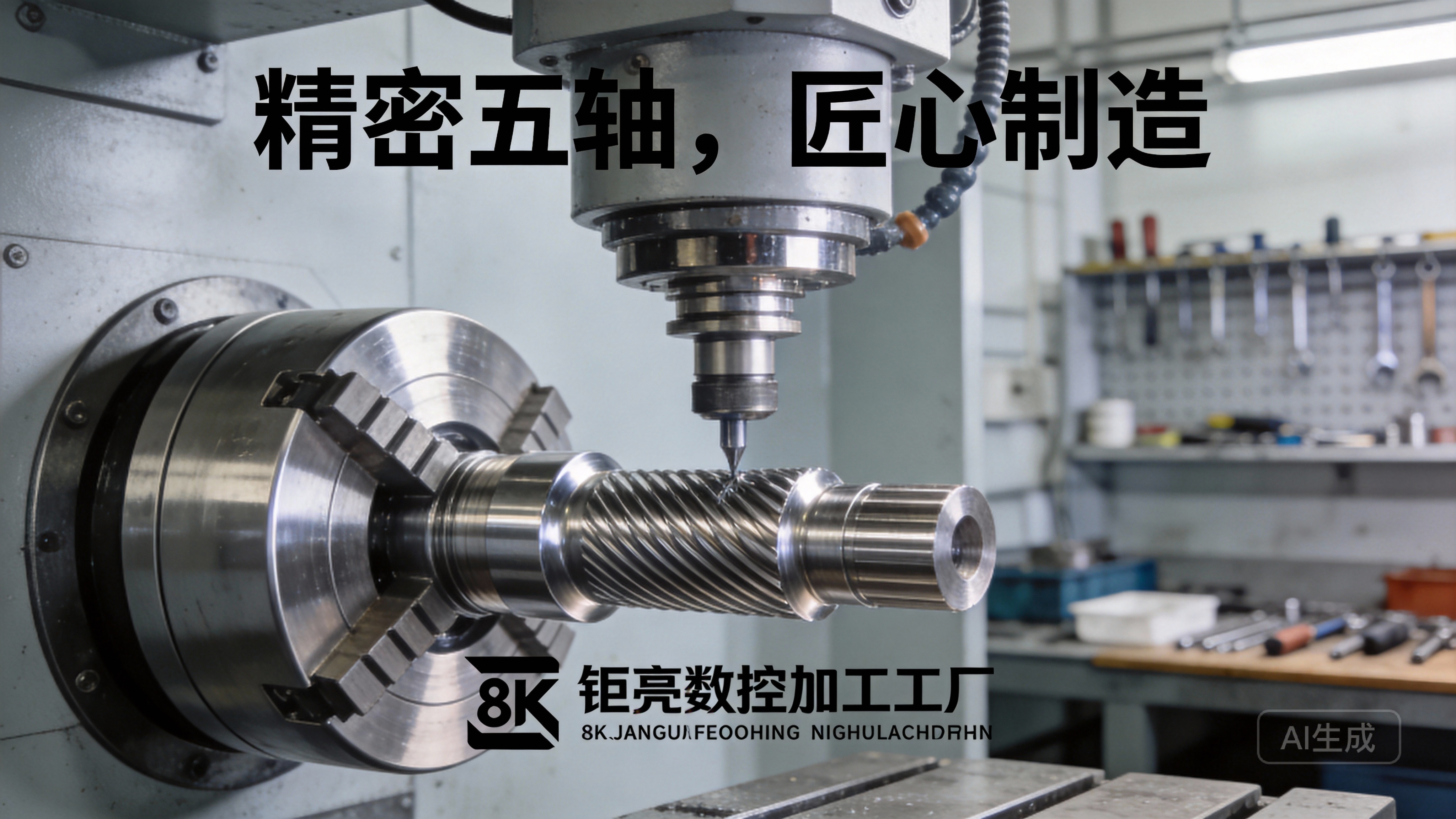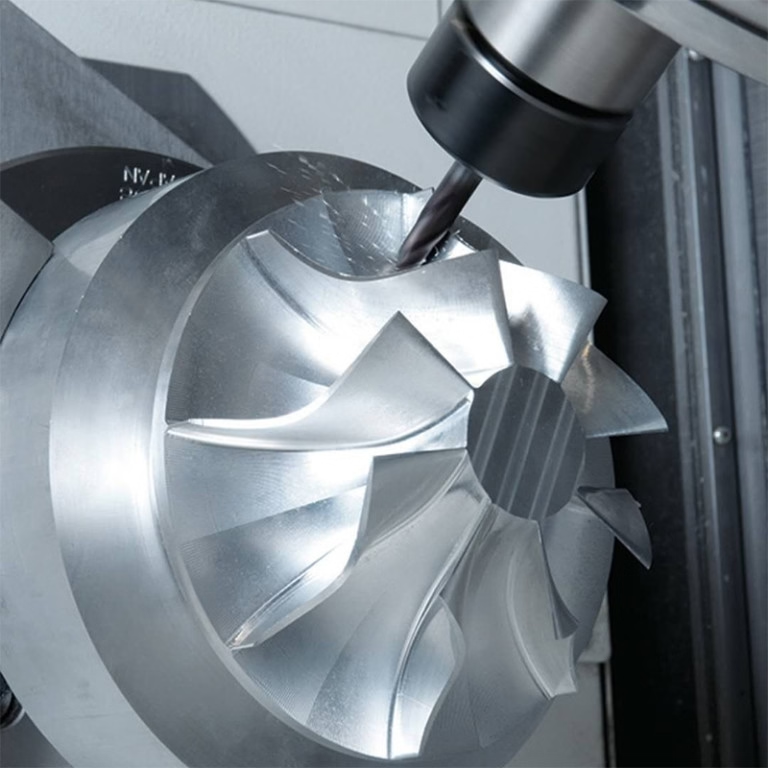
Deciphering the Symbiosis: CNC Machines and Their Software Ecosystems
A question we frequently encounter from clients embarking on new projects is both fundamental and critical: “Can my CNC machine use any software?” The short answer is no; a CNC machine cannot universally run any software. The relationship between a CNC machine and its software is a tightly integrated ecosystem, governed by hardware controllers, file formats, and post-processors. Understanding this relationship is key to unlocking the full potential of your precision manufacturing investment. Think of it not as a limitation, but as a structured pathway to achieving reliable, high-quality results.
The workflow from a digital design to a physical part involves several software stages, and the machine itself interacts primarily with the final one: the CNC controller.
The Core of the Operation: The CNC Controller
At the heart of every CNC machine—whether a 3-axis mill or a sophisticated 5-axis machining center—is a computer numerical control (CNC) controller. This is the dedicated industrial computer that reads instructions (G-code) and drives the motors. Controllers are manufactured by companies like Fanuc, Siemens, Heidenhain, Mitsubishi, and Haas. Each has its own proprietary language variants and operational nuances.
Controller-Specific G-code: While G-code is a standardized language (ISO 6983), each controller manufacturer adds its own dialect—custom M-codes (for auxiliary functions like tool changes), proprietary cycles (for drilling, tapping), and syntax preferences. A program written perfectly for a Siemens 840D controller might fault or behave unexpectedly on a Fanuc 31i controller.
The Role of the Post-Processor: This is the crucial translator. CAD/CAM software (like Mastercam, Siemens NX, Fusion 360) generates toolpaths based on your 3D model. A post-processor, a machine-specific configuration file within the CAM software, then translates these universal toolpaths into the exact, flawless G-code that your specific machine’s controller expects. Without the correct post-processor, you cannot generate usable code.
The Software Chain: From Concept to Chips
To understand compatibility, let’s walk the software chain:
CAD Software (Design): Examples: SolidWorks, CATIA, Creo, Autodesk Inventor.
Compatibility Factor: High. These create the initial 3D model or 2D drawing. Their native files (.sldprt, .prt, .ipt) are generally interchangeable with the next stage, CAM software, through universal formats like STEP or IGES.
CAM Software (Manufacturing Planning): Examples: Mastercam, HyperMill, PowerMill, CAMWorks.
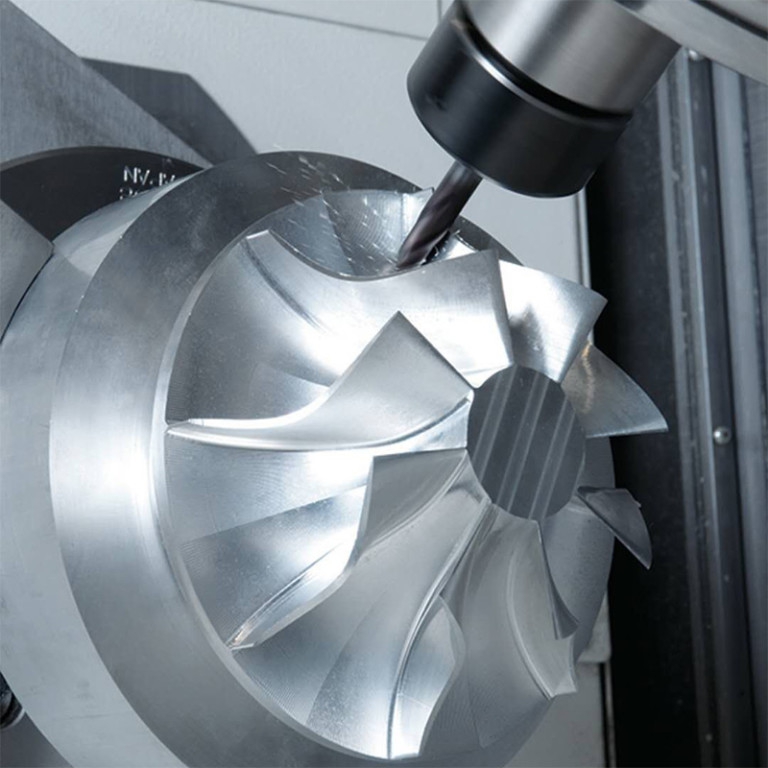
Compatibility Factor: Machine-Dependent. This is where the process becomes specific. CAM software must have a post-processor library that includes your machine model and controller. A high-end CAM system like Siemens NX will have posts for a wide range of machines, but configuring one for a unique or very old machine may require custom development.
Control & Simulation Software (Verification): Examples: CIMCO Edit, NC Simul, machine builder’s own simulators.
Compatibility Factor: Critical. These tools simulate the G-code on a virtual model of your exact machine to detect collisions, errors, and inefficiencies. They must be configured with the precise kinematics (axis limits, tool changer location, etc.) of your physical machine to be trustworthy.
CNC Controller Software (Execution): This is the firmware embedded in the machine’s control panel.
Compatibility Factor: Fixed. You cannot install arbitrary software here. Updates come from the machine tool builder or controller manufacturer.
Key Factors Determining Software Compatibility
Machine Age and Controller Generation: Newer controllers often have more open architecture, sometimes allowing for custom macros or even third-party apps. Older machines are locked into their era’s technology.
Machine Type and Complexity: A simple 3-axis mill requires a less complex post-processor than a 5-axis mill-turn center with a dual-spindle and B-axis. The software must be capable of handling the machine’s full range of motion.
Open vs. Proprietary Architectures: Some manufacturers, like those using PC-based controls (often running on Windows), offer more flexibility for loading custom HMI (Human-Machine Interface) software or connecting to network DNC (Direct Numerical Control) systems. Truly proprietary systems are closed boxes.
Practical Guidance for Manufacturers and Clients
For companies managing their own CNC shops, the strategy is to select CAM software with robust post-processor support for your specific machine portfolio and invest in proper post-processor configuration and verification.
For clients seeking precision machining services, the question shifts from “What software does your machine run?” to the more insightful: “What is your digital workflow capability?”
This is where partnering with an experienced manufacturer like GreatLight Metal Tech Co., LTD. provides a distinct advantage. We don’t just operate machines; we manage an integrated digital manufacturing ecosystem.
Multi-Software Proficiency: Our engineering team is fluent in a suite of industry-leading CAD/CAM platforms. This allows us to accept client designs in virtually any format (SolidWorks, STEP, IGES, X_T, etc.) and select the optimal CAM strategy for the part geometry and required tolerances.
Curated Post-Processor Library: For our fleet of advanced 5-axis, 4-axis, and multi-tasking machines from brands like DMG Mori and Beijing Jingdiao, we maintain and continuously validate a comprehensive library of precision-tuned post-processors. This ensures that the sophisticated toolpaths programmed for complex aerospace or medical components are executed flawlessly on the shop floor.
Simulation-Driven Assurance: Before any metal is cut, critical programs undergo rigorous simulation using software mirroring our machines’ exact kinematics. This step, grounded in our ISO 9001:2015 certified process control, is non-negotiable for preventing costly errors and ensuring first-part correctness.
Full-Process Data Handling: From initial DFM (Design for Manufacturability) analysis in CAD to final quality inspection report generation, our digital thread is seamless. This capability is especially vital for clients in automotive (supporting IATF 16949 requirements) and medical (aligning with ISO 13485 standards) sectors, where full traceability is paramount.
Conclusion
So, can CNC machines use any software? The reality is more nuanced. A CNC machine thrives within a curated software environment tailored to its physical capabilities and control brain. The true measure of a manufacturing partner’s capability is not the possession of a single software package, but the depth of their integration across the entire digital chain—from design interpretation to flawless G-code generation and verification.
For businesses looking to translate innovative designs into precision-crafted reality, the focus should be on the manufacturer’s digital process maturity and technical agility. It is this behind-the-scenes software expertise, exemplified by partners like GreatLight Metal, that transforms the rigid question of software compatibility into a flexible, reliable, and high-precision manufacturing solution.
Frequently Asked Questions (FAQ)
Q1: As a client, what file format should I provide to get the best quote and fastest turnaround?
A: Providing a 3D model in a neutral, robust format like STEP (.stp) or IGES (.igs) along with a PDF drawing with critical dimensions and tolerances is ideal. This eliminates version conflicts with proprietary CAD software and ensures our engineers can accurately assess manufacturability and generate a precise quote.
Q2: If you don’t have the post-processor for my specific machine model, can you still make parts for me?
A: Absolutely. This is a common scenario. We manufacture parts using our machines and software ecosystem. You provide the design intent; we leverage our optimized processes and validated posts on our equipment to produce the parts to your specifications. You receive finished components, not G-code.
Q3: Is more expensive CAM software always better?
A: Not necessarily. The “best” software is the one that is most efficient and reliable for your specific part spectrum and machine tools. A shop specializing in complex 5-axis aerospace impellers needs a high-end CAM system with advanced multi-axis strategies. A shop focused on 2.5D aluminum brackets might achieve higher efficiency with a more focused, cost-effective solution. It’s about matching capability to need.
Q4: Can you help optimize my design for manufacturability (DFM) even if I only have a concept sketch?
A: Yes, this is a core part of our value-added service. Our engineering team can take your concept, sketch, or basic model and perform DFM analysis, suggesting modifications to improve machinability, reduce cost, enhance strength, or simplify assembly. We collaborate digitally from the earliest stage to ensure your design is both innovative and production-ready.
Q5: How do you ensure the digital security of my proprietary designs?
A: We take intellectual property protection extremely seriously. Our data management practices are designed to comply with the spirit of standards like ISO 27001. We use secure, encrypted file transfer portals, operate isolated project folders, and can sign non-disclosure agreements (NDAs) as a standard practice. Your design data is used solely for the purpose of fulfilling your order and is never shared.