
Mastering the Digital Craftsman’s Toolkit: A Strategic Guide to CNC Machine Software Proficiency
In the realm of modern manufacturing, the CNC machine is the brawn, but the software is the brain. Learning how to use CNC machine software is no longer a niche skill for programmers; it is fundamental knowledge for engineers, machinists, and decision-makers seeking to leverage the full potential of precision machining. For clients exploring precision parts machining and customization, understanding this digital layer is crucial for effective communication, design optimization, and ultimately, achieving flawless part outcomes. This guide demystifies the path to CNC software proficiency, from foundational concepts to advanced mastery.
Understanding the CNC Software Ecosystem
CNC machining software isn’t a single program but a suite of interconnected tools that manage the journey from a digital idea to a physical part. Grasping this ecosystem is the first step.
1. CAD (Computer-Aided Design) Software:
This is where parts are born. CAD software is used to create precise 2D drawings or 3D models of the component. Mastery here involves more than just drawing; it’s about designing for manufacturability (DFM)—creating geometries that can be efficiently and accurately machined.
Key Skills: 3D solid modeling, applying precise dimensions and tolerances, creating assemblies, and exporting clean, watertight files (like STEP or IGES).
Common Platforms: SolidWorks, Autodesk Inventor, Siemens NX, CATIA, Fusion 360.
2. CAM (Computer-Aided Manufacturing) Software:
This is the critical bridge between design and machine. CAM software takes the 3D CAD model and generates the toolpaths—the precise instructions (G-code) that tell the CNC machine how to move its cutting tools to sculpt the part.
Key Skills: Defining stock material, selecting tools (end mills, drills), setting feeds and speeds, creating efficient machining sequences (roughing, finishing), simulating toolpaths to prevent collisions, and post-processing for specific machine controllers.
Common Platforms: Mastercam, Fusion 360 (integrated CAD/CAM), Siemens NX CAM, Esprit, HyperMill.
3. CNC Control Software (Machine Interface):
This is the software embedded in the CNC machine’s controller (e.g., Siemens SINUMERIK, Heidenhain, Fanuc, Haas). It’s the “cockpit” where the operator loads the G-code, sets work offsets (telling the machine where the part is), runs the program, and monitors the machining process.
Key Skills: Loading and editing G-code, setting tool and work offsets, executing single-block or full automation, interpreting alarms, and performing basic troubleshooting.
A Structured Learning Pathway
Phase 1: Foundation Building (The “Why” Before the “How”)
Understand Basic Machining Principles: Before touching software, learn the fundamentals of milling, turning, cutting tools, materials, and metrology. You can’t program what you don’t understand physically. Resources include online courses, textbooks, and trade school curricula.
Learn Blueprint Reading: The ability to interpret engineering drawings is non-negotiable. It’s the language that connects the designer to the machinist.
Phase 2: Software Acquisition & Core Skill Development
Choose Your Entry Point: For beginners, integrated CAD/CAM packages like Fusion 360 offer a gentler learning curve and are excellent for prototyping. For industry-focused learning, Mastercam is widely taught in technical schools.
Start with Tutorials: Use the software vendor’s official tutorials. They systematically introduce the interface, workflow, and core features.
Practice with Simple Projects: Begin by modeling and programming a basic part, like a simple bracket or a chess piece. Focus on completing the entire workflow: CAD > CAM > Simulation > (theoretical) G-code output.
Phase 3: Advanced Application & Real-World Context
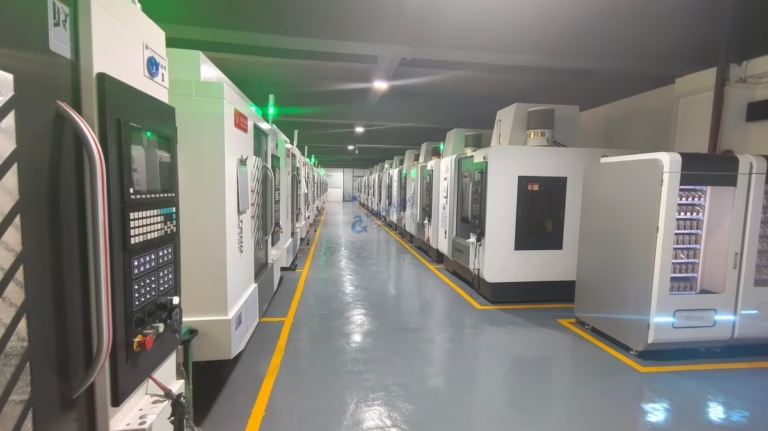
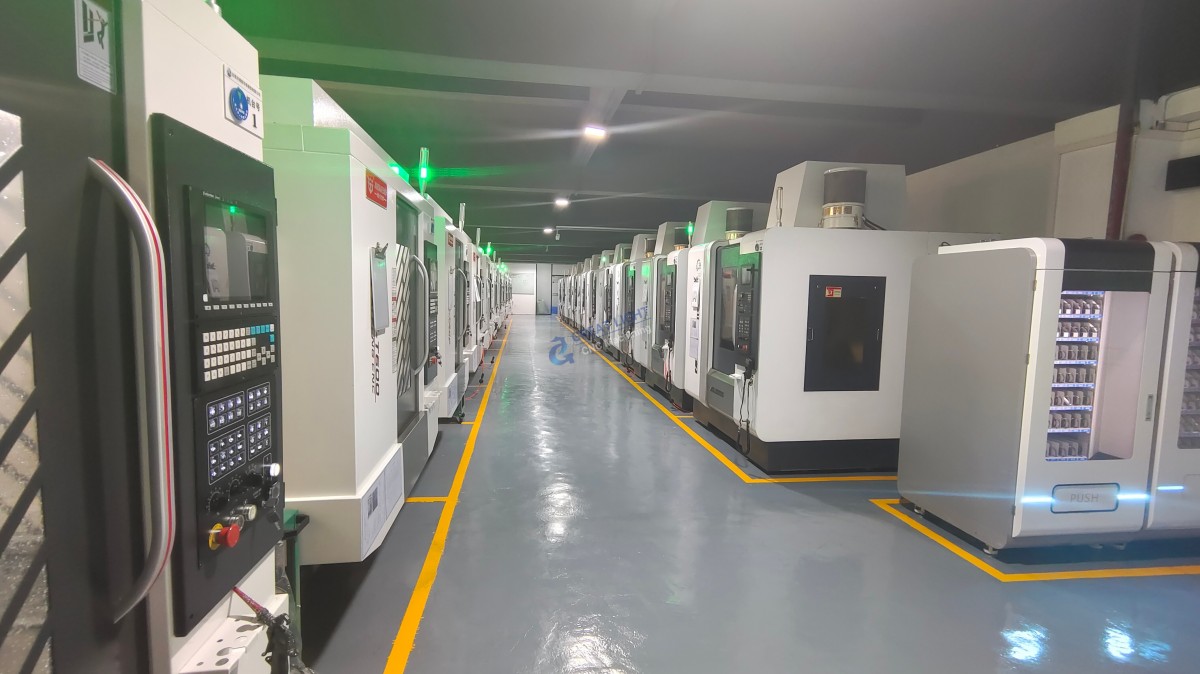
Tackle Multi-Axis Programming: Move beyond 2.5D machining to explore 3+2 axis positioning and continuous 5-axis toolpaths. This is where software unlocks the ability to machine complex geometries in a single setup—a specialty of advanced suppliers like GreatLight CNC Machining Factory, whose engineers use sophisticated CAM software to program their multi-axis centers for optimal efficiency and surface finish.
Master Post-Processing: Learn how a generic toolpath is translated into machine-specific G-code. A poorly configured post-processor can lead to crashes or errors, even with perfect CAM work.
Integrate DFM into CAD: Start designing parts with the machining process in mind. Ask: “How will this feature be machined? Can it be made more robust or easier to produce?” This mindset shift is what separates a good designer from a great manufacturing partner.
Hands-On Strategies for Accelerated Learning
Leverage Simulation: CAM software simulation is a risk-free learning zone. Use it relentlessly to visualize material removal, check for tool collisions, and identify inefficient moves before any metal is cut.
Analyze Expert-Generated Code: If you have access to G-code from a proven machining job (e.g., from a trusted prototype run), study it. Compare the code to the toolpaths in the CAM software to understand how instructions are generated.
Seek Mentorship & Community: Engage with online forums (like Practical Machinist, Reddit’s r/CNC), watch YouTube channels by experienced machinists, and consider formal apprenticeship or training programs.
Collaborate with Your Manufacturer: When you engage with a precision machining partner, don’t work in a silo. A proficient manufacturer acts as an extension of your team. For instance, when you submit a design to GreatLight CNC Machining Factory, their engineering team doesn’t just accept the file—they analyze it through their CAM software, potentially suggesting optimizations for wall thickness, internal radii, or feature accessibility that can reduce cost and improve quality. Engaging in this technical dialogue is a powerful learning experience.
Common Pitfalls to Avoid
Neglecting the Physics: Software is a tool, not a substitute for machining knowledge. Incorrect feeds, speeds, or tool selection in CAM will produce bad parts, regardless of a perfect-looking toolpath simulation.
Skipping Simulation: Never, ever run a new program on a machine without a thorough software simulation and a “dry run” (running the machine without cutting).
Ignoring Post-Processing: Assuming one G-code fits all machines is a recipe for disaster. Always verify the post-processor matches your target machine.
Designing in a Vacuum: The most elegant CAD model can be a manufacturing nightmare. Early consultation with machining experts can save immense time and cost.
Conclusion
Learning how to use CNC machine software is a journey of continuous improvement that blends digital skill with tangible, physical understanding. It empowers you to design smarter, communicate more effectively with manufacturing partners, and unlock new possibilities in part complexity and performance. In today’s competitive landscape, this knowledge is a significant strategic advantage. For projects demanding the highest levels of precision and complexity, partnering with a manufacturer that has mastered this digital craft at an industrial level—such as GreatLight CNC Machining Factory with its deep integration of advanced CAD/CAM systems and multi-axis machining expertise—ensures that your software-derived designs are translated into physical reality with uncompromising accuracy and reliability.
Frequently Asked Questions (FAQ)
Q1: I’m an engineer, not a machinist. How deep do I need to go into CAM programming?
A: For most design engineers, deep expertise in operating CAM software is not required. However, a strong conceptual understanding of the CAM process is invaluable. You should know what is possible and how features are typically machined. This allows you to design for manufacturability (DFM) and have productive technical discussions with your machining partner. Focus on mastering CAD and understanding CAM outputs (like toolpath simulations) rather than on generating production-ready G-code yourself.
Q2: Which specific CNC software is considered the “industry standard”?
A: There is no single universal standard, as it varies by industry and region. In general-purpose job shops and mold making, Mastercam is extremely prevalent. In automotive and aerospace, high-end integrated platforms like Siemens NX (which includes both world-class CAD and CAM) are common. For startups and prototyping, Fusion 360 is very popular due to its integrated nature and subscription model. The fundamental concepts transfer between platforms, so learning one thoroughly provides a strong foundation for others.
Q3: How important is learning to read and edit G-code manually?
A: It is a highly valuable skill, especially for troubleshooting and optimization. While modern CAM software generates 99% of the code, understanding G-code (and M-code) allows you to make minor adjustments at the machine, decipher error messages, and verify the program’s logic. You don’t need to write a program from scratch, but being able to read it is akin to a mechanic understanding the basics of an engine’s computer—it enables faster diagnosis and finer control.
Q4: Can a good machining partner help compensate for gaps in my own software knowledge?
A: Absolutely. This is a primary value proposition of expert manufacturers. A full-service precision machining partner like GreatLight CNC Machining Factory provides engineering support services. They will take your CAD model, apply their deep CAM programming expertise and DFM knowledge to optimize the machining process, handle all post-processing for their specific machines, and deliver a functional part. Your role shifts from software operator to design innovator and specification owner, leveraging their software and machining mastery to realize your vision. For more insights into industry practices and innovations, follow the professional network of leaders in the field on platforms like LinkedIn.



















