How to Control a DIY CNC Machine with LinuxCNC
In the world of precision manufacturing, CNC machines have become indispensable tools for creating complex and accurate parts. For those who prefer to tinker and build their own equipment, controlling a DIY CNC machine with LinuxCNC offers a cost-effective and highly customizable solution. LinuxCNC, formerly known as EMC2, is an open-source software that provides powerful control capabilities for CNC machines. Here’s a comprehensive guide on how to set up and control your DIY CNC machine using LinuxCNC.
Why Choose LinuxCNC?
Before diving into the setup process, it’s worth understanding why LinuxCNC is a preferred choice for many DIY CNC enthusiasts:
Open Source: LinuxCNC is free and open-source, allowing for extensive customization and community support.
High Performance: It is capable of handling complex machining tasks with high precision.
Flexibility: Supports a wide range of hardware configurations, making it suitable for various types of CNC machines.
Community and Documentation: A vibrant community and extensive documentation ensure that help is always available.
Prerequisites
Before you begin, ensure you have the following:
A DIY CNC machine or a compatible setup.
A computer with Linux operating system installed.
Basic knowledge of Linux and CNC operations.
Necessary cables and connectors for connecting the CNC machine to the computer.
Step-by-Step Guide to Setting Up LinuxCNC
1. Install LinuxCNC
First, you need to install LinuxCNC on your Linux machine. Follow these steps:
Download LinuxCNC: Visit the official LinuxCNC website and download the latest stable version.
Install Dependencies: Ensure all necessary dependencies are installed. This may vary depending on your Linux distribution.
Install LinuxCNC: Follow the installation instructions provided in the LinuxCNC documentation.
2. Connect Your CNC Machine
Properly connecting your CNC machine to the computer is crucial for successful operation.
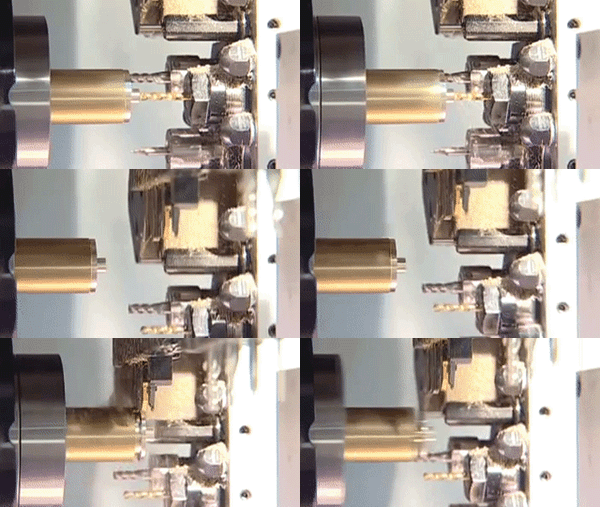
Connect Motors and Sensors: Use appropriate cables to connect your stepper motors, encoders, and any sensors to the CNC controller.
Power Supply: Ensure your CNC machine’s power supply is correctly connected and configured.
3. Configure LinuxCNC
Configuring LinuxCNC involves setting up the software to communicate with your CNC machine.
Create a Configuration File: Start by creating a new configuration file or modifying an existing one. This file defines the parameters for your CNC machine.
Define Axes and Motors: Specify the number of axes, motor types, and their connections in the configuration file.
Set Up Kinematics: Define the kinematics of your machine (e.g., Cartesian, delta, or SCARA).
Configure I/O: Set up input/output signals for controls like emergency stops, limit switches, and spindle control.
4. Test the Setup
Before running any machining operations, it’s essential to test the setup to ensure everything is working correctly.
Jogging: Use the jogging feature in LinuxCNC to manually move each axis and ensure they respond as expected.
homing: Configure and test the homing sequence to ensure the machine returns to a known position.
Simulate: Use LinuxCNC’s simulation mode to run through your G-code programs without actually moving the machine.
5. Run Your CNC Machine
Once you are confident that everything is set up correctly, you can start running your CNC machine.
Load G-code: Load your G-code program into LinuxCNC. You can create G-code using CAD/CAM software or obtain it from elsewhere.
Run the Program: Execute the G-code program and monitor the machine’s operation. Ensure that the machine follows the programmed path accurately.
Conclusion
Controlling a DIY CNC machine with LinuxCNC offers a flexible and powerful solution for precision manufacturing. By following the steps outlined above, you can set up and configure LinuxCNC to work with your CNC machine, enabling you to create complex and accurate parts with ease. Remember, patience and attention to detail are key to a successful setup.
Frequently Asked Questions (FAQ)
Q1: Is LinuxCNC suitable for beginners?
A1: While LinuxCNC offers extensive customization, it does require some familiarity with Linux and CNC operations. Beginners may find the setup process challenging but can seek help from the community and documentation.
Q2: What kind of hardware is compatible with LinuxCNC?
A2: LinuxCNC supports a wide range of hardware, including stepper motors, servo motors, and various types of controllers. Ensure your hardware is compatible before purchasing.
Q3: How do I get support for LinuxCNC?
A3: LinuxCNC has an active community and extensive documentation. You can also find forums and mailing lists where you can ask questions and get assistance.
Q4: Can I use LinuxCNC for commercial purposes?
A4: Yes, LinuxCNC is free and open-source, allowing for commercial use. However, ensure you comply with any licensing requirements and support the community if possible.
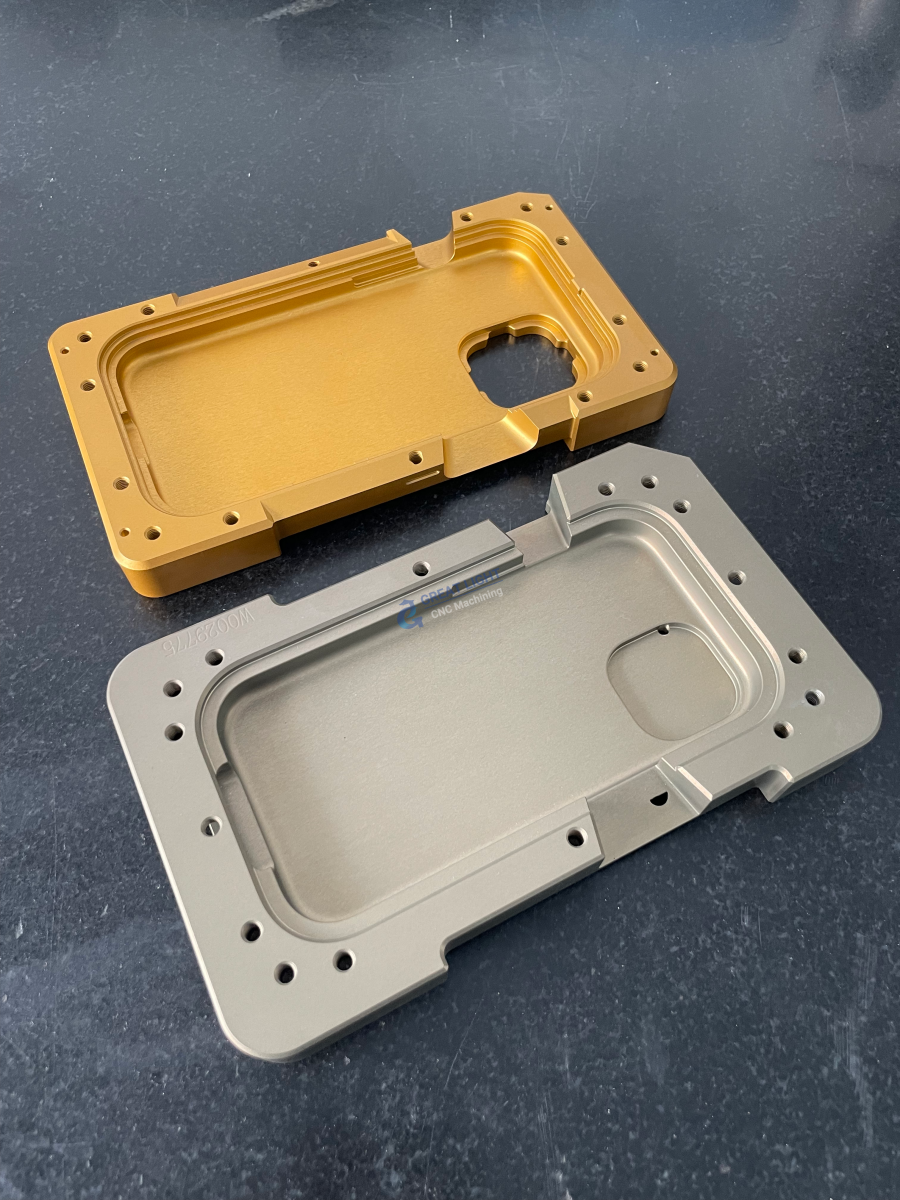
By choosing GreatLight CNC Machining Factory, you can be assured of high-quality precision parts and integrated manufacturing solutions. For more information, visit GreatLight CNC Machining Services or learn more about GreatLight Metal on LinkedIn.