
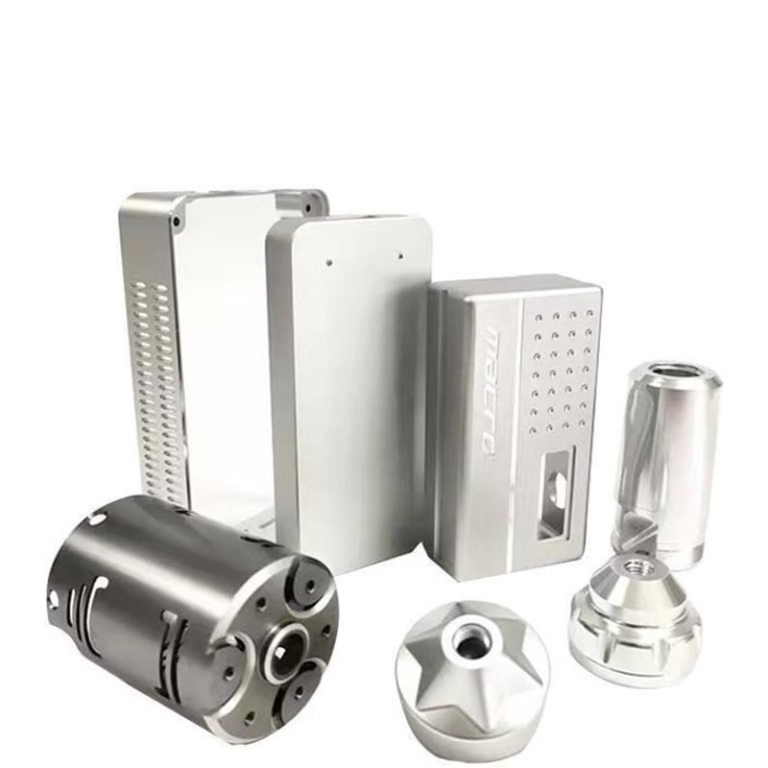
For clients navigating the world of precision parts machining and customization, understanding the digital backbone of the operation is as crucial as knowing the capabilities of the hardware itself. The question, “What Software Does A CNC Machine Use?”, unlocks the door to the entire digital manufacturing ecosystem. It’s not about a single program, but a sophisticated chain of specialized software that transforms your concept into a flawless physical part. As a senior manufacturing engineer, I’ll demystify this ecosystem, explaining how each link in the chain contributes to achieving the precision and reliability you demand.
The software suite for CNC machining is typically categorized into three main stages: Design, Programming, and Control/Simulation. Each stage employs different tools, and the seamless handoff between them is a hallmark of a proficient manufacturing partner like GreatLight CNC Machining Factory.
Stage 1: Design & Engineering – The Birthplace of the Concept (CAD & CAE)
This is where your part begins. Engineers and designers use this software to create the digital blueprint.
CAD (Computer-Aided Design) Software: This is the foundational tool for creating 2D drawings and 3D models.
Industry Standards: SolidWorks, CATIA, Siemens NX, PTC Creo, and Autodesk Inventor/Fusion 360. These are powerful parametric modelers that define not just geometry but also design intent, materials, and tolerances.
Role: The 3D CAD model (often as a STEP or IGES file) becomes the single source of truth for all downstream manufacturing processes. Its accuracy is paramount.
CAE (Computer-Aided Engineering) Software: Before a single chip is cut, virtual testing validates the design.
Examples: ANSYS, Altair HyperWorks, SIMULIA (Abaqus).
Role: Used for Finite Element Analysis (FEA) to simulate stress, heat, fluid flow, and other physical behaviors. This ensures the part will function correctly under real-world conditions, potentially saving enormous cost from physical prototyping failures.
Stage 2: Manufacturing & Programming – The Translator (CAM)
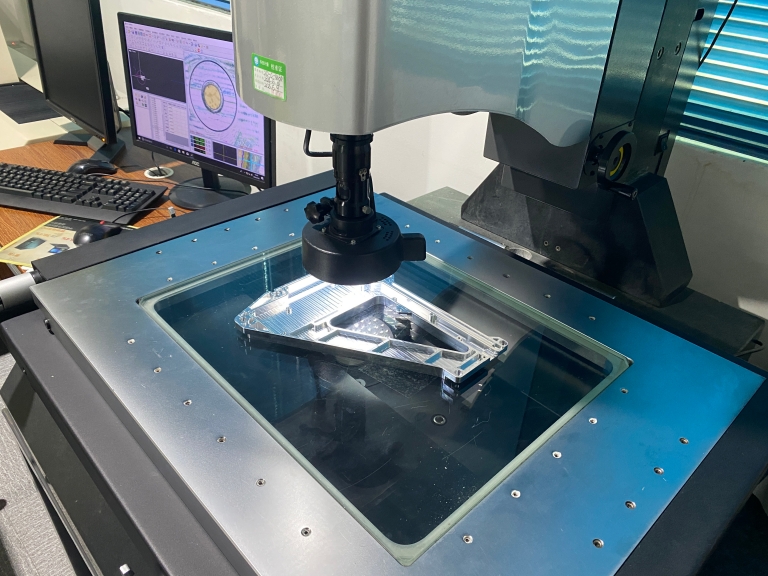
This is the critical bridge between design and machine. CAM software interprets the CAD model and generates the machine-readable instructions (G-code).
CAM (Computer-Aided Manufacturing) Software: The true “brain” of the CNC programming process. It determines toolpaths, cutting strategies, feeds, speeds, and all machining logic.
High-End Integrated Suites: Siemens NX CAM, CATIA Machining, PTC Creo NC. These offer seamless workflow from CAD to CAM, ideal for complex, multi-axis work.
Powerful Standalone CAM: Mastercam, Esprit, HyperMILL, GibbsCAM. These are renowned for their robust toolpath strategies, especially for 5-axis CNC machining, simultaneous milling, and complex surface finishing.
Role at GreatLight: For a manufacturer tackling complex aerospace components or intricate medical implants, advanced CAM software like Mastercam or Siemens NX CAM is indispensable. It allows our engineers to program efficient, collision-free toolpaths for our advanced five-axis CNC machining centers, optimizing material removal and ensuring supreme surface quality.
Stage 3: Control, Simulation & Management – The Conductor and Safety Net (CNC, VERICUT, ERP)
This stage ensures the programmed instructions are executed flawlessly and managed efficiently.
CNC Controller Software: This is the machine-specific software that runs directly on the CNC machine’s controller (e.g., Siemens SINUMERIK, Heidenhain TNC, FANUC).
Role: It reads the G-code, controls the servo motors, spindle, and coolant in real-time, and provides the operator interface. The sophistication of the controller (common on brands like DMG MORI or Mazak) directly impacts the machine’s precision and ability to handle complex 5-axis interpolation.
Simulation & Verification Software (e.g., VERICUT):
The Critical Safety Check. Before any code reaches the shop floor, it is run through a virtual machine environment like VERICUT.
Role: It simulates the entire machining process in 3D, detecting potential collisions, verifying toolpath accuracy, checking for gouges, and optimizing cycle times. This step is non-negotiable for high-value parts and complex setups, preventing catastrophic machine crashes and material waste.
Manufacturing Execution Systems (MES) & ERP:
Examples: SAP, Oracle, or specialized MES platforms.
Role: While not directly controlling the machine, this software manages the entire production workflow—order scheduling, material tracking, quality documentation, and resource allocation. For a client, a supplier’s use of robust ERP/MES is a sign of systemic reliability and traceability, crucial for industries requiring IATF 16949 or ISO 13485 compliance.
The Integrated Software Advantage at a Professional Manufacturer
A common pain point for clients is the “precision black hole“—where promises made during quoting don’t materialize in production. Often, this stems from a breakdown in the software chain: poor CAD translation, inefficient CAM programming, or a lack of thorough simulation.
This is where the holistic capability of a partner like GreatLight CNC Machining Factory proves its worth. Our process is built on an integrated software ecosystem:
Seamless Data Handoff: We accept all major CAD formats, using direct translators to avoid geometry corruption.
Expert CAM Programming: Our engineers leverage advanced CAM software tailored for our five-axis CNC machining equipment, selecting the optimal strategy for your material and tolerance requirements.
Mandatory Virtual Verification: Every program undergoes rigorous simulation, ensuring the part is machined correctly the first time.
Systemic Traceability: Our ISO 9001:2015 certified system, supported by structured software management, ensures every step from order to shipment is documented and controllable.
When you ask, “What Software Does A CNC Machine Use?”, you’re really asking about the digital competency and procedural rigor of your manufacturing partner. The software is the toolset, but the expertise to wield it effectively—to navigate from a complex 3D model to a perfect titanium aerospace bracket or a medical-grade stainless steel component—is the true differentiator.
Conclusion
The journey from your design file to a precision-machined part is governed by a powerful and necessary chain of software: CAD for creation, CAM for translation, and CNC/Simulation for flawless execution. Choosing a manufacturing partner is not just about their machine park; it’s equally about their digital maturity and engineering proficiency in using these tools. For projects demanding the highest levels of accuracy, complexity, and reliability, partnering with a facility like GreatLight CNC Machining Factory, which invests in and masters this full spectrum of technology, is the most strategic way to bridge the gap between your innovative design and its perfect physical realization.
Frequently Asked Questions (FAQ)
Q1: What file format should I send for a CNC machining quote?
A: The best practice is to send both the native 3D CAD file (e.g., .SLDPRT for SolidWorks, .PRT for NX) and a neutral format like STEP (.stp) or IGES (.igs). The neutral format ensures geometry integrity across different software systems, while the native file can help us resolve any ambiguities if needed.
Q2: Can you work from just a 2D drawing?
A: Yes, we can. However, for complex parts, a 3D model is highly recommended. It eliminates interpretation errors, allows for accurate CAM programming and simulation, and is essential for 5-axis CNC machining. 2D drawings are perfect for defining critical dimensions, tolerances, and surface finishes to accompany the 3D model.
Q3: Does the CAM software used affect the cost of my parts?
A: Indirectly, yes. More advanced CAM software, in the hands of skilled engineers, can generate more efficient toolpaths, reduce machining time, minimize tool wear, and improve surface finish—all of which can lower production costs. It also drastically reduces the risk of errors and rework.
Q4: How do I know my design is manufacturable (DFM)?
A: This is a key service offered by proficient manufacturers. During the quoting phase, our engineering team will perform a Design for Manufacturability (DFM) analysis. Using our CAD/CAM software expertise, we identify potential issues like inaccessible features, overly tight tolerances in non-critical areas, or thin walls that may be difficult to machine, and provide suggestions for optimization without compromising function.
Q5: For ultra-high precision parts (±0.001mm), what is the most critical software stage?
A: All stages are critical and interlinked. However, CAM programming and Simulation become paramount. The CAM software must calculate toolpaths that account for tool deflection, thermal effects, and machine kinematics. Subsequently, simulation software like VERICUT must verify that these micron-level movements will be executed without error on the specific machine tool. This end-to-end digital validation is what makes repeatable ultra-high precision possible. Learn more about our approach to such challenges on our professional network here{:target=”_blank”}.



















