
What File Format Does CNC Machines Use?
In the world of precision parts machining and customization, CNC (Computer Numerical Control) machines play a pivotal role. These machines rely on specific file formats to operate accurately and efficiently. Understanding the file formats used by CNC machines is crucial for clients in this field, as it directly impacts the quality and precision of the final products.
Common File Formats for CNC Machines
G – Code
G – code is perhaps the most well – known and widely used file format in CNC machining. It is a programming language that provides instructions to the CNC machine on how to move, at what speed, and with what tool. G – code consists of a series of commands that control the machine’s axes, spindle speed, feed rate, and tool changes. For example, commands like “G00” are used for rapid positioning, while “G01” is for linear interpolation. This format is highly versatile and can be used for a wide range of machining operations, from simple drilling to complex milling and turning.
STEP (Standard for the Exchange of Product model data)
STEP files are used to represent the 3D geometry of a part. They contain information about the part’s shape, size, and surface characteristics. STEP files are beneficial because they are platform – independent, which means they can be shared between different CAD (Computer – Aided Design) and CAM (Computer – Aided Manufacturing) systems without losing data. When a CNC machine receives a STEP file, the CAM software can analyze the geometry and generate the appropriate G – code for machining. This format is especially useful for complex parts with intricate geometries, such as those used in aerospace and automotive industries.
IGES (Initial Graphics Exchange Specification)
Similar to STEP, IGES is another file format for exchanging 3D CAD data. It has been around for a long time and is still widely used in the manufacturing industry. IGES files can represent both wireframe and surface models of parts. However, compared to STEP, IGES may have some limitations in handling more complex geometries and may sometimes result in data loss during the transfer process.
STL (Stereolithography)
STL files are commonly used in 3D printing and some CNC machining applications. This file format represents the surface of a 3D object as a collection of triangular facets. Each triangle is defined by its vertices and a normal vector. While STL files are simple and widely supported, they do not contain information about the internal structure of the part. In CNC machining, STL files are often used for generating toolpaths for roughing operations or for parts with relatively simple geometries.
Why the Right File Format Matters
Using the appropriate file format is essential for several reasons. Firstly, it ensures that the design intent is accurately transferred from the CAD software to the CNC machine. If the wrong file format is used, there may be data loss or inaccuracies in the geometry representation, which can lead to defective parts. Secondly, the right file format can improve the efficiency of the machining process. For example, using a well – structured G – code file can reduce the machine’s idle time and optimize the toolpaths, resulting in faster production times and lower costs.
GreatLight CNC Machining Factory and File Formats
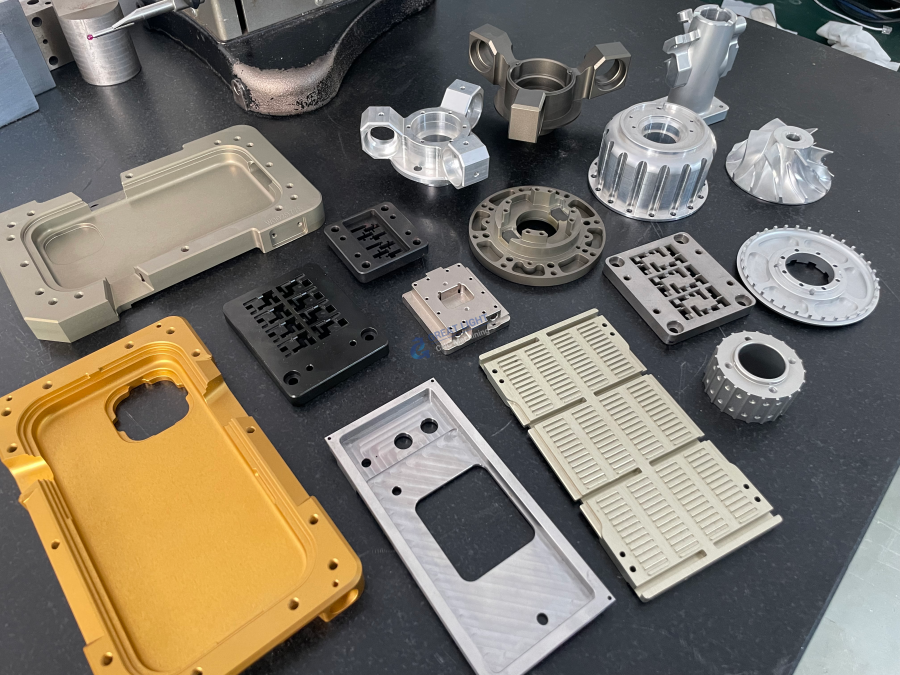
GreatLight CNC Machining Factory, a professional five – axis CNC machining manufacturer, has the expertise to handle various file formats. With its advanced five – axis CNC machining equipment and production technology, the factory can accept G – code, STEP, IGES, and STL files. Whether you have a simple design or a complex 3D model, GreatLight CNC Machining Factory can convert the file into the appropriate machining instructions. The factory’s team of experienced engineers ensures that the file is correctly interpreted and that the final product meets the highest precision standards.
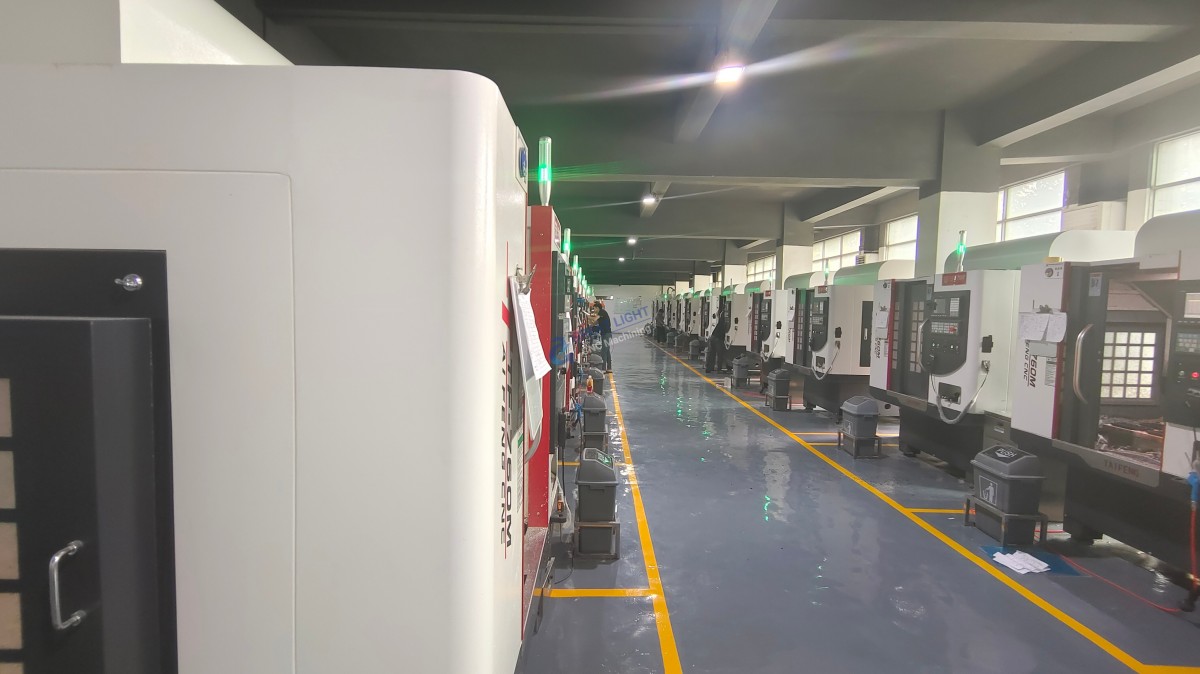
Established in 2011 and located in Chang’an District, Dongguan City, China, GreatLight CNC Machining Factory covers an area of approximately 7600 square meters and has 150 employees. It is equipped with 127 pieces of precision peripheral equipment, including large high – precision five – axis, four – axis, and three – axis CNC machining centers. The factory offers a wide range of services, from precision CNC machining to one – stop post – processing and finishing services. With its ISO 9001:2015 certification, GreatLight CNC Machining Factory adheres to strict quality standards and can provide high – precision parts with a tolerance of up to ±0.001mm.
In conclusion, understanding the file formats used by CNC machines is vital for clients in the precision parts machining and customization field. By choosing a reliable manufacturer like GreatLight CNC Machining Factory, you can ensure that your design files are properly handled, and you will receive high – quality, precision – machined parts.
Frequently Asked Questions (FAQ)
Q1: Can I use any CAD software to create files for CNC machining?
A: Most CAD software can export files in common formats like STEP, IGES, or STL, which are compatible with CNC machines. However, it’s important to ensure that the software can generate accurate and detailed models. Some advanced CAD software may have better support for generating high – precision files.
Q2: What if my file format is not supported by the CNC machine?
A: In most cases, a professional machining factory like GreatLight CNC Machining Factory can convert the file into a compatible format. Their engineers have the skills and tools to handle file conversions while maintaining the integrity of the design.
Q3: Are there any limitations to using STL files in CNC machining?
A: STL files are mainly suitable for representing the surface of an object. They do not contain information about the internal structure, which can be a limitation for parts with complex internal geometries. Also, the triangular approximation in STL files may result in some loss of precision for very high – precision applications.
Q4: How can I ensure the accuracy of my file when sending it to a CNC machining factory?
A: You can review the file in your CAD software to check for any errors or inaccuracies. It’s also a good idea to communicate with the machining factory’s engineers. They can provide guidance on how to optimize the file for machining and may offer to perform a pre – machining analysis to ensure the file meets the required standards.
Q5: Does GreatLight CNC Machining Factory charge extra for file conversion?
A: This may depend on the complexity of the conversion. In many cases, the factory tries to provide a comprehensive service and may include basic file conversion as part of the overall package. It’s best to contact the factory directly to get a clear understanding of their pricing policy regarding file conversion. For more information about GreatLight CNC Machining Factory, you can visit their LinkedIn page.



















