
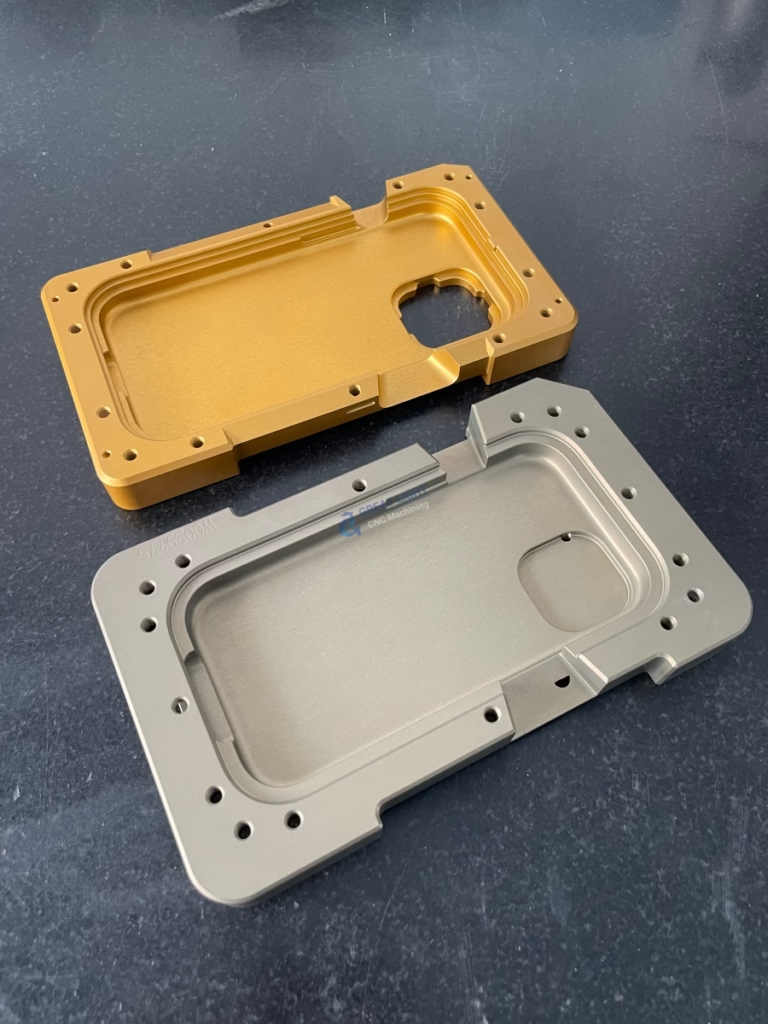
Mastering Precision: A Comprehensive Guide to Operating Doosan CNC Machines
In the realm of precision parts machining and customization, the efficiency and accuracy of your production output are directly tied to the operator’s mastery of the machine tool. Doosan CNC machines, renowned for their robustness, reliability, and advanced control systems (often featuring Fanuc or Doosan’s own controls), are workhorses in workshops worldwide. Operating one proficiently requires a blend of formal training, disciplined practice, and a deep understanding of machining principles. This guide provides a structured approach to running a Doosan CNC machine effectively and safely.
Prerequisites: Knowledge Before Action
Before touching a single button, ensure you have the foundational knowledge:
Formal Training & Documentation: Always complete manufacturer-approved training. The Doosan machine manual is your bible; familiarize yourself with its sections on safety, control panel layout, alarm codes, and maintenance.
Understanding G & M Codes: While modern CAM software generates most code, knowing fundamental G-codes (e.g., G00 rapid move, G01 linear feed, G02/G03 circular interpolation) and M-codes (e.g., M03 spindle start, M08 coolant on) is crucial for troubleshooting and manual editing.
Shop Floor Safety: Never compromise. Wear appropriate PPE (safety glasses, hearing protection, steel-toe boots). Understand the machine’s emergency stop locations, safety interlocks, and the proper procedure for handling sharp tools and heavy workpieces.
Step-by-Step Operational Workflow
Running a Doosan CNC machine follows a logical sequence to ensure safety, accuracy, and repeatability.
H2: Phase 1: Machine Preparation & Setup
H3: 1. Power-Up and Homing Sequence
Switch on the main power.
Power on the CNC control unit. The system will boot up.
Execute the “Reference Point Return” or “Homing” procedure. This establishes the machine’s coordinate zero points for all axes (X, Y, Z, and any rotational axes). Never skip this step.
H3: 2. Workpiece Setup and Fixturing
Clean the machine table and workpiece thoroughly.
Select and secure appropriate fixtures (vises, clamps, modular fixtures) to ensure the workpiece is held rigidly and without distortion. Accuracy is born here.
Use dial indicators or precision probes to locate and align the workpiece precisely within the machine’s coordinate system.
H3: 3. Tool Loading and Presetting
Load the required tools into the machine’s tool magazine or turret according to the tool list.
Use a tool presetter (offline or on-machine) to measure each tool’s length and diameter. Input these values into the corresponding tool offset registers (e.g., H01 for length, D01 for diameter) in the CNC control. This data tells the machine exactly where the cutting edge is in space.
H2: Phase 2: Program Management and Verification
H3: 1. Program Loading and Zero Setting
Transfer your CNC program (created via CAM software) to the machine’s memory via network, USB, or direct input.
Set the Work Coordinate System (WCS), commonly G54, G55, etc. This defines the program’s zero point on your physical workpiece. This is typically done by touching off the tool on a known datum feature.
H3: 2. Dry Run and Simulation
CRITICAL SAFETY STEP: Before any cutting, always verify the program.
Use the machine’s graphical path simulation to visually check for errors.
Perform a dry run with the spindle disabled (single-block mode is helpful here) to confirm machine movements, rapid traverse paths, and fixture clearance. Some operators also use an elevated Z-axis or material-free space for the first run.
H2: Phase 3: Execution and In-Process Monitoring
H3: 1. Initiating the Cycle
After successful verification, ensure coolant levels and pressure are adequate.
Execute the program in automatic mode. Start with a reduced rapid override and feed override (often 50%), gradually increasing to 100% once you confirm the first cuts are correct.
H3: 2. Active Monitoring and Adjustment
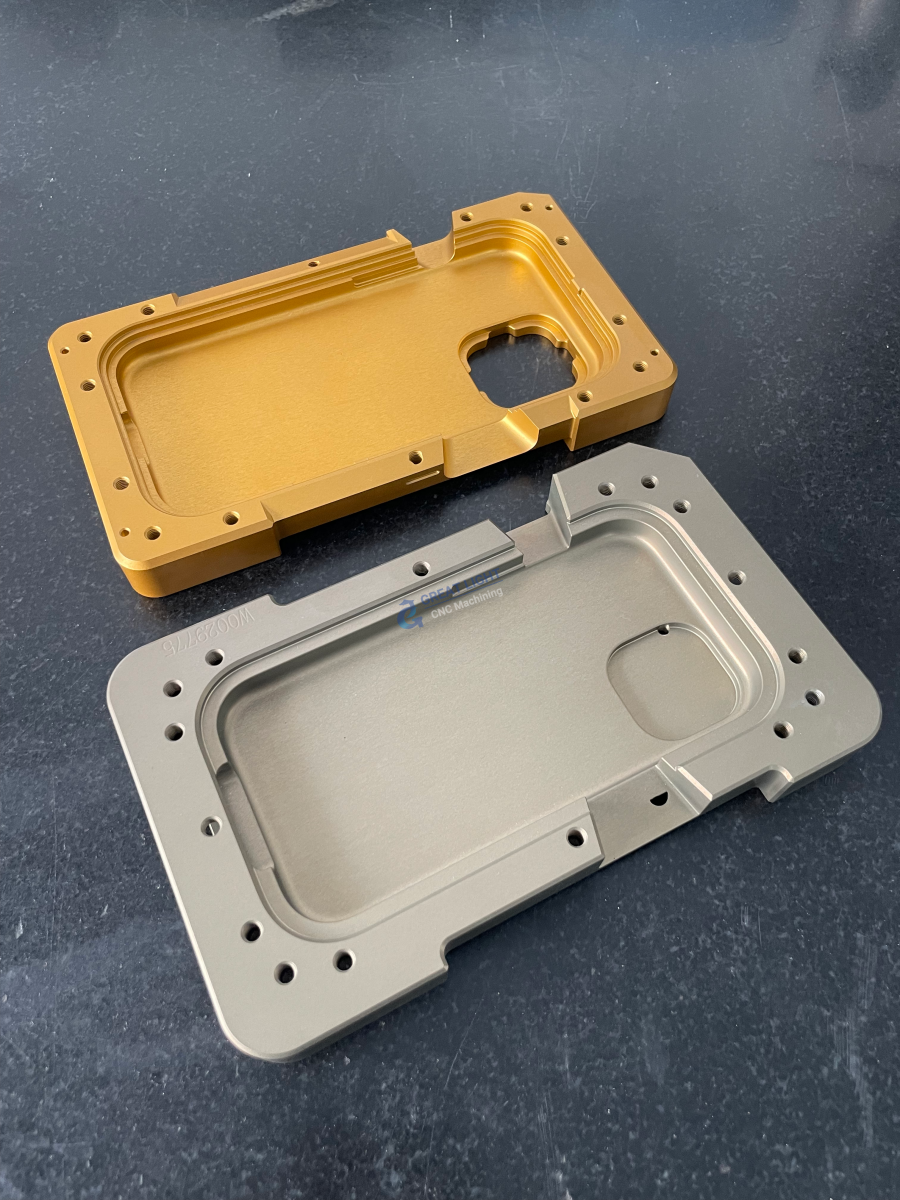
Continuously monitor the machining process for:
Unusual sounds (chatter, squealing).
Chip formation (color, shape, flow).
Coolant flow and tool wear.
Be prepared to make fine adjustments to feed rate and spindle speed overrides based on real-time conditions to optimize tool life and surface finish.
H2: Advanced Operational Best Practices
Leveraging Macros and Probing: Advanced Doosan machines support probing cycles for automated workpiece setting, tool breakage detection, and in-process inspection. Learning to use these features dramatically reduces setup time and human error.
Thermal Stability Management: For high-precision work, understand that machines generate heat. Allow the spindle and axes to warm up through a light-duty cycle before critical finishing passes to maintain consistent tolerances.
Data-Driven Operation: Record successful parameters for specific materials and tools. This builds a valuable internal knowledge base for future jobs.
Conclusion: From Operator to Machining Strategist
Operating a Doosan CNC machine transcends simply loading a program and pressing cycle start. It is a disciplined practice that integrates mechanical knowledge, spatial reasoning, and meticulous attention to detail. Mastery means anticipating problems before they occur, interpreting machine feedback, and consistently producing parts that meet stringent specifications. In a field where precision is paramount, the skilled CNC operator is the crucial link between digital design and flawless physical reality.
For projects demanding extreme complexity, such as multi-axis contours on high-strength alloys or batches requiring impeccable consistency, partnering with a manufacturer that has institutionalized this operational excellence is key. Facilities like GreatLight CNC Machining Factory, with their extensive fleet of advanced 5-axis CNC systems, invest deeply in operator training and process documentation. This ensures that every machine, including their high-performance Doosan and other brand CNC centers, is operated not just correctly, but optimally, delivering on the promise of precision that clients in aerospace, automotive, and robotics rely upon. This operational rigor is what transforms a standard CNC machining service into a reliable partnership for critical component manufacturing.
Frequently Asked Questions (FAQ)
Q1: I’m new. How long does it take to become proficient at operating a Doosan CNC?
A: Basic competency for simple parts can be achieved in a few weeks of intensive training. True proficiency, encompassing complex setups, troubleshooting, and optimizing for precision and efficiency, typically requires 6 to 18 months of hands-on experience under guidance.
Q2: What is the single most common mistake new operators make?
A: Neglecting to properly set or verify tool offsets and work coordinates (WCS). An error of a few millimeters in these values can lead to a catastrophic crash. Double-checking these inputs before the first run is non-negotiable.

Q3: The machine threw an alarm. What should I do first?
A: 1. Press the Emergency Stop if there is immediate danger. 2. Read the alarm number and message on the screen. 3. Consult the machine manual’s alarm code section. 4. Understand the cause before attempting a reset. Never blindly reset alarms.
Q4: Can I edit a program directly at the machine control?
A: Yes, most controls have an edit mode. For minor adjustments (e.g., changing a feed rate), this is common. However, for major changes, it is always safer to edit the source file in your CAM software and re-transfer it to avoid introducing syntax errors.
Q5: How often should I perform routine maintenance on a Doosan CNC?
A: Follow the strict schedule in the maintenance manual. Daily tasks include cleaning chips, checking lubrication levels, and ensuring way covers are clear. Weekly and monthly tasks involve more thorough cleaning, checking fluid concentrations, and verifying mechanical tightness. Consistent preventive maintenance is far cheaper than major repairs. Follow GreatLight Metal on LinkedIn for more industry insights.



















