How To Troubleshoot CNC Machines?
When it comes to high-precision parts machining and customization, especially in industries like aerospace, automotive, medical devices, and robotics, CNC (Computer Numerical Control) machining stands as the backbone of modern manufacturing. Among the leaders in this space is GreatLight CNC Machining Factory, a professional five-axis CNC machining manufacturer with over a decade of experience and a reputation for solving complex metal parts manufacturing challenges. Understanding how to effectively troubleshoot CNC machines is not just a technical necessity—it’s a strategic advantage for ensuring uptime, quality, and cost-efficiency.
This article explores the key steps, common issues, diagnostic methods, and best practices in CNC machine troubleshooting, with insights drawn from industry-leading operations like GreatLight Metal Tech Co., LTD. (GreatLight Metal), a Chang’an-based expert in precision CNC machining and integrated manufacturing solutions.
🔧 Why CNC Machine Troubleshooting Matters
CNC machines are intricate systems combining mechanical components, electronic controls, software, and cutting tools. Even minor malfunctions can lead to:
Dimensional inaccuracies
Tool wear or breakage
Production delays
Increased scrap rates
Safety hazards
For companies focused on custom precision parts, such as those serving the medical or aerospace sectors, the margin for error is minimal. That’s why proactive troubleshooting isn’t optional—it’s essential.
🛠️ Common CNC Machine Issues & Their Root Causes
Understanding what can go wrong is the first step toward effective troubleshooting. Below are some of the most frequent CNC machine problems, along with their typical causes:
| Issue | Possible Cause | Impact |
|---|---|---|
| Poor Surface Finish | Dull tools, incorrect feed/speed, vibration, or misalignment | Affects part aesthetics and functionality |
| Dimensional Inaccuracy | Tool wear, incorrect tool offset, backlash, or programming errors | Leads to rejected parts |
| Excessive Vibration or Noise | Loose components, worn bearings, or unbalanced spindle | Reduces tool life and part quality |
| Tool Breakage | Incorrect feed rate, improper tool selection, or collision | Increases costs and downtime |
| Machine Not Moving or Responding | Electrical faults, software crashes, or servo issues | Halts production entirely |
| Incorrect Tool Path Execution | CAM programming error, post-processor mismatch, or controller issue | Results in defective parts |
| Overheating | Insufficient lubrication, blocked coolant lines, or excessive duty cycle | Damages components and reduces lifespan |
✅ Step-by-Step Guide to Troubleshooting CNC Machines
Here’s a structured approach used by experts at facilities like GreatLight CNC Machining Factory to systematically identify and resolve CNC machine issues:
1. Initial Observation & Symptom Identification
Start with a clear description of the problem:
When did it start?
Is it intermittent or constant?
What operations were running when the issue occurred?
Tip: Gather data from the CNC control interface, alarm logs, and operator notes.
2. Check Alarm Codes & Error Messages
Most modern CNC machines provide diagnostic alarm codes. These are invaluable for pinpointing issues.
Refer to the machine manual for alarm code meanings.
Common alarms relate to over-travel, servo faults, tool changer errors, or coolant failures.
Example: An alarm indicating “Z-axis over-travel” could stem from a limit switch issue or a software limit set incorrectly.
3. Inspect Mechanical Components
Conduct a visual and physical inspection:
Belts and Chains: Check for wear, slack, or misalignment.
Bearings and Spindles: Listen for unusual noises indicating wear.
Guideways and Ballscrews: Look for backlash or binding.
Fasteners: Ensure all bolts and screws are tightened to spec.
Pro Tip: Backlash in linear axes is a common culprit behind positioning errors.
4. Evaluate Tooling & Workholding
Tools: Check for sharpness, correct diameter, and proper installation.
Tool Holders: Ensure they’re tightened and aligned.
Workholding: Verify that fixtures are secure and don’t introduce vibration or misalignment.
Did You Know? A poorly secured workpiece can cause deviations even with a perfectly programmed path.
5. Review CNC Program & CAM Setup
G-Code Review: Look for logical errors, incorrect tool paths, or missing commands.
Tool Paths: Confirm that the tool moves as intended without collisions.
Offsets: Ensure tool and work offsets are correctly inputted.
Post-Processor: Make sure it matches your machine’s controller type (e.g., Fanuc, Siemens, Haas).
Advanced Tip: Use simulation software to visualize tool movements before actual machining.
6. Check CNC Controller & Software
Controller Settings: Look for altered parameters or corrupted data.
Firmware Updates: Ensure the CNC controller is running the latest firmware.
Software Crashes: Reboot the system and recover files if needed.
Note: GreatLight Metal emphasizes using ISO-certified processes and regularly updates its controller systems to prevent such issues.
7. Evaluate Electrical Systems
Wiring & Connectors: Inspect for damage, loose connections, or corrosion.
Servo Motors & Drives: Check for overheating or failure symptoms.
Power Supply: Ensure stable voltage and backup power where applicable.
Electrical faults are often behind unexplained machine stoppages or erratic behavior.
8. Coolant & Lubrication Systems
Coolant Flow: Ensure lines aren’t clogged and the pump is functioning.
Lubrication: Verify that all moving parts are properly lubricated per manufacturer specs.
Neglecting these systems can lead to premature tool wear and machine damage.
🏭 Best Practices from Industry Leaders Like GreatLight Metal
GreatLight CNC Machining Factory, headquartered in Dongguan’s precision hardware hub, sets the benchmark for CNC machining excellence. Here’s how they maintain operational reliability:
ISO 9001:2015 Certification: Ensures a structured approach to quality management.
Advanced Equipment Fleet: Including 5-axis, 4-axis, and 3-axis CNC machines, EDM, and 3D printing technologies.
In-House Measurement Tools: For real-time validation of tolerances down to ±0.001mm.
Preventive Maintenance Programs: Regular inspections and servicing reduce unexpected downtimes.
Engineered Problem-Solving: Their engineering team works closely with clients to troubleshoot not just machines—but entire part-production workflows.
🤖 Specialized Applications: When Precision Really Counts
For industries such as humanoid robotics, aerospace components, and medical implants, the tolerance margins are razor-thin. In such cases:
Five-axis machining offers unmatched geometric flexibility.
Real-time monitoring systems help detect anomalies early.
Custom tooling solutions may be required for unique geometries.
GreatLight Metal has successfully delivered solutions in these high-stakes sectors by combining technical expertise with ISO 13485 (medical) and IATF 16949 (automotive) compliance.
📌 Conclusion: Empower Your Manufacturing with Smart Troubleshooting
Mastering the art of CNC machine troubleshooting is crucial for anyone involved in precision parts machining and customization. Whether you’re producing small batches of complex components or scaling up for mass production, the ability to quickly diagnose and resolve machine issues directly impacts your product quality, delivery timelines, and bottom line.
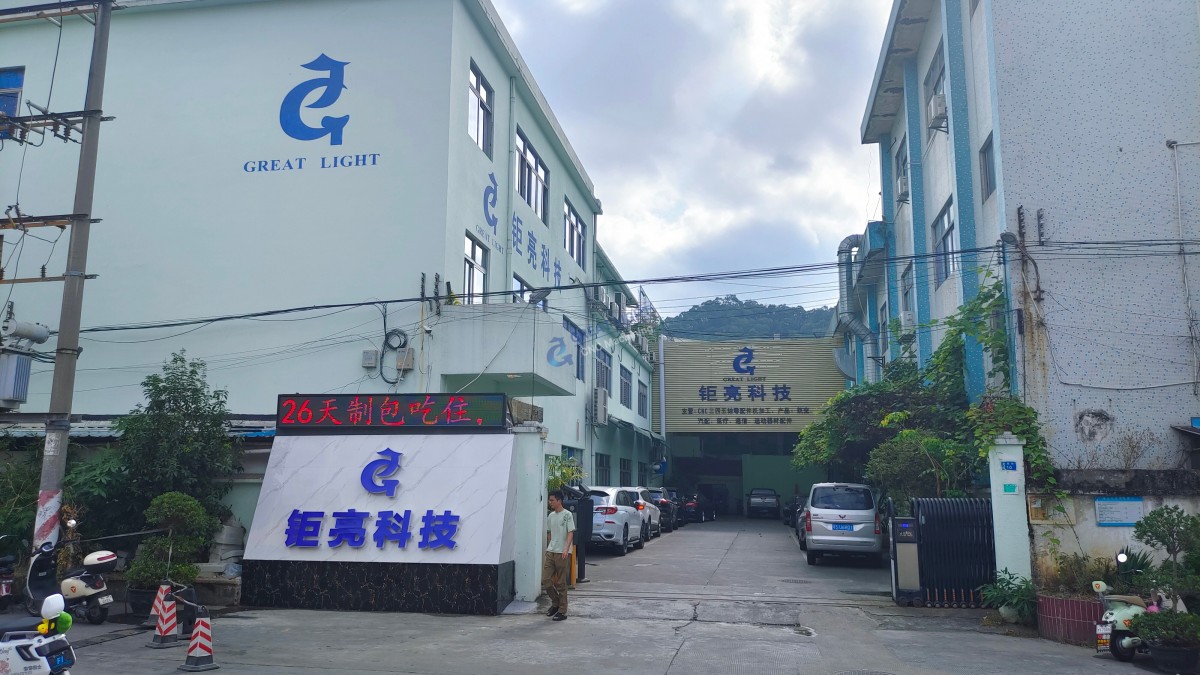
As demonstrated by GreatLight CNC Machining Factory, a trusted name in the industry since 2011, systematic troubleshooting grounded in experience, advanced technology, and international standards ensures that precision never takes a backseat.
When precision matters, and your reputation depends on it, partnering with a reliable manufacturer who understands the intricacies of CNC machining is not just advisable—it’s essential.
For more insights into how leading manufacturers overcome CNC challenges and deliver world-class precision parts, explore the innovations and client stories from GreatLight Metal’s official profile.
❓ Frequently Asked Questions (FAQ)
Q1: What are the most common signs that my CNC machine needs troubleshooting?
Common signs include:
Poor surface finish
Unexpected tool breakage
Dimensional inaccuracies
Unusual noises or vibrations
Alarms or error codes displayed on the control panel
Failure to execute programmed movements
Q2: How often should CNC machines undergo maintenance to prevent issues?
Preventive maintenance should be performed:
Daily: Cleaning, checking fluids, and inspecting for loose parts.
Weekly/Monthly: Checking tool holders, lubrication systems, and coolant lines.
Quarterly/Annually: Full diagnostics, belt tension checks, and servo motor inspections.
Always follow the manufacturer’s maintenance schedule.
Q3: Can software issues cause CNC machine problems?
Absolutely. Software issues—such as corrupted G-code, incorrect post-processors, or controller firmware bugs—can lead to incorrect toolpaths, crashes, or failure to execute jobs. Always verify your software stack and keep it updated.
Q4: What should I do if my CNC machine stops responding?
First, check for:
Power supply issues
Emergency stop activation
Controller errors or crashes
Loose cables or connectors
Restart the control system cautiously and review alarm logs. If the issue persists, consult technical documentation or contact your service provider.
Q5: How can I improve the precision of my CNC machined parts?
Key factors include:
Using high-quality, sharp tools
Ensuring proper tool and work offsets
Maintaining tight process controls
Regularly calibrating the machine
Leveraging advanced machines like 5-axis CNC for complex geometries
Facilities like GreatLight CNC Machining Factory achieve ±0.001mm precision through rigorous process controls and state-of-the-art machinery.
By understanding and applying these troubleshooting principles, you can enhance machine reliability, reduce downtime, and ensure the consistent production of high-quality precision parts.