
The Truth About CNC Machine Software Compatibility: A Practical Guide for Engineers and Buyers
A common misconception in the precision machining industry is the belief that Computer Numerical Control (CNC) machines are universal, software-agnostic tools that can seamlessly interpret any file you send them. The short, practical answer to “Will CNC machines work with any software?” is no, but with critical nuance. A modern CNC machine is part of a sophisticated digital manufacturing chain, and its operation hinges on a specific, standardized language and a series of compatible software environments. Understanding this ecosystem is crucial for ensuring smooth collaboration between your design team and your manufacturing partner, such as GreatLight Metal.
Let’s demystify the relationship between CNC machines and software.
The Universal Language: G-code
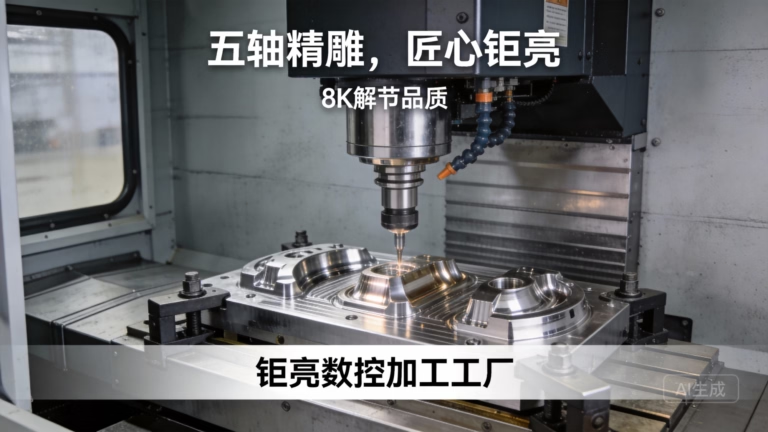
At its core, every CNC machine—whether a 3-axis mill or a advanced 5-axis machining center—executes operations based on G-code. This is a standardized (though with machine-specific dialects) programming language that tells the machine exactly where to move, how fast to go, how fast to spin the tool, and when to turn coolant on or off.
The Final Instruction Set: The CAM software’s primary output is a G-code file (.nc, .cnc, .tap, etc.). This is the only “software” the machine controller directly reads.
Post-Processing is Key: Because machine controllers (from Fanuc, Siemens, Heidenhain, etc.) have slight variations, the G-code must be generated by a post-processor—a translator that converts the CAM system’s generic toolpaths into code perfectly tailored for your specific machine model. This is why a shop like GreatLight Metal, with its array of five-axis CNC machining centers, maintains a library of proven post-processors for its equipment.
The Two-Stage Software Pipeline: CAD and CAM
CNC machining software workflow is a two-stage process: Design and Manufacturing.
Stage 1: Design Software (CAD – Computer-Aided Design)
This is where you create the 3D model or 2D drawing of your part. Common packages include:
SolidWorks
Autodesk Inventor
CATIA
PTC Creo
Siemens NX
Fusion 360
Compatibility Note: CNC machines do NOT run CAD software directly. The critical link is the file format you export from your CAD system. Neutral, robust formats like STEP (.stp) and IGES (.igs) are industry standards for transferring 3D geometry. Parasolid (.x_t) and native formats like SLDPRT (SolidWorks) can also be used if the manufacturer has the same CAD system.
Stage 2: Manufacturing Software (CAM – Computer-Aided Manufacturing)
This is the critical bridge. CAM software imports your CAD model and allows the manufacturing engineer to:
Define the stock material.
Select tools from a digital library.
Strategize operations (roughing, finishing, drilling).
Generate efficient, collision-free toolpaths.
Post-process the toolpaths into machine-specific G-code.
Popular CAM systems include Mastercam, Siemens NX CAM, Fusion 360 (integrated CAD/CAM), Esprit, and Hypermill.
Here’s the Crucial Point for Clients: You do not need to own or provide files from any specific CAM software. You provide the final design intent (CAD file). A professional manufacturer like GreatLight Metal will use its own, often high-end, CAM software to program the part optimally for their machines. Their expertise lies in selecting the right CAM strategies for your material, geometry, and tolerance requirements.
What Does This Mean for You, The Client?
Focus on Delivering Clean Design Data: Your responsibility is to provide a complete, watertight, and dimensionally accurate CAD model (preferably STEP or IGES) along with a detailed drawing specifying tolerances, materials, and finishes. The manufacturing engineer’s job is to translate that into manufacturing instructions.
Vendor Capability is About More Than Software: When choosing a machining partner, inquire about their CAM programming expertise and their machine’s controller compatibility. A shop with a wide range of post-processors and experience with complex five-axis CNC machining can handle more intricate geometries from any standard CAD file you send.
Proprietary Systems Exist But Are Rare: Some very large, integrated manufacturers (e.g., in aerospace or automotive) might use tightly coupled CAD/CAM/CNC systems from a single vendor like Dassault or Siemens. However, for the vast majority of custom precision machining jobs, the standardized CAD -> CAM -> G-code flow is universal.
Simulation is a Non-Negotiable Step: Before any metal is cut, reputable manufacturers run simulation software (often integrated into the CAM system) to visually verify toolpaths, check for collisions, and ensure the program is safe and efficient. This software is specific to the CAM environment, not your CAD file.
Conclusion: Collaboration, Not Just Compatibility
The question isn’t whether a CNC machine runs “any software,” but whether your manufacturing partner has the software expertise and hardware integration to flawlessly translate your design into a physical part. It’s a chain of trust: your design intent, captured in a standard CAD format, is interpreted by the manufacturer’s CAM programmers and executed by their machines via perfected G-code.
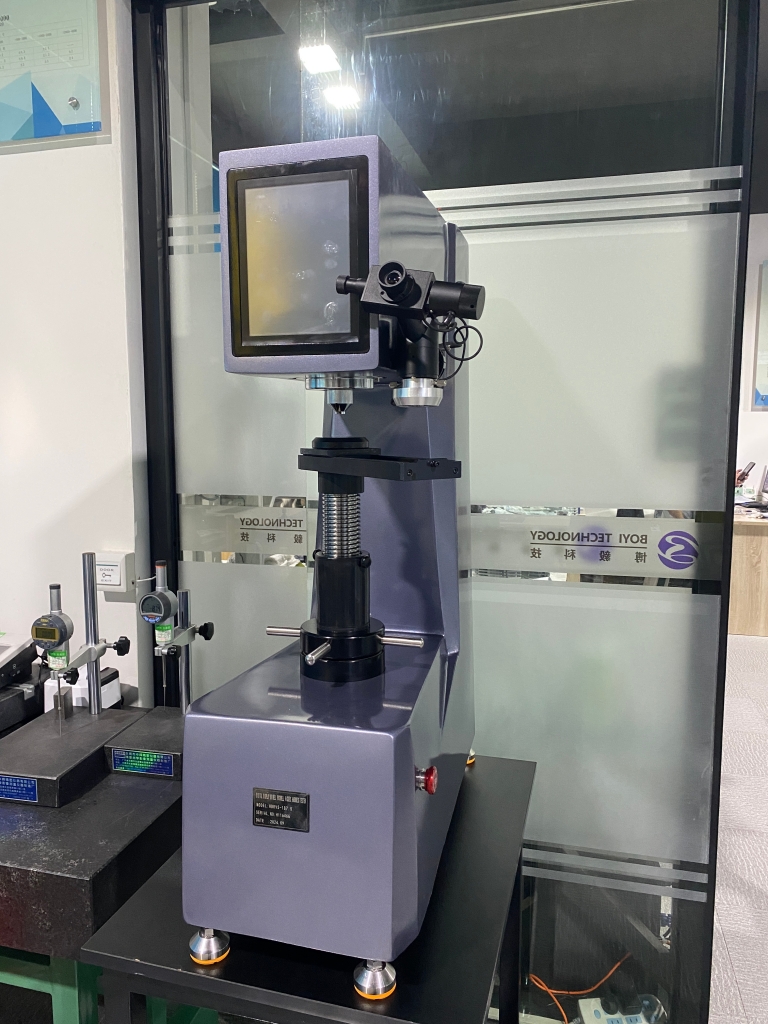
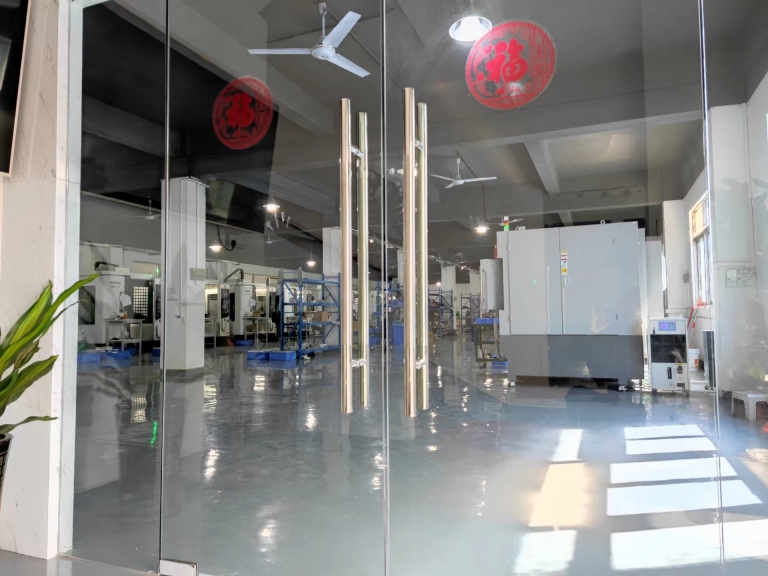
This is where a partner like GreatLight Metal demonstrates its value. With over a decade of experience and a comprehensive equipment roster including advanced multi-axis CNC centers, they have built a robust digital manufacturing infrastructure. They are equipped to intake designs from all major CAD platforms, program them using professional CAM systems, and post-process them for their specific Dema, Jingdiao, and other machine tools. This seamless internal workflow, backed by ISO 9001:2015 certified processes, ensures that software compatibility is a solved problem for their clients, allowing you to focus on innovation and design.
Ultimately, successful CNC machining is less about software universality and more about choosing a partner with the technical depth to navigate the entire digital-to-physical pipeline reliably.
Frequently Asked Questions (FAQ)
Q1: What is the single best file format to send for a CNC machining quote?
A: For 3D models, the STEP (.stp or .step) file format is the most widely accepted, robust, and reliable neutral format. It accurately preserves geometry, volumes, and assembly structures without being tied to a specific CAD vendor’s software.
Q2: Can I send just a 2D drawing (PDF/DWG) for machining?
A: For simple parts, yes. However, for any complex 3D geometry, a 3D model is essential. A 2D drawing should always accompany the 3D model to specify critical dimensions, tolerances (GD&T), surface finishes, and notes that are not inherent in the 3D file.
Q3: My company uses a rare or old CAD system. Will this be a problem?
A: Not necessarily. Export your design in a neutral format like STEP or IGES. Any competent manufacturer can work with these. If there are issues with the export, they may request a different format. It’s always good practice to communicate which CAD system you use upfront.
Q4: Do I need to provide the G-code program to the machine shop?
A: Almost never, and it is generally not recommended. G-code is highly specific to the exact machine, tooling, and fixture setup. The machining partner must generate their own G-code using their proven post-processors to ensure safety, efficiency, and quality. Providing G-code shifts liability and often limits the shop’s ability to optimize the process.
Q5: What if my part requires complex multi-axis simultaneous machining?
A: This underscores the importance of your partner’s CAM and machine capabilities. Programming for 3+2 axis or continuous five-axis CNC machining requires advanced CAM software (like Hypermill or NX CAM) and technicians with specialized expertise. Manufacturers like GreatLight Metal invest in these specific capabilities to tackle such high-complexity work. You can stay updated on our approaches to complex manufacturing through our professional network on LinkedIn{target=”_blank”}.



















